

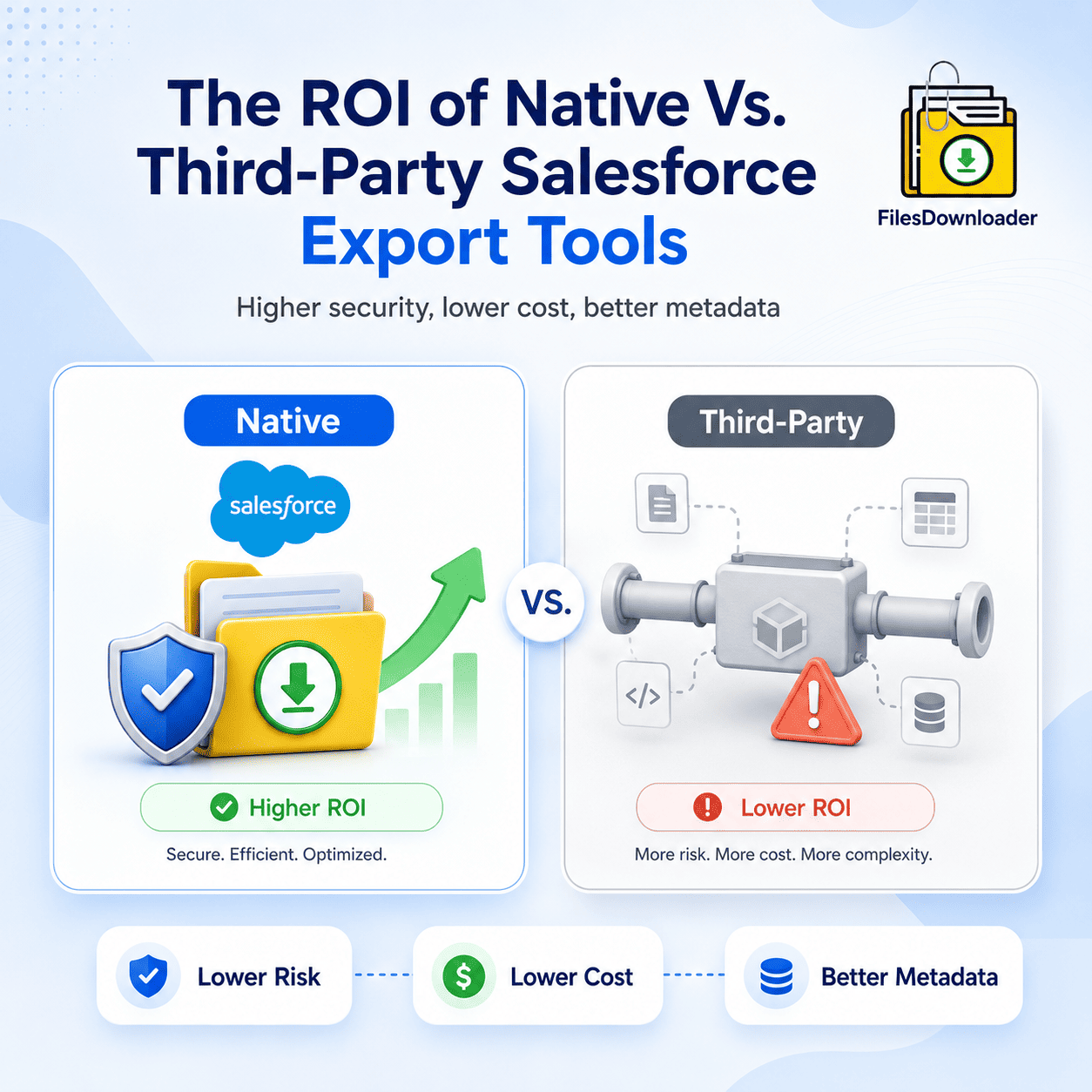


A Native Salesforce file exporter delivers significantly higher ROI than external ETLs by reducing security risks, API dependency, and compliance complexity. Native tools like Files Downloader execute all logic within the Salesforce Trust Boundary, leveraging the Spring ’26 Native Malware Scan to protect your data. Unlike external ETLs, native apps prevent data residency breaches and maintain 100% metadata accuracy for Agentforce AI grounding without requiring manual record mapping.
Benefits of Using a Native Salesforce File Exporter
As we move through 2026, the definition of “secure” has shifted. IT leaders are no longer satisfied with simple encryption; they are moving toward a Zero-Copy/Zero-Movement philosophy.
- External ETL Risk: When you use an external tool (MuleSoft, Informatica, etc.), your binary file data must leave Salesforce, sit on a third-party server for processing/zipping, and then travel to its destination. This creates a “Security Gap” that requires a full SOC2/ISO audit of the vendor.
- The Native Edge: A native Salesforce file exporter like Files Downloader processes large file batches entirely within your Salesforce environment. Your files are zipped and renamed using the same infrastructure that hosts your CRM. If your data never leaves the cloud, your risk profile drops to zero.
Spring ’26 Feature: Native Malware Scanning
The Spring ’26 Salesforce release introduced an important security feature: native malware scanning for file uploads. This feature automatically checks uploaded files for malicious content before they are stored in Salesforce.
Expert Tip: Native export tools can now call this security service during the bulk export process. If you use a third-party ETL, you are effectively bypassing this native security layer, potentially exporting infected files into your local SharePoint or AWS buckets.
Financial ROI: Eliminating the “Integration Tax”
Many organizations choose external ETLs because they already own the license. However, the Total Cost of Ownership (TCO) for file management via ETL is often 40% higher due to hidden costs:
| Cost Factor | External ETL Pipeline | Native (Files Downloader) |
| Setup Time | 4-8 Days (API/Connector Config) | 15 Minutes (Install & Run) |
| API Consumption | High (Counts against daily limits) | Optimized (Bulk API 2.0) |
| Maintenance | Regular (Pipeline breaks/Updates) | Zero (Release-ready) |
| Data Residency | Complex (Requires regional servers) | Automatic (Inherits SF Location) |
| Metadata Integrity | Poor (Often renames files to IDs) | 100% (Original Filenames) |
Functional ROI: Protecting Your “AI Grounding” Data
In 2026, files are no longer just archives; they are the fuel for Agentforce AI. Agentforce uses Retrieval Augmented Generation (RAG) to scan your files and answer customer questions.
- The Metadata Trap: If an external ETL renames your files to Record IDs (e.g.,
068...), your AI becomes “blind.” It can’t derive context from a random string of numbers. - The Native Solution: Native tools maintain the 4-level folder hierarchy and original titles, ensuring that when you clean your data for Agentforce, the AI has a structured, searchable knowledge base to pull from.
Compliance ROI: Right to Erasure & Portability
Under GDPR Article 20, you must provide data in a “structured, machine-readable format.”
- External ETL: Usually delivers a messy “Data Dump” that requires hours of manual sorting to satisfy a Subject Access Request (SAR).
- Native Tools: Automate the export into organized folders (e.g.,
Account > Year > File.pdf). This reduces legal labor costs by 80% per request, providing an immediate ROI for your compliance team.
Case Study: Bypassing the 250MB Limit
We recently helped a Global Finance Org that was trying to move 5GB of files for a regulatory audit. Their external ETL kept timing out due to the Spring ’26 60-second execution limit.
By switching to the native Asynchronous Processing in Files Downloader, they were able to:
- Initiate the 5GB export in one click.
- Maintain every Case Email Attachment link.
- Receive a secure ZIP in 12 minutes without a single API timeout.
Conclusion
While external ETLs are powerful for cross-cloud data syncing, they are the wrong tool for Salesforce File Management. The ROI of a native tool comes from its adherence to the Salesforce Data Security Model and its ability to act as a seamless extension of your existing workflows. A native Salesforce file exporter provides stronger security, better metadata integrity, and lower long-term operational costs compared to external ETL solutions.
Protect your budget. Protect your AI.
Stop paying the “Integration Tax.” Start your Free Trial of Files Downloader today and see why 2026’s top Admins have gone 100% Native.