

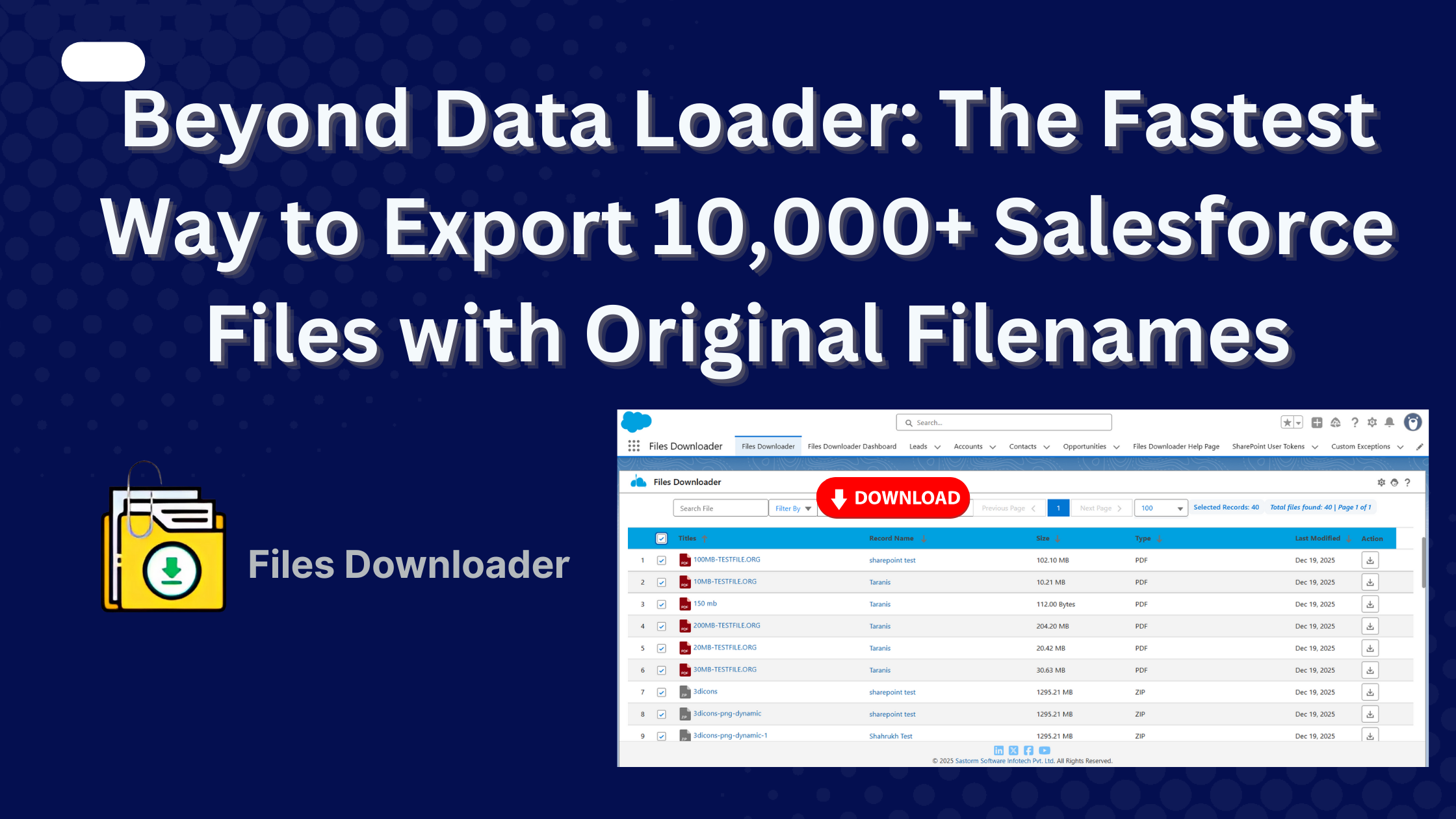


If you have ever tried to Export Salesforce files using Salesforce Data Loader, you have probably encountered the “Big Letdown.” You spend an hour configuring a SOQL query, only to realize that Data Loader merely exports a CSV list of file metadata, not the actual PDFs, JPEGs, or Documents themselves.
Thank you for reading this post, don't forget to subscribe!For Salesforce Admins in 2026, managing a “file-heavy” Org requires more than just spreadsheets. Whether you are performing a compliance audit, migrating to a new Org, or backing up critical attachments for legal reasons, you need the physical files and you need them with their original filenames intact.
If you’re looking to export 10,000+ Salesforce files quickly and efficiently while keeping everything organized, there’s a better solution- “Files Downloader”
How to Export Salesforce Files with Original Filenames
The name “Data Loader” is technically accurate: it loads data. But in Salesforce, a “File” (ContentDocument) is not just a row of data; it is a binary object. It only exports metadata from ContentDocument and ContentVersion, not the binary file itself.
- The Manual Struggle: Using the standard Weekly Data Export often results in a massive ZIP file filled with thousands of files renamed to cryptic IDs like 0694V000000XyZ.
- The Mapping Nightmare: Without a tool like Files Downloader, you are left with a manual mapping project, cross-referencing CSV IDs to physical files, a process that can take days for just 10,000 files.
- Exporting tens of thousands of files may fail or take hours.
The Best Way to Export Salesforce Files in 2026
The fastest and safest way to export 10,000+ Salesforce files with original filenames is using a 100% Salesforce-native app like Files Downloader. Here’s why-
1. 100% Native to Salesforce
In 2026, data residency is paramount. Files Downloader is a Salesforce file export tool. This means:
- Your files never leave the Salesforce Trust Layer during processing.
- No third-party servers or external APIs are used.
- All exports inherit your existing Salesforce sharing rules and permissions.
2. Export 10,000+ Files in One Click
Whether you are working from a Salesforce List View, a Report, or a Custom Object, Files Downloader allows you to select your records and download bulk files in just one click.
- Original Filenames: No more 068 ID prefixes. Your files are downloaded as Contract_January_2026.pdf exactly as they were uploaded.
- Auto-Generated CSV Mapping: Every export includes a detailed CSV summary that maps every file back to its Parent Record ID, Owner, and Created Date.
Technical Comparison: Native App vs. Standard Export
| Feature | Salesforce Data Export | Salesforce Data Loader | Files Downloader (Native) |
| Physical File Download | Yes (Manual ZIP) | No (Metadata Only) | Yes, you can download files in their original format. |
| Original Filenames | No (Uses Record IDs) | N/A | Yes (Preserved) |
| Filter by Object/Record | Limited | Yes | Advanced (List Views/Reports/ Cases) |
| Real-Time Export | No (Queue-based) | N/A | Instant |
| Audit-Ready CSV | Manual Mapping Needed | N/A | Auto-Generated |
How to Export 10,000 Files Today (Step-by-Step)
- Install Files Downloader: Get the app from the Salesforce AppExchange.
- Select Your Source: Go to any object (Accounts, Cases, or even Custom Objects) and open a List View.
- Click “Bulk Download”: Select your records and hit the Download button.
- Download & Archive: Receive your ZIP file containing your physical files with original names and a complete CSV mapping report.
Conclusion
As Salesforce continues to push toward Agentforce and unstructured data management, having a clean, accessible file archive is essential. Don’t let your critical business documents get lost in a sea of ID-renamed ZIP files.
Stop wrestling with Data Loader and start exporting like a pro. Join over 1,400+ Salesforce teams who trust Files Downloader to manage their most important assets.
Businesses that regularly Export Salesforce files need scalable solutions that preserve filenames, metadata, and folder structures.
Install Files Downloader for FREE on AppExchange and see how easy it is to export your first 10,000 files with original names.