

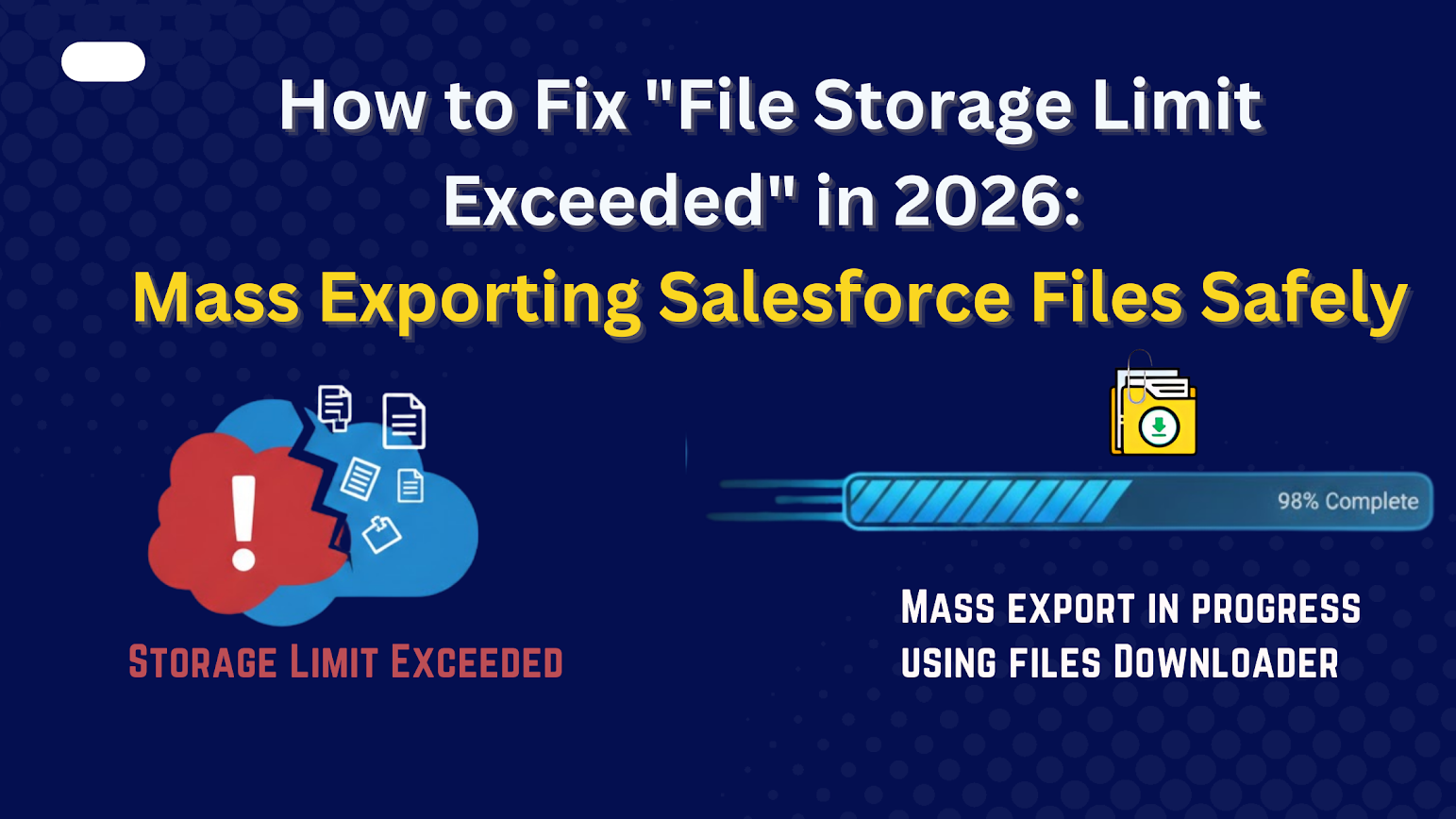


many organizations are facing the Salesforce file storage limit exceeded error due to growing attachments, ContentVersion files, and Agentforce-generated content. Between high-resolution attachments, automated document generation, and the new influx of Agentforce-generated summaries, many organizations are hitting their File Storage Limits months ahead of schedule.
Thank you for reading this post, don't forget to subscribe!When you see the dreaded “STORAGE_LIMIT_EXCEEDED” error, you face a tough choice: pay Salesforce a premium for extra storage blocks (which can cost $1,000s annually) or start deleting files.
Files Downloader is a 100% native Salesforce App designed to resolve the “STORAGE_LIMIT_EXCEEDED” error by enabling the mass export of ContentVersion files, Chatter attachments, and SNotes in a single click.
How to Manage Salesforce File Storage Limit Exceeded Problems
Most Admins reach for the native Data Export Service or Data Loader, but quickly run into these roadblocks:
- The Nightmare: Data Loader doesn’t export your files as PDFs or JPEGs; it exports them as complex code strings or CSVs without the actual attachments.
- Loss of Filenames: Salesforce stores files with system IDs (e.g., 0695000…). Without the original name (e.g., Signed_Contract_v2.pdf), your backup is useless.
- 48-Hour Expiration: Native Salesforce exports expire after 2 days. If you don’t download them in time, you have to start the 10-hour process all over again.
Why Native Salesforce Tools Are Not Enough
Salesforce does not provide a built-in way to bulk download files with full structure and metadata.
| Tool | Limitation |
| Data Loader | Exports records only, not actual files |
| Reports | View-only, no file download |
| Manual download | Not scalable |
| API scripts | Requires development effort |
To free storage safely, you need a purpose-built, Salesforce-native app.
The Solution: Mass Exporting with Files Downloader
Files Downloader is a 100% Native Salesforce app designed to help Salesforce Admins and IT Teams to export mass file & attachments from salesforce in a single click. Here is how to use it to solve your storage crisis:
Key Capabilities of Files Downloader
- Mass export Salesforce files from list views
- Download attachments, files, jpg, SNotes , png, and documents
- Mass Export Salesforce Files from Chatter
- Download bulk Salesforce Files & Attachments from Reports
- Support for standard and custom Salesforce objects
- Preserve original file names and folder structure
- Maintain metadata and object mapping
- Salesforce-native security and permissions
- Dashboard and tracking reports for exports
This ensures exported files remain organized, traceable, and ready for secure archiving.
Step-by-Step: Fix “File Storage Limit Exceeded” Using Files Downloader
Step 1: Identify Storage Usage
Review Salesforce Storage Usage to find objects and records consuming the most file space.
Step 2: Select Records via List Views
Use list views to filter files by object, date, status, or size.
Step 3: Mass Export Files
With Files Downloader, export thousands of files & attachments in a single operation without manual effort.
Step 4: Verify Exported Files
Confirm file integrity, structure, and metadata before deletion.
Step 5: Clean Up Salesforce Storage
Safely delete files from Salesforce after successful export to reclaim storage.
Benefits of Using Files Downloader Instead of Buying More Storage
- Lower cost than purchasing additional Salesforce storage
- 100% Native to Salesforce
- Full control over archived files
- Reduced org size and better performance
- Improved compliance and audit readiness
- Scalable solution for long-term file management
Conclusion
Salesforce file storage issues are no longer optional to manage in 2026. Without a safe mass export strategy, organizations risk system disruptions, data loss, and rising costs.
Files Downloader provides a secure, Salesforce-native way to mass export files, reclaim storage, and maintain compliance without manual effort or technical complexity. Resolving Salesforce file storage limit exceeded issues requires a scalable file export and archiving strategy.
Join 800+ top-rated organizations that trust Sastorm Software for 100% native, secure Files downloader for Salesforce. Need help with a large migration?