

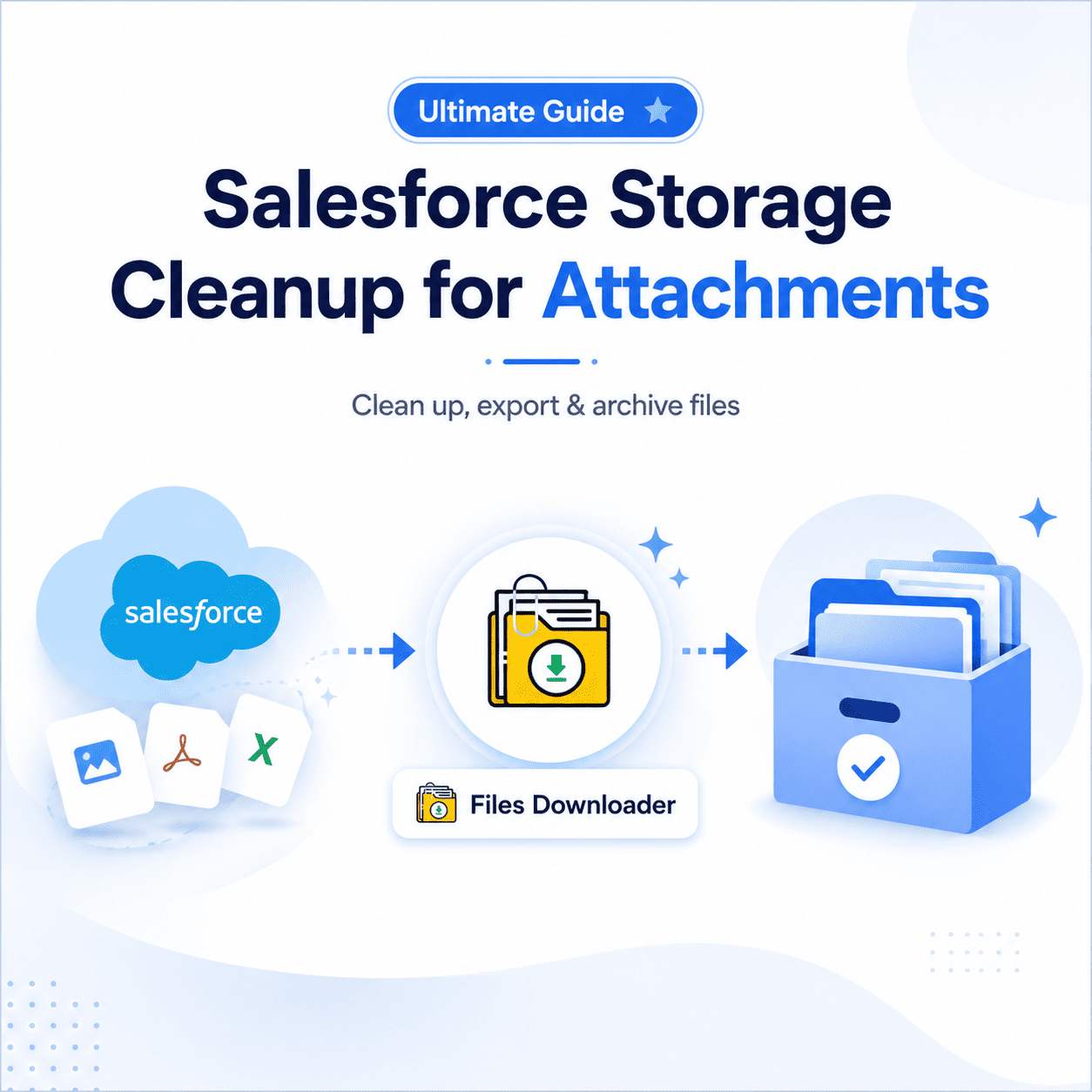


Salesforce Storage Cleanup Attachments: The Ultimate Guide With Files Downloader
Implementing a strategy for Salesforce Storage Cleanup for Attachments is the number one thing you can do before buying expensive additional space if your org is running low on capacity. Files Downloader offers admins and data teams a fast, filtered, and repeatable way to handle Salesforce Storage Cleanup for Attachments exporting files out of the org cleanly, keeping metadata, and freeing up space without losing anything that matters.
Thank you for reading this post, don't forget to subscribe!The majority of Salesforce orgs accumulate years’ worth of files with no plan to ever offload them. The result? Bloated storage, ballooning costs, and the dreaded “File Storage Limit Exceeded” alert popping up at the absolute worst time. Salesforce Storage Cleanup for Attachments is not a one-time project, but an ongoing operational practice, and Files Downloader helps make it entirely manageable.
Why Salesforce Storage Cleanup for Attachments Is Often Ignored
The storage problem is real, and Salesforce admins know it. However, most teams don’t act because they lack a clean, selective tool to execute the cleanup safely.
Native Export Tools Are Lacking
Salesforce’s native export tools were built for full system backups not targeted file deletions or partial archives. They give you one large, unorganized zip file containing every ContentVersion record and legacy Attachment in the org. Because you have no native way to filter by object, file type, date, or record status, you are forced to export all or nothing. This friction makes a manual cleanup feel hopeless.
Manual Cleanup Doesn’t Scale
Some teams try to solve the problem by hand downloading files one by one, sorting them, and then deleting them from records individually. While this might work for a handful of files, it completely falls apart at any serious enterprise volume. It also introduces massive risks, as downloading files raw strips away metadata, folder structures, and record associations.
The Storage Warning Keeps Coming Back
Without a repeatable export and archiving process, the warning simply returns. Teams that run a cleanup once without creating a recurring workflow find themselves right back in the same storage crunch within a matter of months.
How Files Downloader Handles Storage Cleanup
Files Downloader was built for this exact situation. Teams get a direct, controlled way to manage Salesforce Storage Cleanup for Attachments at any volume, running straight from any list view or object in one step.
Export from Any List View in Bulk
Files Downloader supports both standard and custom list views, allowing you to target the specific records most likely to be carrying heavy storage loads. If you run your file cleanup directly from a list view of closed opportunities or resolved cases, identifying and exporting those assets takes seconds instead of hours.
SOQL Query Export for Precise Targeting
Files Downloader supports custom SOQL Query Exports for data teams that require absolute granular control. Write a query against ContentVersion, ContentDocumentLink, or legacy Attachment objects to filter by file size, creation date, owner, or object type — running your storage cleanup only on the exact records that meet your business criteria.
Keep Metadata and Folder Structure Intact
Running a cleanup does not mean losing operational context. Files Downloader preserves vital metadata such as owner, object type, and record association throughout the export process. Original file names and folder structures are perfectly maintained so that files remain completely traceable after they leave the cloud CRM.
Universal File Type Support
Files Downloader handles attachments of any file type — PDFs, images (.jpg, .png), Word docs, spreadsheets, and most standard attachment formats without forced conversion or quality loss.
Works Across Standard and Custom Objects
In most orgs, storage accumulation isn’t limited to standard objects. Custom objects associated with specific, high-volume business processes often carry the heaviest file loads. Files Downloader handles standard and custom objects equally well, with no exceptions.
Strategic Cleanup Use Cases
Closed Record Archiving: Files attached to closed cases, resolved IT tickets, or inactive accounts are the least risky targets for offloading. Free up production storage right away by exporting them safely to Google Drive, OneDrive, SharePoint, or Dropbox.
Pre-Migration Preparation: Running an Salesforce Storage Cleanup for Attachments before moving to a new Salesforce org or external platform significantly reduces the overall volume of data that needs to transfer — cutting down both migration timelines and project costs.
Compliance-Driven Archiving: Certain highly regulated industries require files to be archived in an external, dedicated system under internal corporate control. In this context, Salesforce Storage Cleanup for Attachments involves safely moving files to a compliant destination and purging the originals from the CRM.
Recurring Storage Management: Rather than waiting for a storage warning to escalate into an invoice crisis, proactive admins schedule exports quarterly or monthly. This prevents the “File Storage Limit Exceeded” warning from ever returning and makes storage costs highly predictable.
What Happens After the Export?
When the Files Downloader export completes, your files are safely deposited at your external destination in their original format, with their structures and metadata fully intact. At that point, you can confidently delete the original ContentVersion or Attachment records from Salesforce, which is the step that actually frees up your production storage capacity.
Furthermore, if teams need to manipulate or reference the archived data downstream, the preserved metadata can be easily mapped into SQL Server or Excel after export. This flexibility turns a purely administrative task into a strategic data management win.
Why Files Downloader Is the Right Tool for the Job
There are only a handful of ways to approach an Salesforce Storage Cleanup for Attachments: custom development, middleware integration platforms, or native exports.
Custom development takes significant engineering resources and ongoing maintenance. Middleware adds heavy licensing costs and architectural complexity. Native exports leave you with an unusable, unorganized zip file of everything.
Files Downloader provides the perfect middle ground: it is purpose-built for this precise workflow, easy enough for any admin to run, and accurate enough to pinpoint exactly the files that are using up premium space.
Ready to Reclaim Your Salesforce Storage?
Don’t wait for your storage warning to turn into an overage bill. Files Downloader provides your team with the fastest, most filtered way to run a Salesforce Storage Cleanup for Attachments at any volume, every time.
[Book a Free Demo] | [View Pricing] | [Install on AppExchange]