

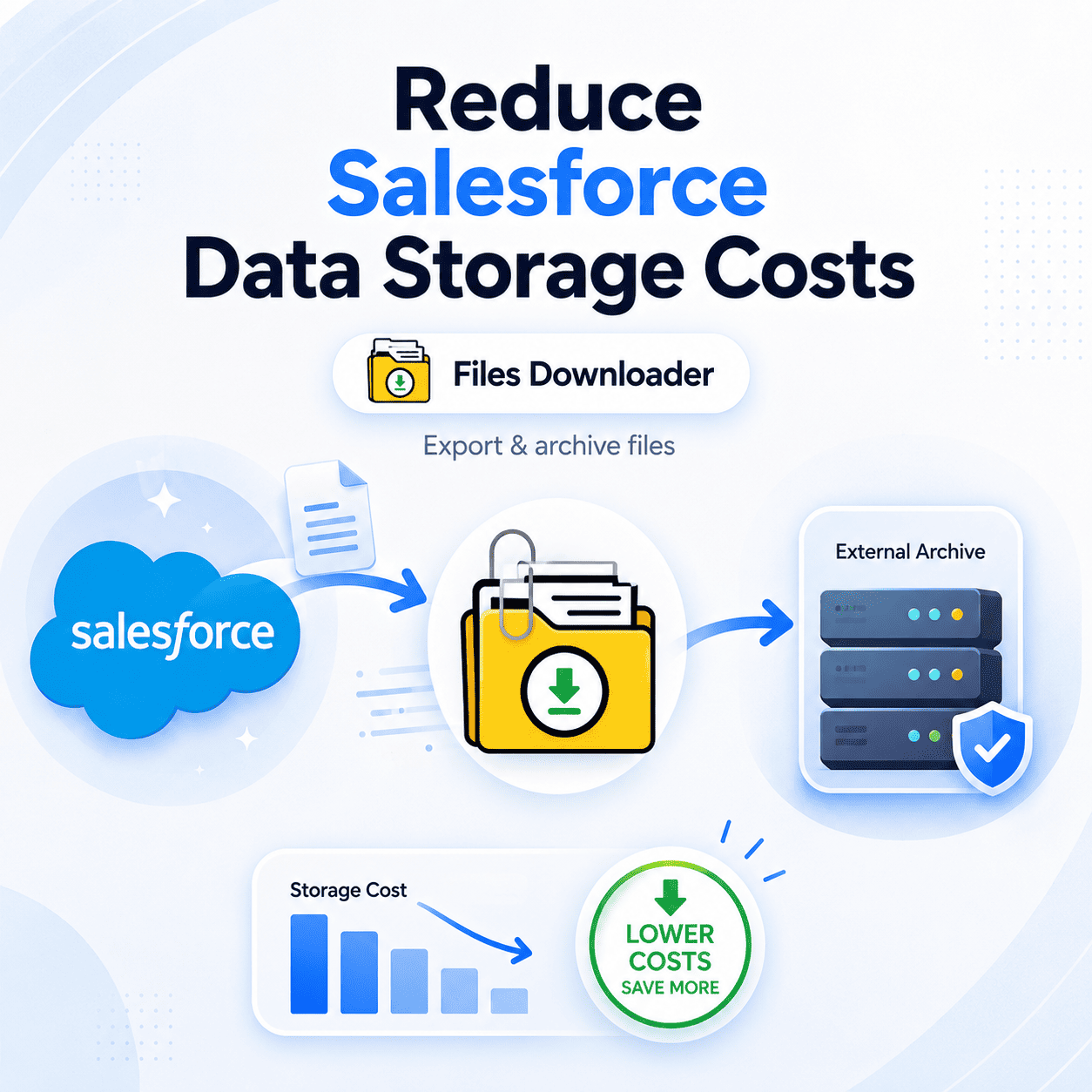


How to Remove Salesforce Data Storage Cost with Files Downloader
As a Salesforce admin, you’ve probably heard the warning that Reduce Salesforce Data Storage Costs, and it is not cheap to add more. The good news is that you don’t have to keep paying for files sitting idle inside of Salesforce. Files Downloader offers admins and data teams a direct, filtered, and repeatable way to Reduce Salesforce Data Storage Costs by moving files out of the org — fast, cleanly, and with zero loss of metadata.
Thank you for reading this post, don't forget to subscribe!If your org is approaching ContentVersion limits or the warning about a “File Storage Limit Exceeded” is getting closer each month, the most practical move is to reduce Salesforce data storage costs by exporting and archiving files to an external destination. The longer those files sit untouched inside Salesforce, the more they cost – and Files Downloader was built exactly for teams who want to reduce Salesforce data storage costs without writing a single line of code.
Why Salesforce Storage Costs Are Rising
File storage costs are billed by org and can quickly escalate as teams upload PDFs, images, contracts, and attachments to records over months and years. Most of that storage is consumed by ContentVersion records that nobody is actively using anymore legacy files attached to closed cases, old opportunities, or archived accounts.
The problem is that native Salesforce export tools don’t offer a way to selectively target specific data. They give you a massive zip file containing everything with no filtering by object, file type, or date. This leaves admins with an overwhelming manual cleanup process—a tactic that rarely scales and never completely solves the underlying cost problem.
How Files Downloader Saves You Money on Salesforce Data Storage
Files Downloader is designed for teams looking to Reduce Salesforce Data Storage Costs without the operational complexity. You control which files leave Salesforce, where they go, and how they are organized when they arrive.
Filter First, Then Export
The biggest reason for wasted storage is the blind exporting of everything. With Files Downloader, you can filter by list view, object, field, or a custom SOQL Query Export. This allows you to target exactly the files taking up the most space before you run the export. Teams that filter first tend to save far more on Salesforce data storage costs far faster than those that use a bulk approach, as no unnecessary files are moved and no manual cleanup is needed later.
Mass Export in One Step
Files Downloader moves all the ContentVersion records and attachments that meet your criteria in one batch. Reduce the cost of Salesforce data storage for hundreds or thousands of records at once with a single action. No more repeated downloads, and no more manual sorting.
Save What Matters (With Context)
Less storage doesn’t mean less context. Files Downloader attaches vital metadata to each exported file, such as the owner, object type, and record association. Folder structures and file names are strictly preserved so you don’t have to rearrange anything after the export is complete.
Supports Every File Type
Files Downloader supports PDFs, images (.jpg, .png), Word docs, spreadsheets, and more. It downloads the files exactly as they are without any forced conversion or quality degradation. Whether you are cleaning up contract PDFs or archiving image attachments, the cost-saving workflow is identical.
Works with Custom and Standard Objects
Files Downloader can export from standard and custom objects alike, running straight from any standard or custom list view. This flexibility is critical because storage consumption in most organizations is not limited to standard objects; custom objects tied to complex business processes often carry the heaviest file load.
Strategic Use Cases to Cut Salesforce Data Storage Expenses
Files attached to closed opportunities, resolved cases, or inactive accounts typically don’t need to live in premium Salesforce production storage. The fastest way to Reduce Salesforce Data Storage Costs on an ongoing basis is to export them to Google Drive, OneDrive, SharePoint, or Dropbox.
Pre-Migration Cleanup: Removing files before migrating to a new org or platform decreases the overall volume of data to migrate. Teams that Reduce Salesforce Data Storage Costs before a migration significantly reduce both the migration timeline and the total cost of the project.
Compliance Archiving: For some industries, long-term file retention in an external system is a regulatory requirement. You can export files to a compliant external location, allowing you to shrink your Salesforce storage footprint while still fulfilling your records retention requirements.
Ongoing Storage Management: Proactive admins don’t wait for a “File Storage Limit Exceeded” warning; they establish a regular export schedule — quarterly or monthly — to continually reduce Salesforce data storage costs before they turn into a surprise billing problem. A recurring export cadence is the single most effective habit for long-term storage cost control.
What You Receive When You Export
Files are exported and arrive at their destination in their original format with structures and metadata fully intact. Teams that need to work with exported data further can easily map it into SQL Server or Excel – an invaluable feature for audits, reporting, or feeding downstream data pipelines. That flexibility means the decision to Reduce Salesforce Data Storage Costs doesn’t introduce friction elsewhere, and the savings appear directly on your next Salesforce invoice.
Why Not Just Use Native Salesforce Export Tools?
The native Salesforce export tools were designed for full system backups, not for targeted storage management. They give you a single unorganized zip file with no selective filtering, no metadata guarantees, and no way to schedule automated runs. Each run results in the same all-or-nothing result, meaning you still have to manually sort, clean, and organize files after the fact.
Files Downloader is designed to solve just this. It reduces Salesforce data storage costs via precision and automation, not manual effort. Teams that move from native exports to Files Downloader typically see a noticeable reduction in storage usage on their very first run.
Ready to Remove Your Salesforce Data Storage Costs?
Files come out, storage bills shrink. Files Downloader is your team’s fastest, most filtered, and most reliable way to reduce Salesforce data storage costs. Admins who export on a recurring schedule typically see a measurable Reduce Salesforce Data Storage Costs each quarter, freeing up capacity without needing to buy expensive storage blocks from Salesforce.
[Book a Free Demo] | [View Pricing] | [Install on AppExchange]