

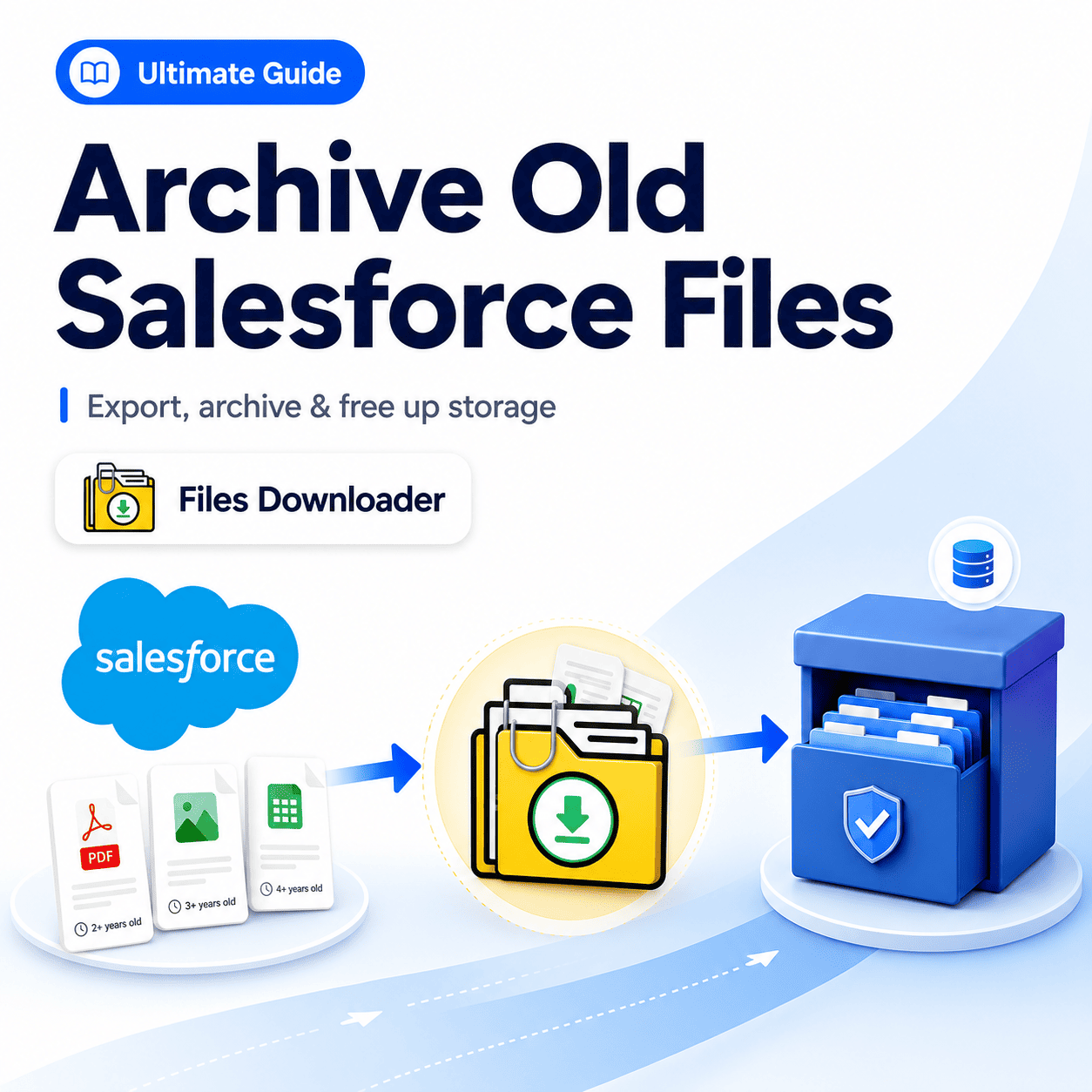


Ultimate Guide: How to Archive Old Files in Salesforce with Files Downloader
At some point in the lifecycle of every mature Salesforce org, ignoring data Archive Old Salesforce Files accumulation is no longer an option. Storage costs steadily increase, the “File Storage Limit Exceeded” warning begins to surface, and admins find themselves staring at years’ worth of heavy ContentVersion records sitting completely idle.
For Salesforce administrators and data teams, establishing a proactive archiving strategy is the fastest, cleanest, and most reliable way to offload legacy documentation. Files Downloader streamlines this entire process, allowing you to seamlessly move historical assets to external repositories while preserving critical metadata, folder structures, and original file formats.
The key to successful compliance and storage relief is selective archiving at scale — without wasting days manually sorting individual records. Files Downloader executes this complex data workflow in a single step.
Why You Should Regularly Archive Old Files in Salesforce
Salesforce premium file storage scales with your organization’s volume, meaning that every time a user attaches a contract, image, or spreadsheet to a record, operational overhead ticks upward. When designing an Archive Old Salesforce Files workflow, your highest-value targets are files that are no longer actively required for daily CRM operations.
Typically, these are legacy assets attached to historical records, such as:
Closed-won or closed-lost opportunities from past fiscal years.
Resolved customer service cases and IT tickets.
Completed client onboarding projects.
Inactive or churned accounts.
The True Cost of Idle Storage
Every ContentVersion record and legacy Attachment living in your production database costs your business money. Organizations without an automated, regular archiving routine end up locked into expensive, compounding storage tier upgrades that scale endlessly and never resolve themselves.
Eliminating the “File Storage Limit Exceeded” Emergency
When an organization hits its maximum file capacity, business-critical workflows grind to a halt because users can no longer upload documentation. While the quickest path out of a storage block is to extract and delete files you don’t need, doing this manually during an infrastructure crisis is a stressful, error-prone experience. Furthermore, without a repeatable, scheduled Archive Old Salesforce Files, that storage wall will inevitably reappear within a matter of months.
Why Built-In Native Export Tools Fail
Salesforce’s native backup and data export utilities are not designed for operational file archiving. They force an all-or-nothing approach, packaging every file in the org into a massive, compressed zip archive. This leaves data teams with zero filtering by object type, creation date, or record status, turning a simple archive project into a disorganized “zip file scavenger hunt.”
How Files Downloader Simplifies Archiving Old Salesforce Files
Files Downloader is purpose-built for enterprise data teams requiring speed, precision, and complete structural accuracy when offloading data.
Bulk Export From Any List View
Files Downloader integrates directly with standard and custom Salesforce list views. This allows you to target closed records or inactive accounts from the exact object lists your team already interacts with daily. Simply select your targeted subset and trigger the archive—completely bypassing manual downloads or zip extractions.
Custom SOQL Query Export for Granular Control
For complex data architectures, Files Downloader supports native SOQL Query Exports against ContentVersion, ContentDocumentLink, or legacy Attachment objects. This allows you to write precise filters targeting specific file extensions, creation dates, record owners, or parental object types—ensuring you extract exactly what your retention policy requires every single time.
Preservation of Folder Structures and Metadata
True compliance archiving requires complete tracking and audit-readiness. Files Downloader preserves vital metadata—such as the original record owner, object type, and record association—throughout the migration. Additionally, original file names and folder hierarchies remain perfectly intact, meaning files land in your external architecture exactly as they appeared inside the CRM.
Universal File Type Support
Files Downloader easily processes all major attachment types, including PDFs, raw images (.jpg, .png), Word documents, and complex spreadsheets, with absolutely zero file conversion or quality loss.
Native Support for Standard and Custom Objects
Mature Salesforce orgs often carry their heaviest file storage footprints inside custom objects tied to proprietary business processes. Files Downloader operates fluidly across all standard and custom objects alike, running seamlessly from any list view with no architectural restrictions. Choosing Your External Archive Destination
Files Downloader provides total infrastructural flexibility, allowing you to route your legacy Salesforce files directly into the ecosystem your team already uses:
Google Drive: The premier choice for organizations built on Google Workspace, making it easy to route Archive Old Salesforce Files into departmental Shared Drives for ongoing visibility.
OneDrive & SharePoint: A seamless match for Microsoft 365 enterprises looking to centralize document governance and compliance within a single, secure environment.
Dropbox: A simple, high-performance option for teams requiring rapid, lightweight file distribution and external access controls.
Local Storage & Internal File Servers: For heavily regulated organizations operating under strict air-gapped or on-premises infrastructure requirements, Files Downloader can safely export files directly to local storage arrays before moving them to a final internal server.
High-Impact Archiving Use Cases
Closed Record Optimization: Offloading the attachments tied to long-resolved support tickets or multi-year-old opportunities is the lowest-risk path to immediate storage optimization.
Pre-Migration Cleanup: Archiving legacy files before migrating to a new Salesforce org or consolidating instances drastically reduces data volume, cutting both your migration timeline and your total project risk.
Compliance & Records Retention: Many highly regulated industries legally mandate long-term file retention inside dedicated, auditable internal systems. Files Downloader fulfills these retention rules by securing files externally while safely freeing up production CRM space.
Ongoing Storage Governance: Proactive administrators establish a regular monthly or quarterly export cadence. A predictable archiving rhythm stabilizes data growth, controls computing costs, and prevents storage limitations from ever developing into an organizational crisis.
Files Downloader stands out as one of the most targeted, lightweight administrative apps on the market.
Managing Your Files Post-Archive
Once Files Downloader successfully deposits your assets at their external destination with names, folder structures, and metadata intact, you can confidently proceed to purge the original ContentVersion or legacy Attachment records from Salesforce. This deletion step is what actually recalculates and frees up your production CRM capacity.
For advanced reporting or audits, the preserved data can also be easily exported into Excel or fed directly into downstream data pipelines like SQL Server. This flexibility ensures that the choice to Archive Old Salesforce Files your data improves overall system agility without introducing friction to your downstream workflows.
Ready to Offload Your Legacy Salesforce Documents?
Stop paying premium CRM maintenance fees for idle data. Files Downloader offers admins and data teams the fastest, most precise path to Archive Old Salesforce Files historical Salesforce files at any volume.
[Book a Free Demo] | [View Pricing] | [Install on AppExchange]