

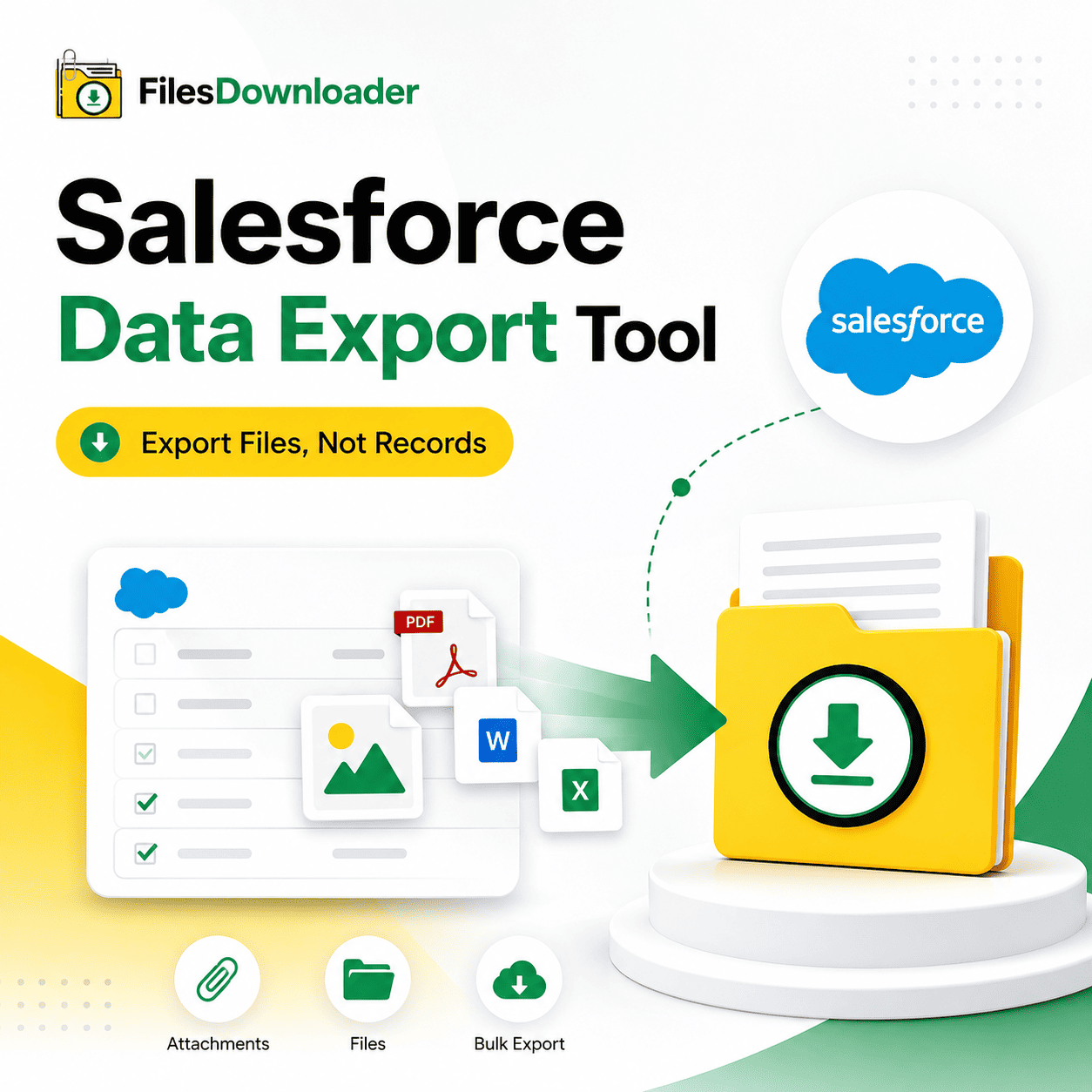


Salesforce Data Export Tool – The Best Way to Export Files, Not Records
Most teams already have a way to Salesforce data export tool for records. But there’s no way for them to export the files that live behind those records. Admins refer to it as the “Zip File Scavenger Hunt” — clicking through record after record just to get one attachment, because the export tool they already use doesn’t touch files at all.
Thank you for reading this post, don't forget to subscribe!This guide walks through the shortcomings of a standard Salesforce data export tool and how a purpose-built files downloader bridges the gap in a single click.
Why Most Export Tools Fail at Records
A standard Salesforce data export tool is built around fields, objects, and relationships, not file content.
The gap is invisible until someone needs the files — for an audit, a migration, or a backup — and finds that the export they ran only captured metadata, not the attachments themselves.
How Standard Tools Miss “File Storage Limit Exceeded” Errors
File storage isn’t something a typical Salesforce data export tool will alert you to like it does with record limits. Most export tools weren’t built to expose what is eating up space, so a File Storage Limit Exceeded message is often displayed with no clear list of what is consuming that space.
Without a way to filter and export files directly, teams either over-delete attachments under pressure or leave the warning unresolved until it completely blocks uploads. A files-centric export fills that gap, providing you with a clean backup and full visibility into storage usage.
One-Click Bulk Export Made Specifically for Files
This is where a dedicated files downloader complements your existing Salesforce data export tool rather than replacing it. You can work from any standard or custom list view instead of opening records one at a time, and export all attachments in one bulk action.
List View Flexibility: Works with standard and custom list views – no need to rebuild views for export.
One-Click Download: Export attachments and mass files from any list view with one click.
Exact Binary Formats: Download files and attachments from Salesforce in the same format they were uploaded, with no conversion or loss of quality.
No Middleware Overhead: Easiest way to export Salesforce files without the headache of complex ETL tools or middleware.
Universal Format Support: All file types supported — PDFs, images (.jpg, .png), docs, spreadsheets, and more.
If you’re an admin using a record-based Salesforce data export tool, this file layer completes a full backup or migration process.
Built for ContentVersion Records, Not Just Files
In Salesforce, attachments are actually stored as ContentVersion records on top of ContentDocument. Most general-purpose export tools do not take that into consideration. A downloader built around this model preserves the record association of the file, which a generic Salesforce data export tool would typically lose.
SOQL Query Export Precision Exports
Most basic Salesforce data export tools will export what you see in a report or list view – nothing more targeted. Files require accuracy, and that’s where SOQL Query Export comes in.
Live Query Execution: Run your own SOQL query to get the latest data immediately.
Targeted Extraction: Filter and pull out just the files that meet your criteria in one go.
Scoped Scope: Target specific objects and fields to simplify complex data downloads.
This gives admins the same level of control over files via query that they already expect from a robust Salesforce data export tool for records.
Folders, Names, and Metadata — Preserved
An exported file without context is not much use later. If your export process strips owner, object type, or naming information, you get a folder of unlabeled files instead of usable data.
Context Retention: Maintain metadata (owner, object type, record association) on each file.
Directory Hierarchy: Export files without renaming or flattening, keeping original file names and folder structure intact.
Audit Ready: Great for clean migrations, audits, and system backups where traceability is key.
That’s the difference between a real Salesforce data export tool for files and a basic download script that just dumps everything in one folder.
Within Minutes: From Salesforce to Excel or SQL Server
Exported files don’t often remain isolated — most teams need that data elsewhere. The better the structure of an export, the easier it will be to import the Salesforce data into SQL Server or Excel after the export, since file names, folders, and metadata already map to your source records.
This saves data teams time they would otherwise spend manually sorting data before evaluating it. No more field re-mapping or hand re-labeling of files your export lands ready for the next system.
Files-First Salesforce Data Export Tool: Who Needs It?
This isn’t a niche add-on – it has become a must-have file exporter for Salesforce admins and data teams who already have a record-based export process but need the file side covered, too. It integrates seamlessly with current Salesforce data export tool and file management workflows.
Typical Use Cases
IT Teams: Getting ready for a system or platform migration.
Compliance Teams: Conducting regular audits of custom objects.
Data Teams: Building reporting pipelines outside of Salesforce.
System Administrators: Operating under pressure to act on storage limit warnings.
Check out the Salesforce AppExchange listing for setup requirements and current reviews from other admins using it alongside their existing Salesforce data export tool.
[Book a Free Demo] | [View Pricing] | [Install on AppExchange]