

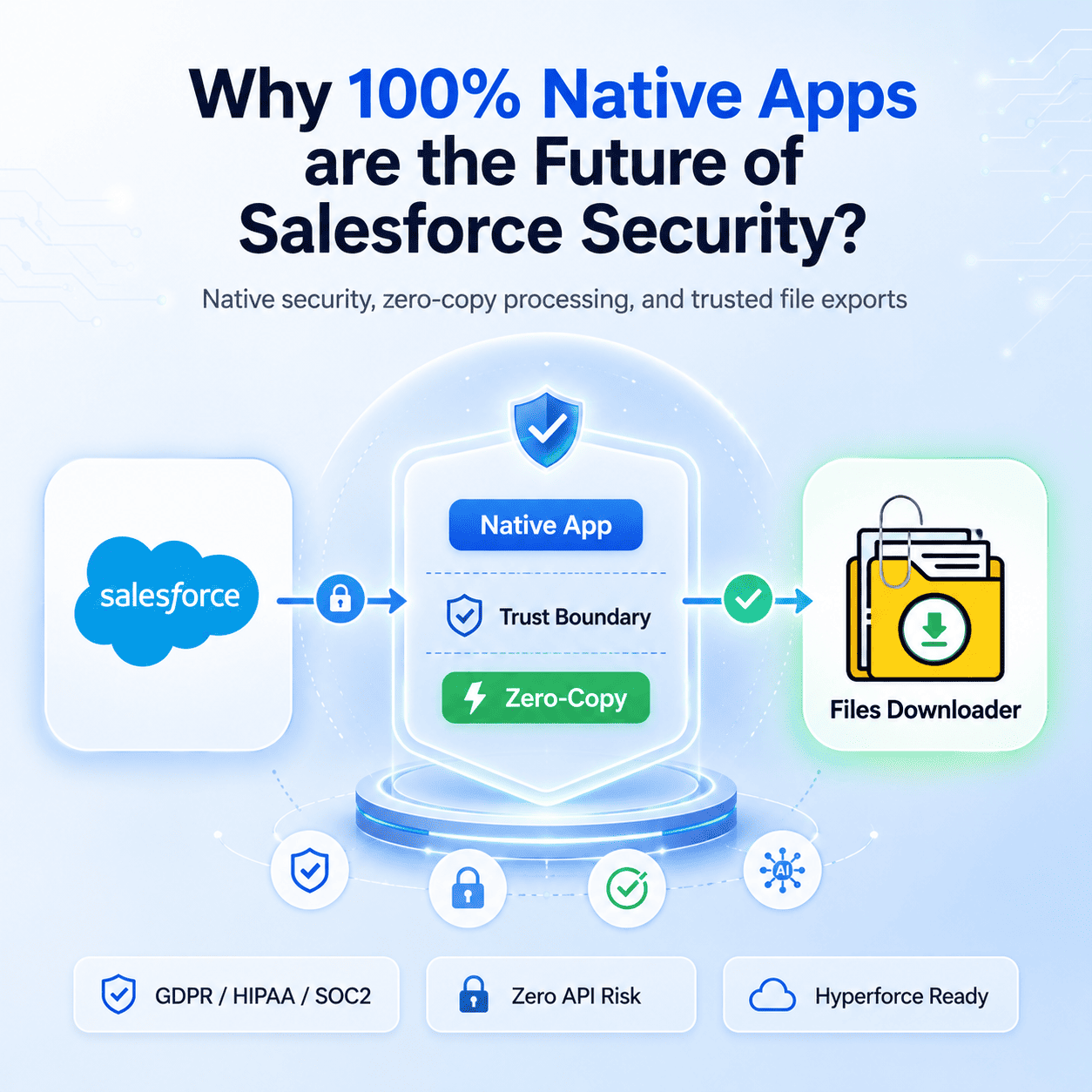


Thank you for reading this post, don't forget to subscribe!Salesforce app security has become a critical concern for organisations handling sensitive files, metadata, and AI-driven workflows. Unlike “off-platform” apps, native tools like Files Downloader do not require an external server or an API “middle-man.” This ensures your sensitive binary data never leaves the Salesforce Trust Boundary, instantly satisfying GDPR, HIPAA, and SOC2 compliance without a separate third-party security audit.
Salesforce App Security: Why 100% Native Apps Matter
Historically, many Salesforce apps relied on “Heroku Connect” or external AWS/Azure engines to process large data volumes. However, in 2026, the “Zero-Copy” movement has made this architecture a liability.
The Security Gap: Every time a file travels to an external server for zipping or processing, it is exposed to a new set of risks. You must audit that vendor’s encryption, their employee access, and their data retention policies. This creates major Salesforce app security concerns because sensitive data leaves the Salesforce Trust Boundary.
The Native Solution: With a 100% native architecture, the processing happens on Salesforce’s own servers. Your IT team already trusts Salesforce; by using native apps like Files Downloader, you extend that trust to your entire file management workflow without adding new “hops” to your data path.
Salesforce App Security and Compliance Benefits
Salesforce’s Spring ’26 Release introduced significant security enhancements that only native apps can fully leverage.
Malware Scanning: Salesforce now offers native malware scanning for all file uploads. Because Files Downloader is native, it can call these security services during a bulk export.
Salesforce Shield Compatibility: Native apps automatically inherit your Platform Encryption (Shield) settings. If your files are encrypted at rest, a native app can process them using your Org’s existing keys, whereas an external tool would require you to share those keys a major security red flag.
Data Residency and Global Compliance
In 2026, global regulations like the EU AI Act and GDPR have made data residency a nightmare for global companies.
The Problem: If you use a non-native app to download 50GB of files, those files might be processed on a server in a different country, triggering an immediate compliance breach.
The Native ROI: Native apps run on your specific Salesforce instance. If your Org is on Hyperforce EU, the app runs in the EU. If you are on GovCloud, the app stays in GovCloud. You never have to worry about where your data is “traveling” because it never leaves the room.
Avoiding API Limitations
External tools rely on the Salesforce API to pull data. This creates two distinct points of failure:
The API Consumption: External tools consume your daily API limits. A large sandbox migration could easily exhaust your limits, freezing your entire Org.
The Token Risk: External apps require “OAuth Tokens” to stay connected. If those tokens are compromised, an attacker has a direct tunnel into your data. Native apps use internal system permissions, eliminating the need for external “tunnels.”
Why Native Architecture Powers Better AI (Agentforce)?
In 2026, the real value of files is in AI Grounding. Agentforce AI needs to “see” your files to give accurate answers.
Context Preservation: Native apps understand the Relationship Logic of your Org. When you export Files and SNotes, a native tool preserves the link between the file and the Account.
Grounding Safety: Using a non-native tool to “clean” data for AI often results in metadata loss. Native apps ensure that your AI is grounded in verified, local data that has never been manipulated by a third-party processor.
Comparison: Native App vs. External ETL/App
| Security Feature | 100% Native App | External ETL/Connected App |
| Data Movement | None (Stays in SF) | Travels to external server |
| Encryption | Inherits SF Shield | Requires separate config |
| Audit Requirement | Covered by SF SOC2 | New audit required for vendor |
| API Usage | Internal (Zero limit impact) | High (Consumes daily limits) |
| Residency | Guaranteed by Hyperforce | Dependent on vendor server |
Why Native Architecture Matters for File Exports?
When exporting Salesforce files, attachments, and notes in bulk, maintaining security and compliance is critical.
Files Downloader is built as a 100% native Salesforce application, which means all file processing occurs directly within your Salesforce environment.
This approach allows administrators to export files while preserving security controls, record relationships, and storage governance without relying on external servers.
[Book a Free Demo] | [View Pricing] | [Install on AppExchange]