

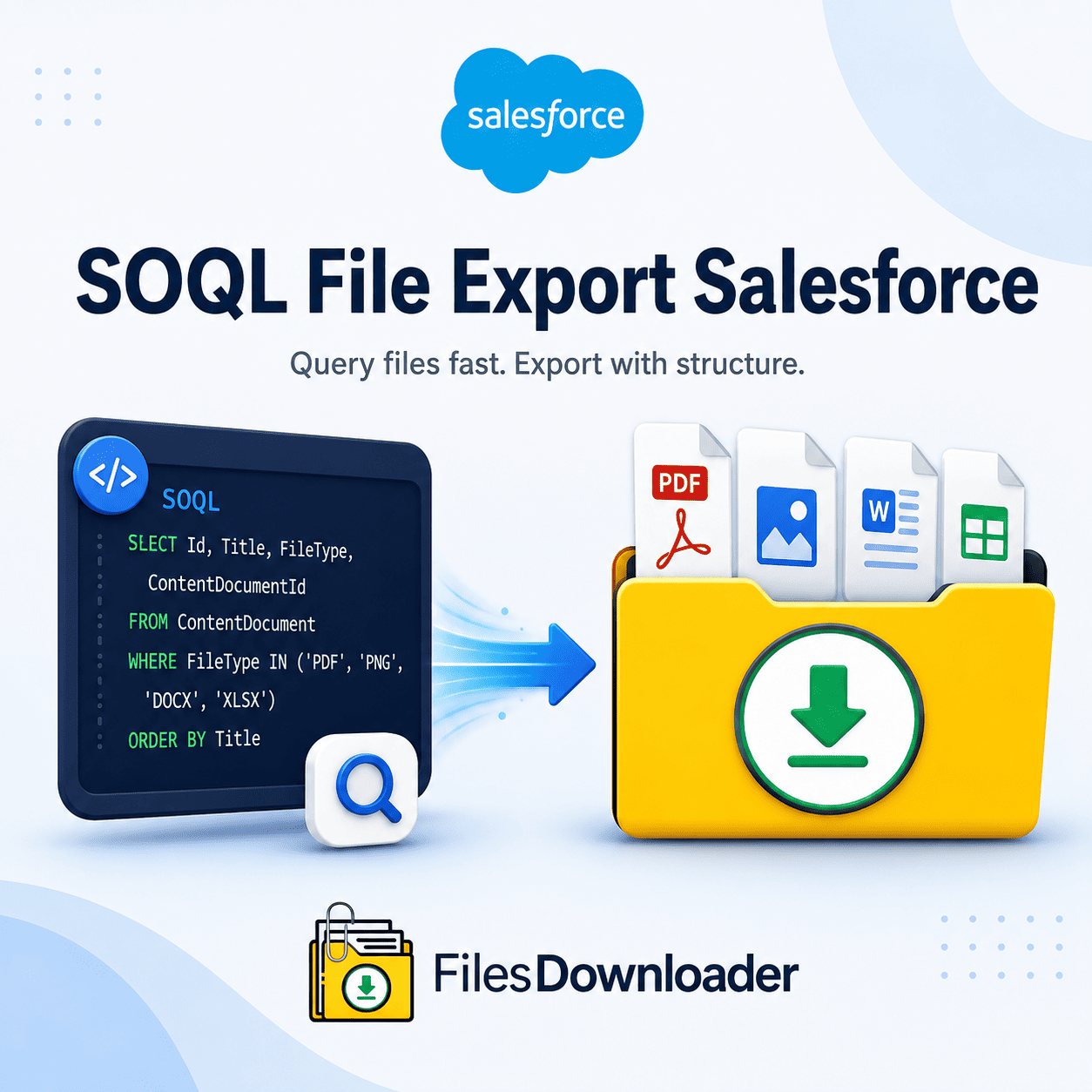


Salesforce Administrator Solutions: The Complete Guide to Exporting SOQL Files
SOQL File Export: Salesforce native reporting works great for structured data, but exporting attached documents, PDFs, and images quickly becomes an operational bottleneck. If you’ve ever had to use the native weekly data export process, then you know the pain of the “Zip File Scavenger Hunt.” You download huge unorganized archives with obscure alphanumeric names that take hours to sort.
Thank you for reading this post, don't forget to subscribe!For speed and accuracy, traditional exports will get you right into the dreaded File Storage Limit Exceeded warning if your business requires it. Searching for a straightforward SOQL file export for Salesforce admins that exceeds native limits and requires no manual work on certain record attachments for a lean and compliant CRM.
Downsides of Native Salesforce Data Export Tools
Files are not the point in a standard SOQL file export from Salesforce. Native tools unpack binary files into folders and lose a lot of important context, like relationships, creator info, and original filenames.
Standard Export: [00P5g00000XyZ12] -> Unnamed Binary Archive -> Sort Hours Manually Files Downloader: [SOQL Query Export] -> Tidy Folder Structure + Metadata -> Good To Go
Failure to selectively screen
The native options are all-or-nothing. If you only want the PDFs of contracts attached to Closed-Won Opportunities from last quarter, native exports make you download your entire document library anyway. It eats up storage bandwidth, it slows down audits, and it wastes hours of data team resources.
Complex Querying & API Latency
Developers can write their own scripts to query the ContentVersion object via the API. But, when it comes to timeouts, building Python scripts and adjusting the Data Loader batch sizes is a time-consuming and error-prone process. SOQL File Export: Salesforce admins say it’s easy to use, as simple as no-code, yet powerful enough for custom queries.
Salesforce Workflows & SOQL File Export Impact: Get a Grip on Your Data
SOQL File Export Salesforce file to get the exact files in the blink of an eye. Instead of downloading gigabytes of irrelevant data, you query exact parameters and only download what you need.
SQL /* SOQL Query to get ContentVersion records selectively: SELECT Id, Title, FileExtension, VersionData
FROM ContentVersion
WHERE IsLatest = true
AND FirstPublishLocationId IN (SELECT Id FROM Opportunity WHERE IsWon = true)
Files downloader lets you run custom queries or just filter from existing list views for easier document extraction across your entire organization.
Salesforce Administrator Automated File Exporter Benefits
How to Export Salesforce Files Quickly and Easily Without a Bunch of Tools: remove command line tools and complex script execution
Retain Original Filenames and Folder Structures: Automatically retain original names and folder structures on export.
Maintain metadata consistency: Maintain critical metadata such as file ownership, parent object type, and record relationships for compliance and reporting.
Backup and Clean Data Migration of Systems: Build unstructured document sets for easy system migration, regulatory audits, or external backup.
Direct SQL & Excel Integration: Exported data and attachments are ready for easy import of SOQL file export from Salesforce.
How to Extract Files in Bulk Easily by files downloader
Files Downloader aims to become a must-have file exporter for Salesforce admins and data teams. From complicated compliance audits to basic storage cleanups, our tool turns hours of manual file management into a one-step workflow.
Exporting Files in Bulk from List Views
It is not necessary to be a developer to download targeted files. Files downloader works directly with standard and custom list views:
For example, go to any list view of a standard or custom object, such as Accounts, Cases, or Opportunities.
Target records you want based on your own criteria.
Initiate a bulk download of all the associated attachments in their original formats.
Export Your Own SOQL Query for Instant Data Access
For more advanced needs, you can take direct control over how you fetch your documents. Create your own query to retrieve specific files and attachments from Salesforce in their original formats, such as PDF, images (.jpg, .png), word documents, spreadsheets, and CAD files.
How to Export SOQL file in Salesforce (Step by Step)
It’s as simple as 1-2-3 to run an optimized SOQL file export Salesforce process with a [files downloader]:
➔ [Step 1: Define Filter / SOQL] ➔ [Step 2: Select Objects & Metadata] ➔ [Step 3: Bulk Export in One Click]
Target specific objects and fields: You can define your exact criteria and pull the records you need with standard list views or a custom query string.
Configure your output settings to retain the original file names, owner information & parent object mappings.
One-Click Bulk Action Execution: All matching files are downloaded in one go, organized and ready for post-export analysis or archiving.
You’ll save valuable admin hours each week as you no longer need to manually sort and configure scripts.
[Book a Free Demo] | [View Pricing] | [Install on AppExchange]