

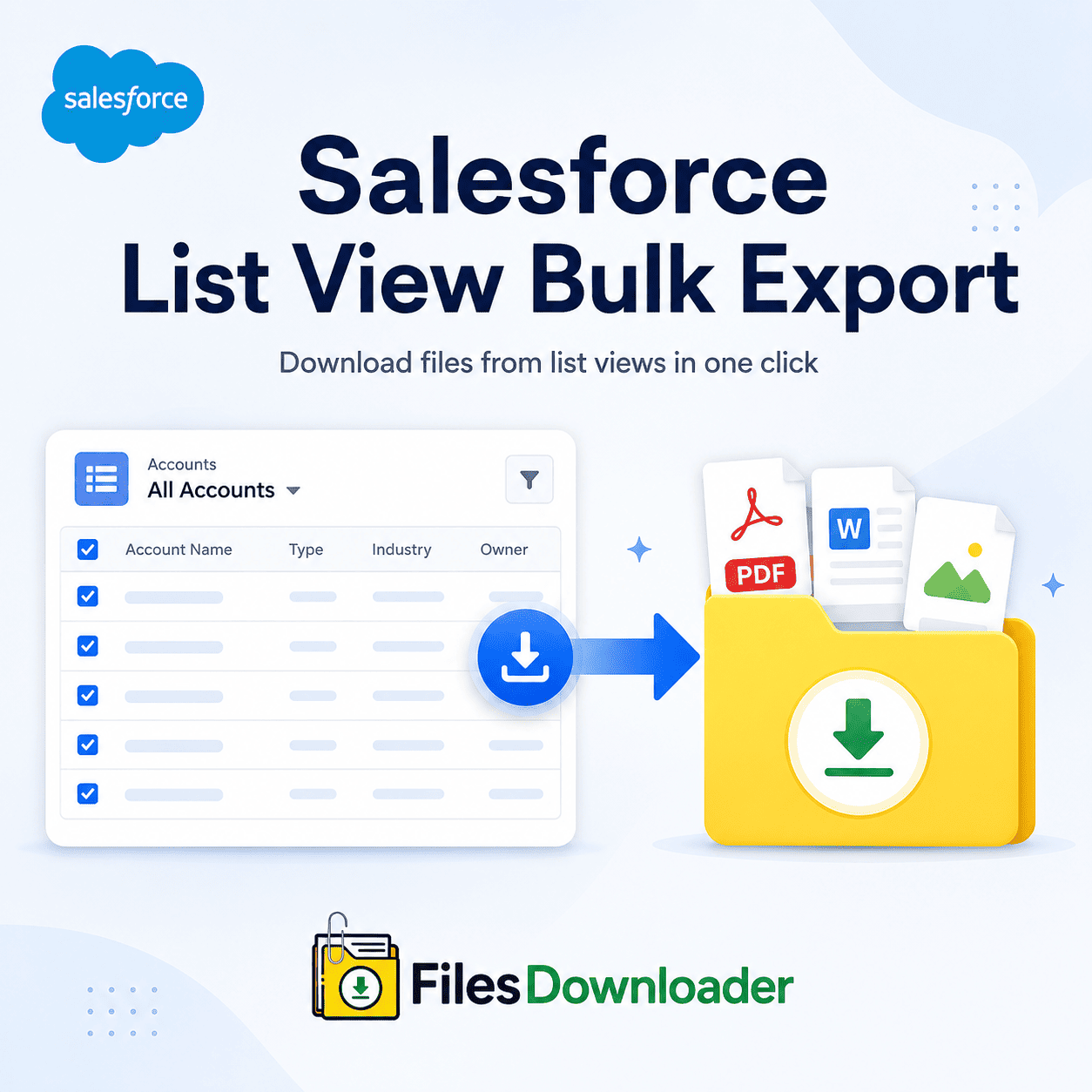


Bulk Exporting Salesforce List Views: The Ultimate Guide to Downloading Files
Every Salesforce Admin has experienced the pain of a “Zip File Scavenger Hunt.” When your organization is notified that the File Storage Limit has been exceeded, pulling critical files from records often turns into hours of manual labor. Native tools require you to download massive, unorganized archives or write apex code to retrieve a handful of documents. If you are looking for an efficient Salesforce list view bulk export, the native platform features don’t offer the specific filtering you need to get certain attachments quickly.
Thank you for reading this post, don't forget to subscribe!Admins are left to dig through endless unorganized folders with no way to do a Salesforce list view bulk export. Your team wastes time manually matching compliance documents, contracts and images back to parent records. Thankfully, there’s a better way to simplify file management and make precise extractions without technical hurdles.
The Secret Pain of Native Salesforce File Exports
Salesforce is a world-class CRM with an impressive native document management tool, but it falls short when it comes to bulk file retrieval. Data teams face three major bottlenecks when auditing accounts or preparing data migrations:
No selective filtering: Weekly data Export services dump all of the files in your org into large compressed archives. You cannot filter by object, creation date or record owner.
Loss of context and metadata: Native downloads tend to rename files to cryptic alphanumeric IDs. You lose important meta data like record associations, file owners, original folder structures.
Complex tool needs: You could also write a custom SOQL Query Export or set up desktop tools like Data Loader, but neither will export raw file binaries in an organized hierarchy.
When your team needs to move fast, manual data sorting slows business operations and increases the risk of compliance errors.
The Best Salesforce List View Bulk Export Solution
Our solution eliminates the headache of native file downloads with one-click export features right inside your Salesforce UI. Designed for admins, developers, and compliance teams, our tool transforms the way you extract, structure and back up your organization’s files.
[Salesforce List View] --> [Files Downloader Filter] --> [Sorted Folder & Original Files]
Why Use Our Salesforce List View Bulk Exporter Tool ?
Whether performing routine audits or preparing for an enterprise migration, our file exporter is the fastest way to get your files without writing code.
One Click Bulk Action: Perform a Salesforce list view bulk export from standard and custom list views in seconds
Universal Compatibility: Works with standard and custom objects so you can export mass files and attachments from any list view across your entire org.
Download files & attachments from Salesforce in the original format they were uploaded in. We support all file types including PDF, images (.jpg, .png), Word documents, spreadsheets and CAD files.
Zero Complex Configurations: It’s the quickest method for exporting Salesforce files, without the need for complex external tools or third-party middleware.
This saves you dozens of administrative hours every week by filtering and extracting only the files pertinent to your criteria in one step, saving you unnecessary data usage.
Advanced File Extraction: Beyond List Views
Salesforce List View Bulk Export are the most user-friendly, but complex data projects may require deeper customization. Our tool connects simple UI actions with complex data manipulations.
You are able to target specific objects and fields
Target specific objects and fields, and streamline complex data downloads without exporting extra noise. Our app uses the underlying ContentVersion and ContentDocument relationships to associate each attachment with its parent record.
Custom SOQL queries Export Capabilities
Need files related to certain financial thresholds or date ranges? Run your own SOQL Query Export and retrieve the latest data in real time. This allows technical teams to work around UI limitations while still enjoying the convenience of organized file output.
Maintain Metadata and Folder Structures
Standard downloads destroy context of data. Our application will keep metadata like owner, object type and record association. Plus, it preserves original file names and folder structure in export, so your local files are an exact mirror of your Salesforce record hierarchy.
Designed for System Migrations, Audits, Backups
Effective file management strategy is the key to continuity of modern business. Our app is a must-have file exporter for Salesforce admins and data teams on high-stakes projects.
Use Case: System Backups
Classic Salesforce Way: Full Weekly Data Export (Unfiltered Zip Files)
With Files Downloader: Choose objects to remain within storage limits
Use Case: Data Audits
Classic Salesforce Way: Manual 1-by-1 clicking on files of records
With Files Downloader: Export from filtered list views with one click
Use Case: Database Migration
Classic Salesforce Way: Complex Data Loader ID mapping
With Files Downloader: File names and metadata prepared for database import preserved
Optimize SQL Server and Excel Imports
A common post-export workflow is to load document references into external databases. Our application keeps the record IDs and original file names, making it easier to import Salesforce data into SQL Server or Excel after export. No more tedious data sorting and column matching in spreadsheets, saving you time.
This tool works perfectly with Salesforce data export & file management needs whether you are trying to solve a File Storage Limit Exceeded notification or preparing for an enterprise system transition. It is the right choice for clean migration, audit and backup of systems.
Three Steps to Run Your First Bulk File Export
It takes less than 2 minutes to set up Salesforce list view bulk export execution:
Pick Your List View: Navigate to any standard or custom object (like Accounts, Opportunities, or Custom Objects) and select your list view filters.
Trigger the Downloader: Click the custom bulk export button added to your list view button bar.
Download your neatly zip: You will receive a structured zip file that retains all original filenames, formats and associated meta data.
[Book a Free Demo] | [View Pricing] | [Install on AppExchange]