

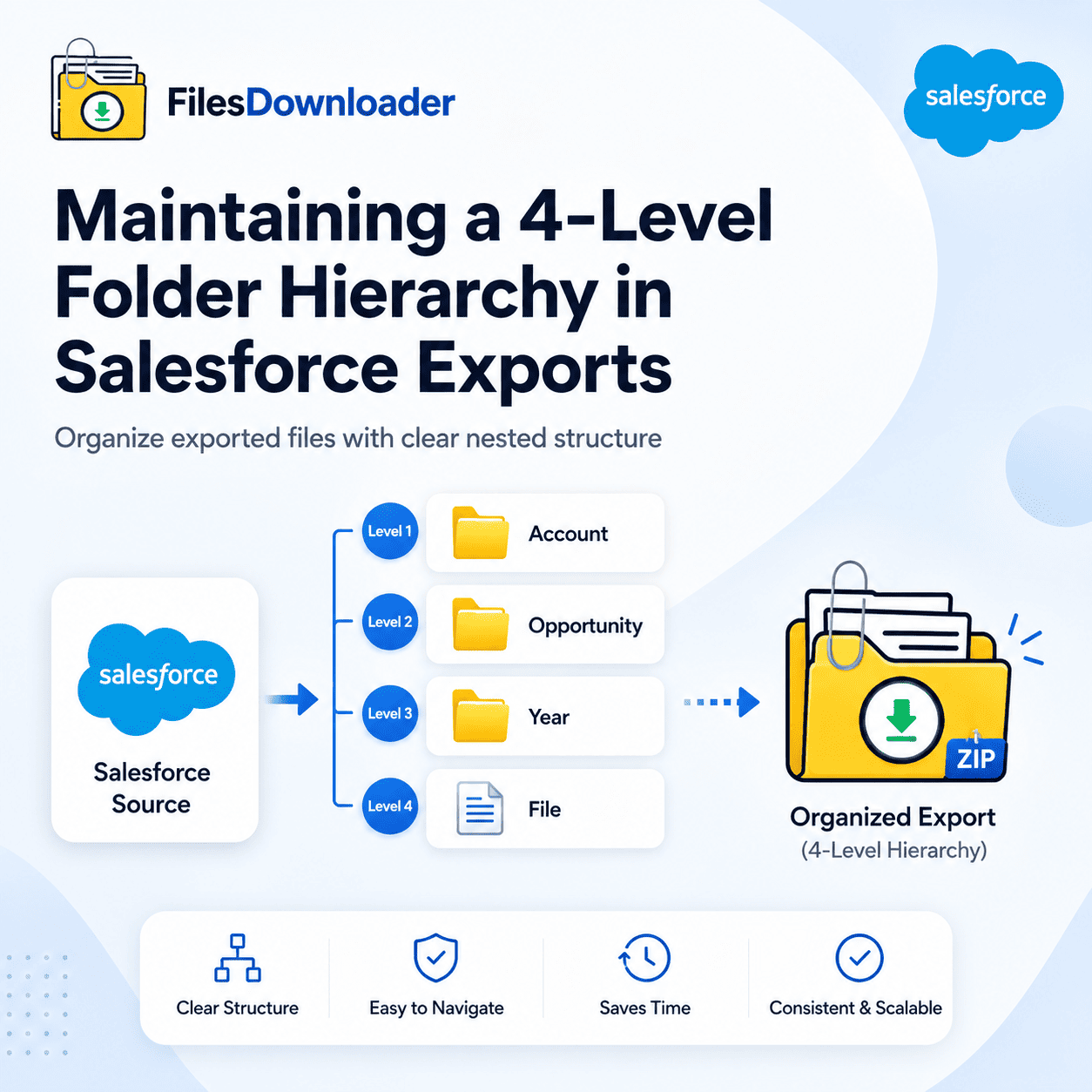


http://filesdownloader.usA proper Salesforce file folder hierarchy helps organizations organize exported files, preserve record relationships, and simplify compliance-driven file management. To export files into a nested structure (e.g., Account > Opportunity > Year > File.pdf), you must use a salesforce file exporter tool like Files Downloader. As of 2026, Files Downloader supports a 4-level hierarchical structure, allowing you to mirror your CRM’s object relationships directly in your local ZIP or SharePoint archive.
One of the biggest lies in Salesforce data management is that a “Backup” is just a CSV and a ZIP of files.
If you have 10,000 files and they aren’t organized, you don’t have a backup you have a puzzle. For legal discovery, financial audits, or org migrations, you don’t just need the data; you need the context. You need to know that “Contract_Final.pdf” belongs to Acme Corp, specifically for the 2026 Expansion Deal.
Why Salesforce File Folder Hierarchy Matters
Salesforce’s architecture is built on ContentDocumentLink a junction object that connects a file to a record.
- The Weekly Export: Provides a massive ZIP where files are renamed to IDs (e.g.,
068...). It does not create folders for Accounts or Opportunities.
- The Weekly Export: Provides a massive ZIP where files are renamed to IDs (e.g.,
- The Data Loader: Only exports file references, leaving the admin to manually rename and sort every file.
- The Result: If you need to find a specific file for an auditor, you have to cross-reference a CSV, find the ID, and then search the ZIP. It’s a 10-minute task for a single file which becomes impossible at scale.
A Better Way: Export Files with Folder Hierarchies
In the Spring ’26 Release, data volumes are exploding due to Agentforce AI grounding. To keep this data manageable, Admins are moving away from flat exports and toward Relationship-Based Folders.
Files Downloader now allows you to define up to 4 levels of nesting during an export. You can map any standard or custom object field to a folder name.
Common 4-Level Structure:
- Level 1: Account Name (e.g., Acme Corp)
- Level 2: Object Type (e.g., Opportunities)
- Level 3: Record Name (e.g., 2026 SaaS Renewal)
- Level 4: File Category or Date (e.g., Contracts)
Benefits of a Structured Export
- Instant Human Readability: Your legal team can browse the ZIP file just like a local server. No Salesforce login required.
- SharePoint Readiness: If you are exporting Salesforce files directly to SharePoint, maintaining this hierarchy ensures your SharePoint Document Library is perfectly organized from day one.
- Bypassing the “068” Nightmare: Every file is automatically exported with its original filename, placed exactly where it belongs in the folder tree.
Comparison: Native Export vs. Hierarchical Export
| Feature | Salesforce Weekly Export | Data Loader | Files Downloader |
| Folder Support | None (Flat list) | None | Yes (Up to 4 Levels) |
| Naming Logic | Record IDs | Record IDs | Record Names (Dynamic) |
| Batch Size | Entire Org only | Manual Batches | Filtered (List View/SOQL) |
| Context | Lost | Lost | Preserved (Full Tree) |
How to Export Files in a Folder Structure
Exporting structured files with Files Downloader is simple.
First, select the records you want to export. This can be done using a Salesforce list view or a filtered query.
Next, define your folder structure. For example, you might choose Account Name, Opportunity Name, and Year as folder levels.
Once the export starts, the system processes everything in the background and creates a structured ZIP file with organized folders.
Conclusion
A flat export is a liability. Whether you are protecting your data security model or preparing for a Spring ’26 backup audit, your files deserve a structure that reflects your business. A scalable Salesforce file folder hierarchy improves compliance, simplifies audits, and makes Salesforce file exports significantly easier to manage.
Admins spend an average of 4 hours a week manually sorting files for reports and audits. Files Downloader does that work in 60 seconds. Start your Free Trial of Files Downloader today and get your Friday afternoon back.