

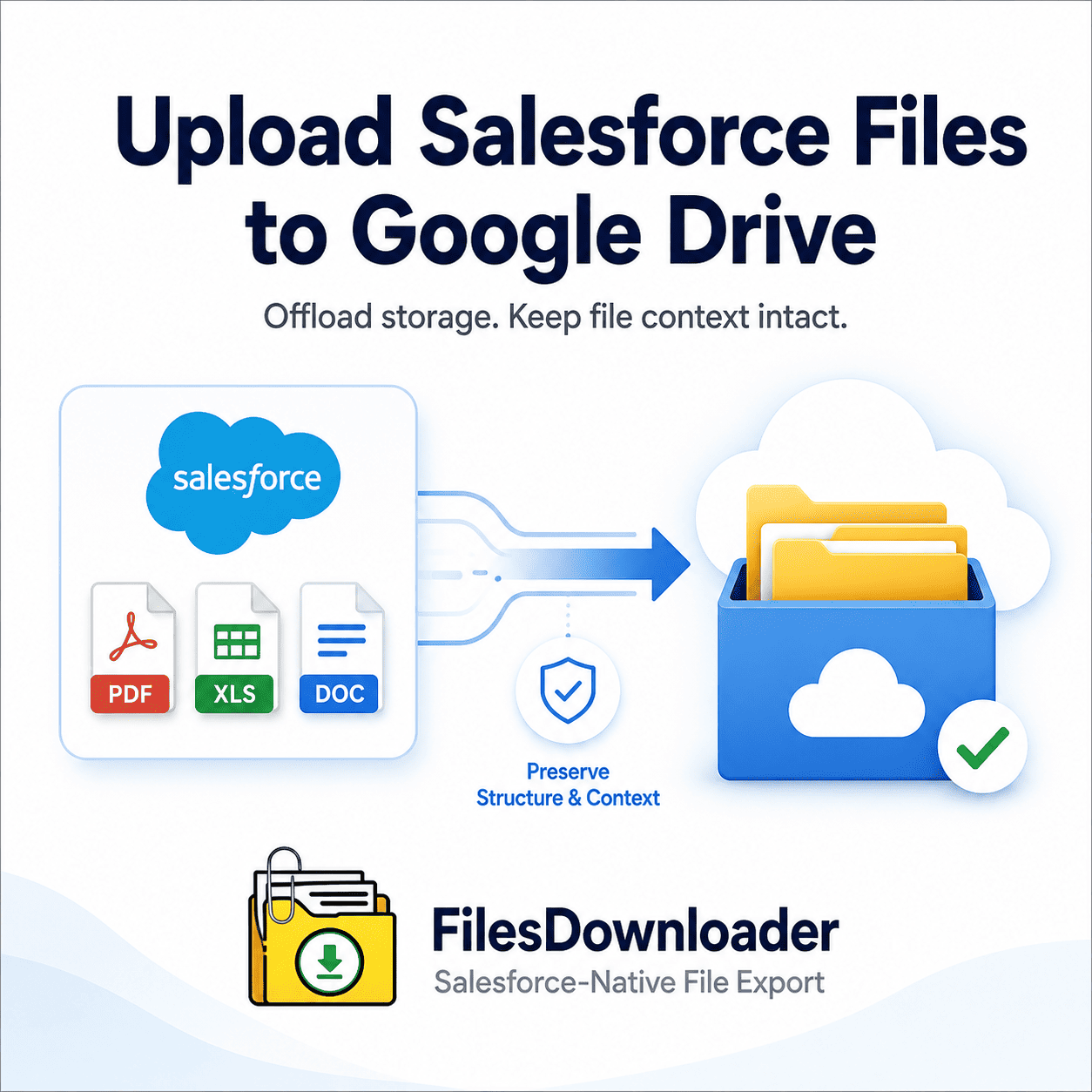


How to transfer Salesforce files to Google Drive without storage concerns
You know the frustration when your team hits storage limits. “Manually upload Salesforce files to Google Drive is often a tedious ‘zip file scavenger hunt.’ Native options = endless clicking, files everywhere, admin stuck in repeat bulk export loops.
Thank you for reading this post, don't forget to subscribe!Native storage in Salesforce is expensive and as your org grows the cost of standard file storage grows exponentially. You need a simple, automated way to bulk upload Salesforce files to Google Drive – without impacting your record associations in any way – so you can avoid costly storage fees and keep collaboration flowing seamlessly within your team.
Key Takeaway: You don’t need to pay for extra storage in Salesforce. Automated extraction lets you upload gigabytes of documents to cloud storage in minutes without losing the critical record context.
The hidden cost of Salesforce storage and manual downloads
Managing enterprise assets directly in Salesforce creates massive bottlenecks for data teams and admins alike. If storage thresholds are exceeded, system performance degrades and workflows stop.
Breaking the File Storage Limit Exceeded Barrier
When your org hits a File Storage Limit Exceeded error, you’re immediately forced to pay expensive storage fees or delete important history. Neither option is going to work for growing businesses. Upload Salesforce files to Google Drive to offload large attachments to Google Drive while keeping central access for teams.
Admins hate manual native exports, because they have to download endless .zip files with random alphanumeric string titles. Hours of technical resources are lost every week in unzipping, renaming and sorting these files by hand.
Files Downloader Download Salesforce Files to Google Drive
[Files Downloader] is the easiest way to export Salesforce files. No complex middleware or a developer needed. Whether you need a simple bulk export or scheduled offload, our system automates the entire file management process for you.
Native List View Integration (Standard & Custom)
You don’t need to re-architect your data structures or build custom batch apex. [Files Downloader] works with any standard and custom list views in your org.
Export from any view: Select files directly from standard (Accounts, Contacts, Opportunities) or custom objects.
One-click bulk action: tag and extract only the files you want in one step – no tagging required.
No Mapping Required: Download files & attachments instantly from Salesforce in the native format exactly as uploaded.
Advanced SOQL Query Export for Selective Bulk Extracts
If list views are not enough for complex datasets, you can create custom queries. Download & run your own SOQL Query Export to get the latest data instantly.
With this feature, data engineers can specify specific objects, date ranges and parent IDs. You download all your file data base. You target only specific objects & fields.
Automatically preserve folder hierarchies and metadata
The biggest issue with manual file downloads is losing context. If you don’t know what Opportunity record a PDF named Proposal_V2.pdf came from and who generated it, it’s useless.
ContentVersion Detail and File Integrity preservation
Salesforce files are based on the ContentVersion and ContentDocument objects. When you upload Salesforce files to Google Drive with [Files Downloader] the tool automatically retains important underlying metadata.
Keep key metadata intact: Automatically retain creator/owner info, object type and record relationships.
Keep Files Organized: Export to keep files organized in Google Drive with the original file names and folder structures.
Supports all extensions: All standard PDFs, high-res images (.jpg,.png), documents, presentations and spreadsheets.
Designed for clean migrations System auditing and SQL integration
Automated file extraction is critical to any org consolidation planning or compliance audits or building an enterprise data warehouse. [Files Downloader] is the best file exporter for admins & data teams in Salesforce.
Simplification of post-export data process
It’s ideal for Salesforce data export & file management needs, so you don’t have to spend time manually sorting data after extraction.
System Backups: Great for clean migrations, audits and regular offline system backups.
Database Ingestion: Delivers clean CSV manifests of extracted assets to make it easy to load Salesforce data into SQL Server or Excel after export.
Bulk Export Capacity: Export Salesforce Files in Bulk from Standard and Custom Objects without hitting Governor Limits.
[Book a Free Demo] | [View Pricing] | [Install on AppExchange]