

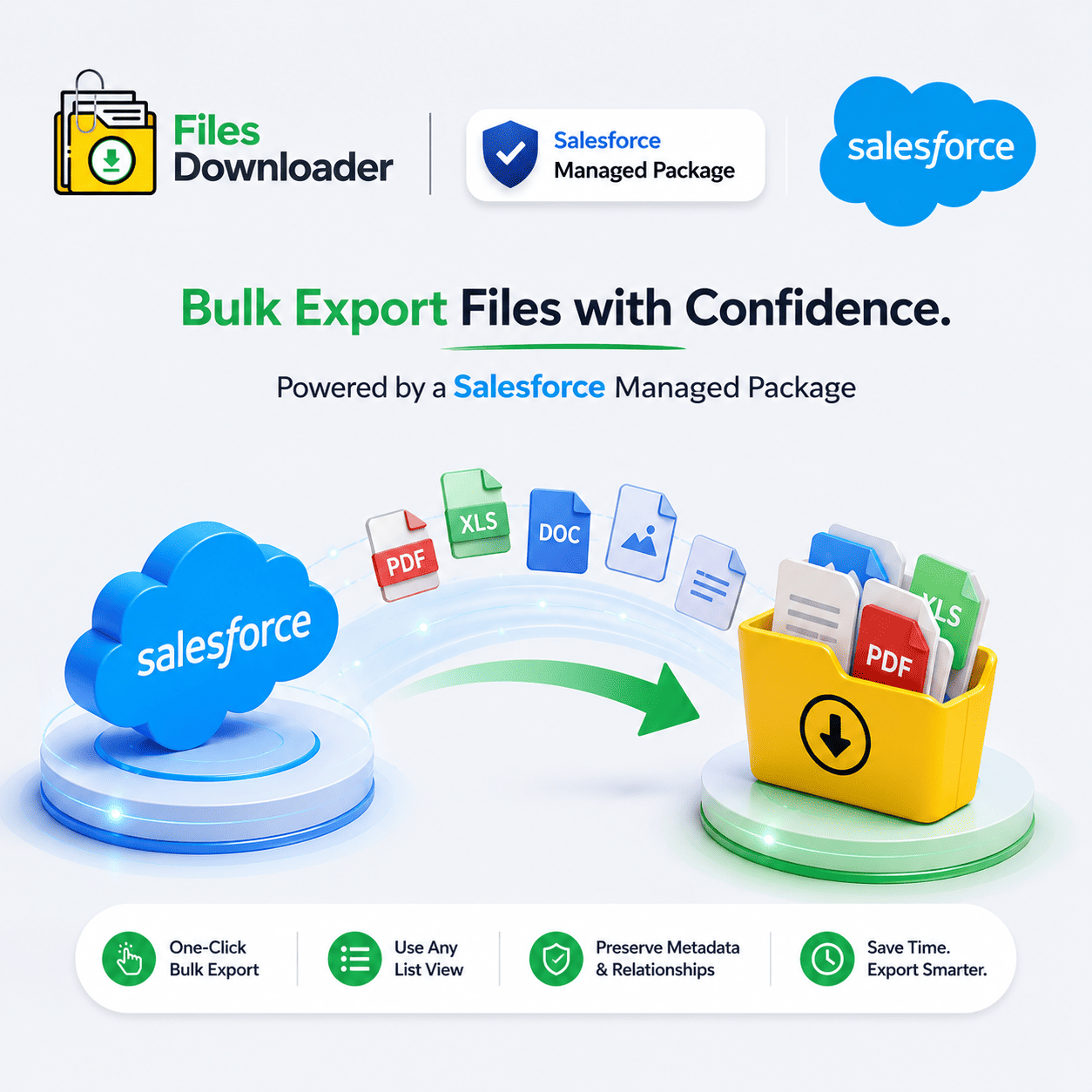


Salesforce Managed Package: The Easiest Way to Bulk Export Files
If you’ve ever had to get every attachment related to a list view and had to click through record after record, you know the drill. Admins call it the “Zip File Scavenger Hunt”—one file at a time, hoping nothing gets lost. A well built salesforce managed package should get rid of this completely, not make it worse with clunky configuration.
Thank you for reading this post, don't forget to subscribe!Most native tools fail here as they lack selective filtering. You export everything or you export nothing. There is no in-between. Files Downloader is a salesforce managed package built specifically to close that gap.
Why Most Managed Packages Get File Exports Wrong
Many tools marketed as a salesforce managed package are focused on automation or reporting, not files. File handling is an afterthought, tacked on to a workflow tool, rather than built for it.
This occurs rapidly. Admins are getting errors that the file storage limit has been exceeded because there is no easy way to export and archive ContentVersion records before they pile up. If someone needs to do a bulk export, they are stuck doing it manually, record by record.
Files Downloader was thought the other way round, the export of files first, then everything else around it.
How a correct file export package should work
Works with any list view, standard or custom
A truly useful salesforce managed package should support standard/custom list views, not just default ones. Files Downloader does just that, export mass files and attachments from any list view in one go.
This is how a One-Click Bulk Action really looks like. No custom Apex, no third-party middleware, no waiting for a developer to write a one-off script.
Exactly Save Files In The Original Format
Get files and attachments from Salesforce exactly as they were uploaded – PDFs, images (.jpg,.png), docs and more. This is huge for compliance and audit work as nothing gets re-encoded or corrupted in transit.
The fastest way to export Salesforce files without complex tools or workarounds. Automatically preserves original file names and folder structures, so no need to re-sort after the fact.
Built Around SOQL Query Export and ContentVersion
Salesforce stores each file you upload as a ContentVersion record. It is where most exports fall apart . Files are treated as attachments and not as structured records with associated metadata .
Files Downloader accesses ContentVersion data directly and maintains metadata such as owner, object type, and record association throughout the export. And for even more granular control, SOQL Query Export enables you to write and run your own query to access the latest data instantly — filtering by object, field, date or owner in a single step.
Designed for Admins & Data Teams
This is a must-have file exporter for Salesforce admins and data teams working with data-heavy orgs. It is a Salesforce managed package for salesforce that installs in minutes and works with your existing Salesforce data export and file management workflows – no rebuilding required.
Core capabilities are:
Mass export Salesforce files from standard & custom objects
Filter and extract only the files that meet your criteria in one step
Choose the objects and fields you want to make data downloads easier
Save time and skip manual data sorting
How This Fits: Migrations, Audits, and Backups
Perfect for clean migrations, audits, and system backups — the three scenarios where manual exports always break down under volume.
Migrations: When migrating to a new system or merging orgs, all files must be accounted for, with metadata intact.
Audits: Compliance teams want to be able to link file sets to specific records and date ranges. SOQL Query Export makes this a one-step process instead of a multi-day project.
Backups: Growing orgs shouldn’t need a developer every time they do routine exports. Set up recurring exports, no mapping required.
What happens to your files next after the export
Your files don’t have to remain locked inside Salesforce. Files Downloader helps data teams analyze or re-platform their Salesforce data by making it easy to import it into SQL Server or Excel after export, eliminating manual reformatting.
[Book a Free Demo] | [View Pricing] | [Install on AppExchange]