

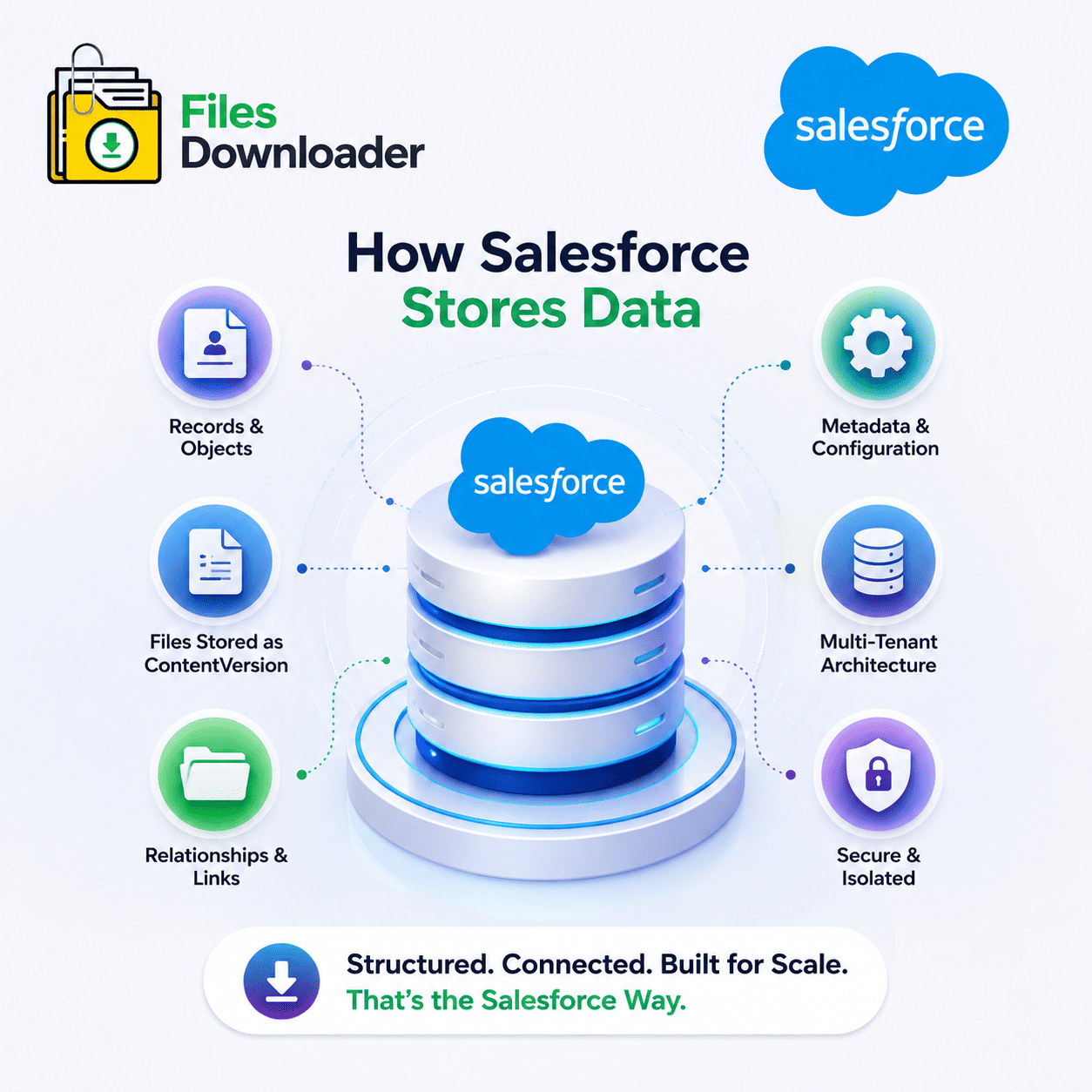


How does Salesforce store data? The entire breakdown
For anyone working within Salesforce, whether you are an admin, a developer, or a data team managing exports and migrations, it’s important to understand how Salesforce stores data. Salesforce uses a layered system that separates records and files and relationships and configuration settings. This is a good view of how it all goes together.
Thank you for reading this post, don't forget to subscribe!The Foundation: Multi-Tenant Structure
Salesforce uses what’s called a multitenant architecture. This means thousands of companies run on the same underlying infrastructure but the data of each org is completely isolated from all other orgs. Your data is stored in a giant shared database, but the internal metadata layer of sales force means no other company will ever see or touch your information.
This is the core database in which every record you create, whether it is an Account, a Contact, an Opportunity or a custom record, is a row in the database. Most users don’t need to think about databases at all. Salesforce hides the technical complexity behind a simple interface of objects and fields .
Objects, Standard & Custom
Salesforce stores data everything in objects, which are similar to tables in a traditional database. How Salesforce Stores Data used Salesforce has standard objects built-in like Account, Contact, Lead, Case, Opportunity etc. These have pre-defined fields and built-in function.
But admins create custom objects to track information that is unique to their business. A logistics company could create a custom object for Shipments. One could be made for Cases or Matters by a law firm. Each custom object, like a standard object, has its own fields and records, but is customized for specific business needs.
How Records Are Related to Each Other
Data in Salesforce is rarely (if ever) standalone. Records are connected by relationships.
A lookup relationship loosely ties two records together, like a support case to a particular contact.
The master-detail relationship is a more tightly coupled relationship where deleting the parent record deletes any child record(s) .
There are also many-to-many relationships, where a separate linking object is used to link multiple records on both sides.
These relationships are the basis for Salesforce reporting and automation. They also make it harder than it looks to export data correctly. Maintaining the links between parent and child records is just as important as maintaining the records themselves.
Where files and attachments truly reside
This is the part that confuses a lot of people. How Salesforce Stores Data used Salesforce Files doesn’t function like a traditional folder system. Every file you upload, PDF, image, Word document, etc. is actually stored as its own record using something called ContentVersion.
When a file is uploaded Salesforce creates a ContentVersion record which contains the actual file data and meta data such as file name, file type, who uploaded it etc. This ties to a ContentDocument, which is the permanent identity of the file as new versions are uploaded, and a ContentDocumentLink, which is what actually links the file to whatever record it belongs to (Account, Case, etc.).
This structure means it’s not just a file sitting in a folder somewhere. It is spread out over multiple related records . That is exactly why bulk exporting files is more involved than just downloading a zip folder .
Storage Limits and the Importance
Salesforce has two different buckets of storage.
Data Storage holds the usual data you’d expect: rows of Accounts, Leads, and custom object records.
File storage includes everything associated with ContentVersion, so any document, image or attachment that is uploaded to the system.
File storage can fill up much faster than people expect, especially for companies with a lot of files like documents, contracts or scanned files. When you hit that storage limit, no new uploads are allowed until you delete some of your existing data. This is one of the most common headaches Salesforce admins face, and it’s a big reason why regular file exports and cleanups are so important.
Query Data the Salesforce Way:
Admins and developers use a query language created specifically for the platform to get specific data out of Salesforce. This is similar to normal database queries where you can specify the records you want by field values, dates, owners or any criteria you like.
Such a narrow query is much more precise than relying on the default list views that tend to return either too much, or too little information. It saves a tremendous amount of time for data teams that are dealing with large amounts of information as you’re able to filter down to just the records and files you need versus exporting everything and then sorting through it manually.
Metadata: Configuration Level
Salesforce stores data something called metadata, in addition to the records and files themselves. This is the configuration that controls your org’s day-to-day operations; field definitions, page layouts, validation rules, automated workflows and security settings.
Metadata does not live in the same place as your data. It is stored in a completely different layer. Therefore backing up or moving metadata requires different tools and a different process than normal records.
Why This Matters for Backups and Exports
When you know how all these pieces fit together you’ll see that exporting Salesforce stores data the right way is not just a matter of clicking a download button. Records, file attachments, relationships, configuration settings are all in different parts of the system and a clean export needs to keep all those connections.
This is especially true for files where knowing who the original owner was, what object it was attached to, and the folder structure makes the difference between a useful export or a chaotic mess of unlabeled documents. If you are doing migrations, audits or regular backups, then you need to understand this underlying structure before determining how you will extract and manage your Salesforce stores data.