

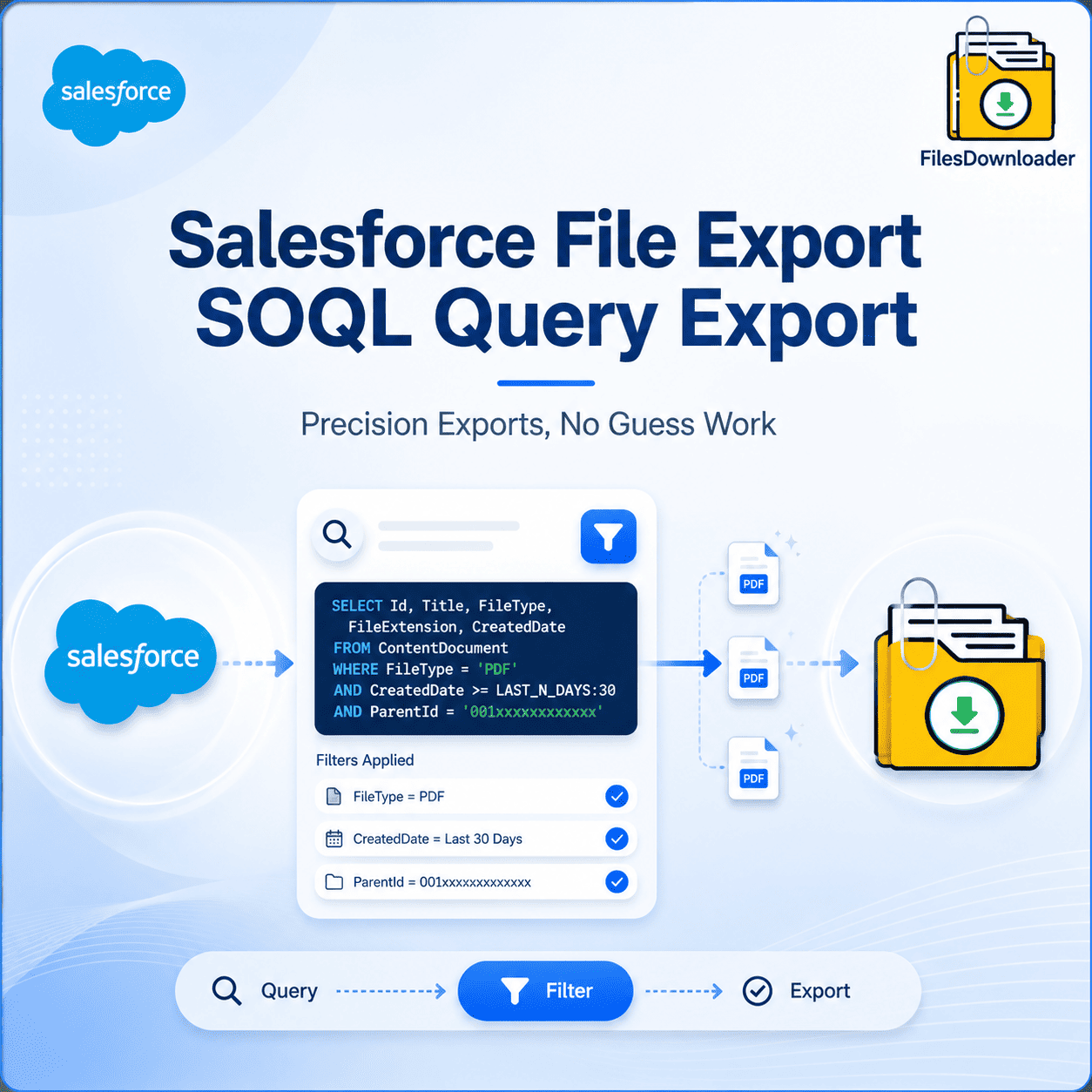


Salesforce File Export SOQL Query Export: Precision Exports, No Guess Work
Bulk export of every file in your organization is easy. The tricky part is exporting only the right files. Salesforce File Export SOQL Query Export solves this exact challenge by allowing you to write precise criteria for what you pull, rather than forcing you to export everything and sift through the noise later. This directly addresses the “Lack of Selective Filtering” problem inherent in most native extraction tools. Without a query-driven approach, admins have to export large, unwieldy chunks of files and then delete what they don’t need manually—wasting time, bandwidth, and local storage in the process.
Thank you for reading this post, don't forget to subscribe!Why Selective Filtering is Crucial for File Exports
Salesforce structurally stores files as ContentVersion records linked to specific objects, fields, and record types via relationships. A generic bulk export completely ignores these distinctions; it treats every file the same, regardless of context, age, or relevance. While that might work for a tiny sandbox, it completely falls apart at enterprise scale.
The result is often an unnecessary operational strain that frequently triggers File Storage Limit Exceeded warnings. Teams tend to over-export “just in case” rather than targeting what they actually need. Salesforce File Export SOQL Query Export A query-based approach flips this paradigm completely—you define the strict business criteria first, and only the matching files are pulled.
What a SOQL Based Export Actually Looks Like
With a query-driven architecture, you build and run your own Salesforce File Export SOQL (Salesforce Object Query Language) Query Export query to access live data on the fly. You are no longer stuck using a rigid, pre-defined set of filters built into a native wizard. You control the scope:
Object and Field Filters: Target files attached only to specific records (e.g., Closed-Won Opportunities over $50,000).
Date Restrictions: Pull files created within a specific fiscal quarter or compliance window.
File Metadata: Filter by file extension, size, or specific creator IDs.
This means you filter and pull only the files that meet your criteria in one single step, skipping the hours of manual sorting that typically follow a blind export. It is the literal equivalent of fishing with a spear instead of a massive net.
How SOQL Query Export Works in a Bulk Workflow
Speed does not have to come at the expense of precision filtering. In a well-engineered pipeline, the two work together seamlessly.
Fast Export, Filter First
The query engine natively supports both standard and custom list views, and Salesforce File Export SOQL Query Export can be targeted to either just as easily. You can export bulk files and attachments from any list view, further refined by whatever advanced query logic your specific use case requires.
This allows you to narrow down complex data downloads to specific objects and fields right at the database level, instead of downloading a massive dataset and filtering client-side. You download files and attachments from Salesforce in the exact binary format they were originally uploaded, scoped exactly to what your query defines. Designed for Any Object, Any File Type
Because the query engine runs against native Salesforce objects, you can export Salesforce files in bulk from standard and custom objects using the exact same logical rules. The tool fully supports all file types—PDFs, images (.jpg, .png), Word documents, spreadsheets, and more—ensuring the file format itself never limits what your query can target.
This stands as the quickest way to Salesforce File Export SOQL Query Export without having to manually select records one by one, and without writing custom Apex code just to apply a basic filter.
Where Query-Driven Export Comes in Handy
Precision filtering is rarely just a convenience; it’s often a strict operational requirement for the extracted data to be usable.
Clean Data Migrations: When moving specific business units to a new org, you can query and extract only the files tied to active accounts, leaving legacy clutter behind.
Targeted Compliance Audits: During an audit, a scoped query ensures you pull only the exact contracts or compliance documents required for review, rather than exposing your entire file library.
System Backups: Maintain lightweight, organized offsite archives by pulling files based on chronological or record-status criteria.
Metadata and Context Travel with the Query Results
Even when executing highly specific, filtered exports, the system preserves all critical metadata—such as owner, object type, and record association—ensuring full traceability. It also maintains original file names and folder structures on export, keeping your precision query results highly organized and effortlessly simple to reconcile.
This makes it an indispensable file exporter utility for Salesforce admins and data teams who require targeted results rather than sheer bulk volume. It fits beautifully alongside larger Salesforce File Export SOQL Query Export and file management architectures, especially when different departments need different slices of the same file library. More Data Utilization, Less Time Filtering
Once your query extracts the files, there is virtually no cleanup left to do. The structured output makes it incredibly simple to import Salesforce data into SQL Server or Excel after the export is complete, as your dataset is already scoped to the relevant fields and object types.
Teams save hours by completely avoiding manual post-export sorting because the filtering happened at the source. Stop guessing and start targeting. Try Files Downloader today to execute perfectly scoped, query-driven file exports with absolute precision.
[Book a Free Demo] | [View Pricing] | [Install on AppExchange]