

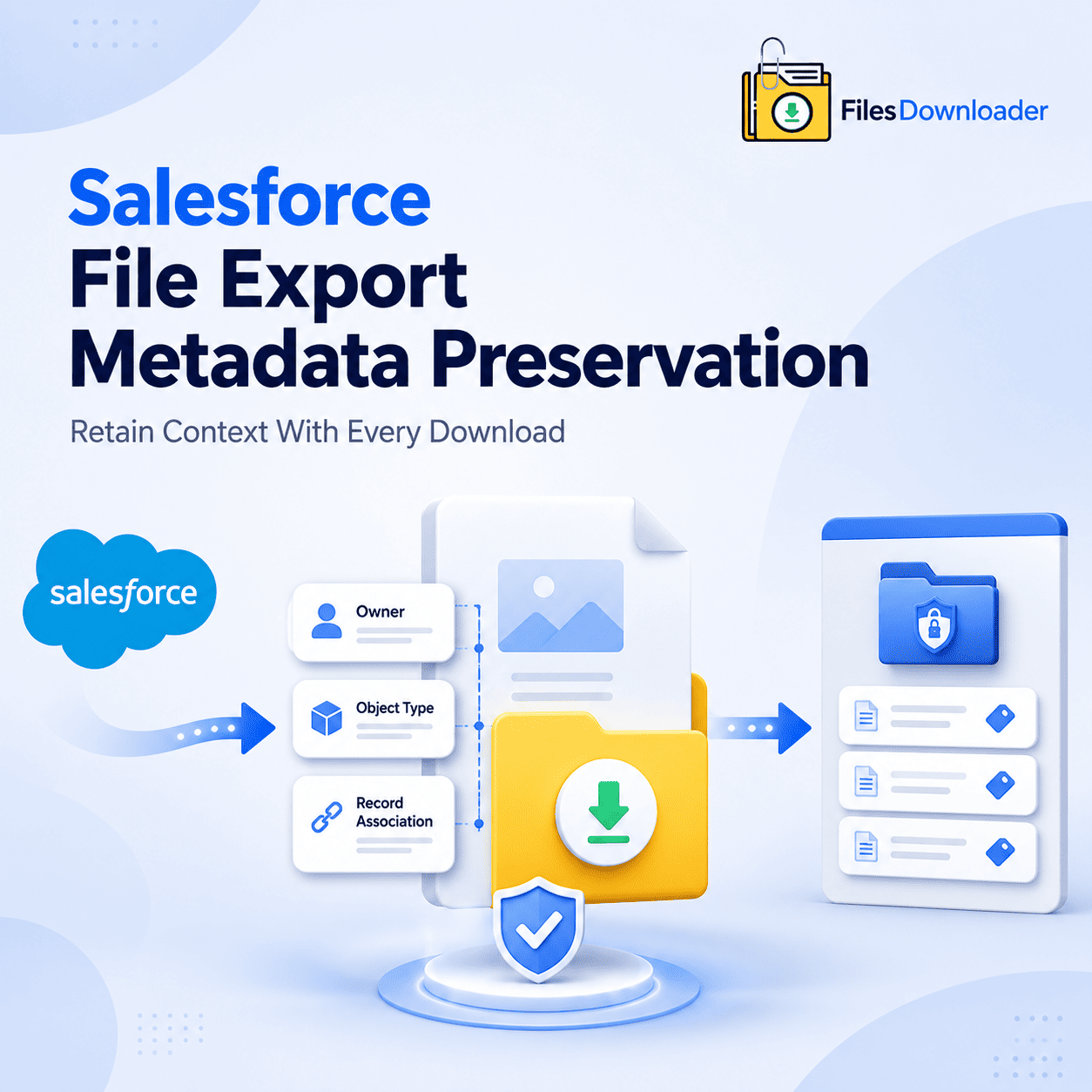


Salesforce File Export Metadata Preservation: Retain Context With Every Download
You can easily download a raw file from Salesforce, but most standard export tools fail on a critical front: they completely lose the context of the file the second it leaves your org. Salesforce File Export Metadata Preservation closes this gap—ensuring every file retains its owner, object type, and record association even when it’s sitting on your local drive or in external cold storage. Without a deliberate preservation strategy, exported files are entirely disconnected from the records they originated from. That’s the “Zip File Scavenger Hunt” problem in a different form. You have the files, but you’ve lost the story, history, and compliance trail behind them.
Thank you for reading this post, don't forget to subscribe!Why Metadata Gets Lost in Standard Exports
Most native export methods treat files purely as raw binary data. While Salesforce structurally stores files as ContentVersion records linked directly to unique business objects, a simple bulk download severs that relationship the moment the file leaves the platform. The result? You are left with a folder full of PDFs and images with absolutely no clue where they came from or why they were uploaded.
This becomes a serious liability during compliance reviews or legal audits where you need to definitively demonstrate a file’s origin, owner, and historical record association. It also quietly compounds File Storage Limit Exceeded situations, as admins become reluctant to delete files from Salesforce File Export Metadata Preservation because they can no longer trace them back to an active or inactive business purpose.
What “Preserved Metadata” Really Means
A proper, enterprise-ready export preserves metadata like owner, object type, and record association on every file, not just the raw file content itself. This means a contract exported from an Opportunity still clearly displays the unique Opportunity it belonged to, who owned it, and exactly when it was created.
Crucially, an advanced exporter retains original file names and folder structures upon export. The exported archive directly reflects your native Salesforce data model rather than flattening thousands of items into one unlabeled, messy directory. That is the fundamental difference between an export archive you can confidently act upon and one you can only store blindly.
The Logistics of Metadata-Preserving Export
The mechanics matter here; a tool claiming to preserve metadata needs to show it at scale, handling heavy volume without data corruption or context loss.
Filtered Bulk Export – No Guessing
The tool natively supports standard and custom list views, allowing you to export mass files and attachments from any list view without losing the precise Salesforce File Export Metadata Preservation related to each one. Because filtering occurs before the export takes place, you don’t have to spend days sifting through a flat pile of files later trying to piece the original context back together.
For advanced users, the SOQL Query Export engine lets you customize and run your own query to instantly access the freshest data in real time. It pulls specific Salesforce File Export Metadata Preservation right alongside the physical files to give you clinical precision at scale. One single step filters and extracts the relevant files based on your criteria, attaching full context to each result. Format and Context, Unchanged
You download files and attachments from Salesforce in the exact same format as they were originally uploaded, and the metadata travels directly with them instead of being stripped away. The export engine seamlessly supports all file types—including PDFs, images (.jpg, .png), Word docs, spreadsheets, and more—without compromising the trackability of a single file.
You can extract Salesforce files in bulk from standard and custom objects simultaneously, giving you a clean result with its full metadata trail intact. It’s the quickest way to export Salesforce files without losing the very context that makes them useful down the road.
Where Metadata Preservation Counts the Most
This is not a cosmetic capability; it is fundamental to any organizational process where files must remain legally defensible or auditable.
Clean Data Migrations: A migrated file with its metadata intact can be systematically re-associated with its correct record on a new destination system or CRM. One without metadata becomes an orphaned mystery that must be reviewed manually.
Compliance Audits & System Backups: Losing metadata means losing the ability to prove regulatory compliance or reconstruct an accurate history of a customer account or case.
Downstream Data Pipelines: Because the metadata is preserved consistently, it is significantly easier to export the Salesforce data directly into SQL Server or Excel with owner, timestamp, and object fields ready to use. No more manually re-creating context field by field after the fact.
If you are a Salesforce admin or data professional who views files as critical business records—rather than just loose attachments—this is an indispensable file exporter utility. It fits perfectly into broader corporate strategies to export Salesforce data and manage files cleanly. Save Yourself the Time of Reconstructing Context
It is vastly more efficient to capture and retain metadata upfront than to try and reconstruct it after an export is finished. This automated method eliminates the tedious time teams would otherwise spend manually sorting through unmapped data, as owner, object, and record data are attached by default when the export run completes. Target specific objects and fields to simplify complex data downloads so your team never has to guess what record a file belonged to.
Ready to secure your file context? Try Files Downloader today and ensure your metadata remains perfectly preserved on your very next export run.
[Book a Free Demo] | [View Pricing] | [Install on AppExchange]