

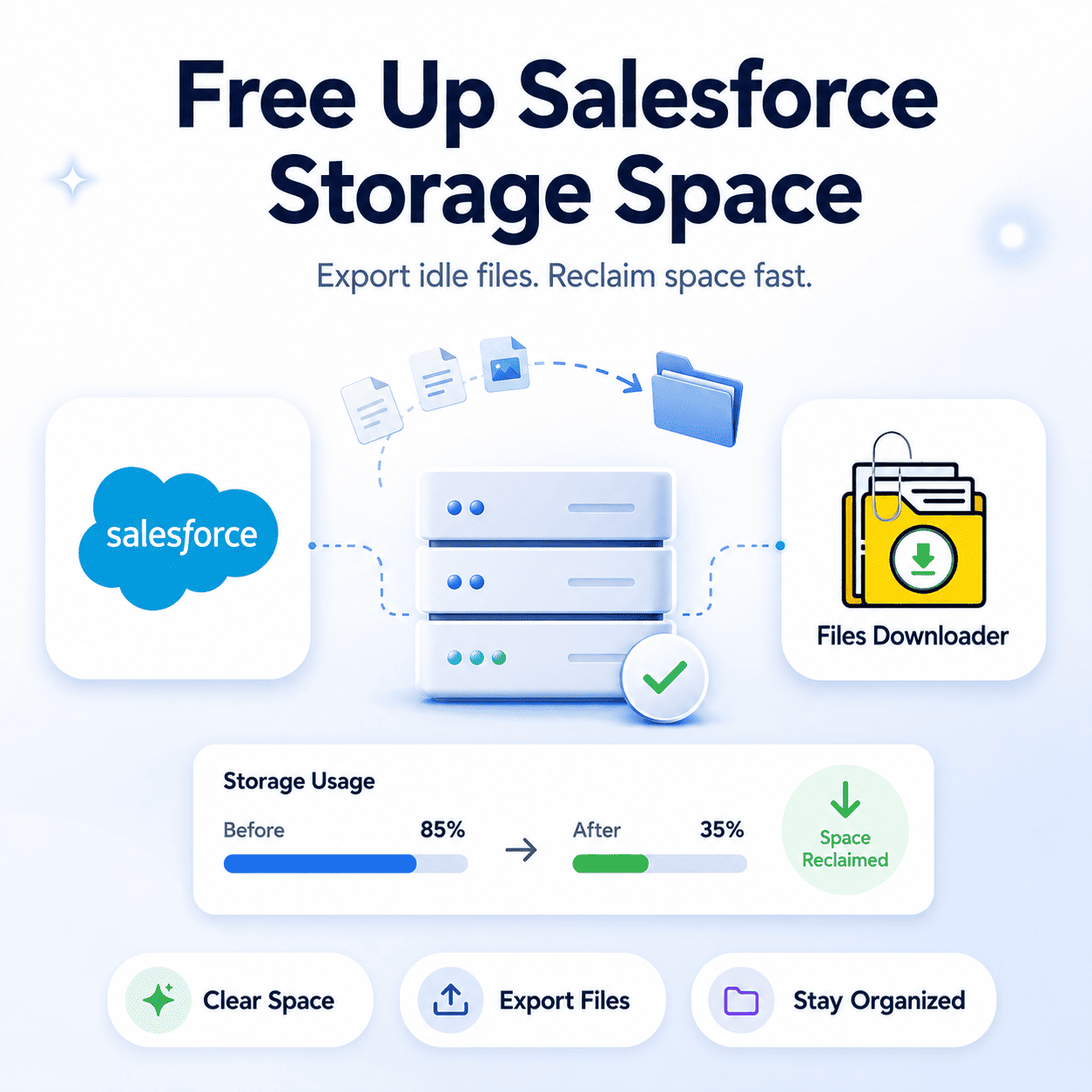


Files Downloader to Clear Up Salesforce Storage Space
The quickest way to Free Up Salesforce Storage Space isn’t to buy more it’s to move out the files already sitting idle in your org. Files Downloader provides the fastest, safest, and most repeatable way for administrators and data teams to clear up Salesforce storage space by exporting ContentVersion records, legacy Attachments, and other files to an external destination — clean and fast, with no bytes of metadata lost.
If you have encountered a “File Storage Limit Exceeded” warning in your org, or if your storage dashboard is inching towards its maximum threshold, this guide will show you exactly how to Free Up Salesforce Storage Space with Files Downloader before it becomes a costly billing issue. By acting early, rather than under the high-pressure situation of a production storage block, administrators can free up space in Salesforce storage in a controlled, filtered way much more simply.
Why Salesforce Storage Gets Used Up Faster Than You Think
Most teams don’t realize how quickly file storage grows until they receive an automated system warning. All attachments uploaded to Salesforce — whether they are PDFs, images, contracts, or emails — are stored as a ContentVersion or legacy Attachment record. These records quietly accumulate over years of use with zero automated cleanup. To start reclaiming your Salesforce storage space, you need to understand where it is primarily being used:
ContentVersion Records Are the Worst Culprits
In modern Salesforce environments, files are stored as ContentVersion records, which represent specific iterations of a ContentDocument object. Every single time a file is edited or re-uploaded, a brand-new ContentVersion record is created. If a presentation or contract is modified ten times, it takes up ten times its original storage space. If your team doesn’t regularly Free Up Salesforce Storage Space, you will pay premium rates for hundreds of historic versions that no one ever opens.
Legacy Attachments Also Add Up
Older Salesforce orgs still hold a massive volume of legacy Attachment records directly related to both standard and custom objects. These older files frequently fly under the radar in modern storage reports, yet they constitute a significant chunk of overall data consumption — especially in orgs that have been active for five or more years without a structured file retention plan.
The Impact of a “File Storage Limit Exceeded” Warning
When your organization runs completely out of Free Up Salesforce Storage Space users are immediately blocked from attaching new files, images, or documentation to records. This disruption throws off daily front-office workflows and forces administrators to frantically free up space under duress or purchase expensive storage blocks on the spot.
Using Files Downloader to Release Salesforce Storage Space
Files Downloader was built specifically for data teams that need to quickly Free Up Salesforce Storage Space at scale. It replaces the rigid, all-or-nothing zip exports of native tools with a filtered, bulk, and metadata-preserving export workflow that targets exactly the files taking up the most space.
Export Mass Files From Any List View
Files Downloader integrates directly with both standard and custom list views. This allows you to target closed opportunities, resolved customer service cases, inactive accounts, or any other group of records carrying heavy file payloads. Bulk select your targeted records and clear up Salesforce storage space in one clean motion — no zip extractions or manual downloads required.
SOQL Query Export Accuracy
For teams looking to strategically free up Salesforce storage space, Files Downloader supports custom SOQL Query Exports for ContentVersion, ContentDocumentLink, or legacy Attachment objects. Filter your queries by specific file sizes, creation dates, record owners, or parental object types to target your heaviest storage drains first.
Metadata and Folder Organization Are Preserved
Free Up Salesforce Storage Space does not mean losing operational context. Files Downloader retains vital metadata like the file owner, object type, and parent record association during the export process. Original file names and folder hierarchies are perfectly preserved from Salesforce to your external destination, meaning there is absolutely nothing to reorganize after the transfer.
Universal Support for All File Types
Whether your files are PDFs, pictures (.jpg, .png), Word documents, spreadsheets, or legacy attachment formats, Files Downloader supports them in their native layout without conversion or quality loss.
Works Seedlessly Across Standard and Custom Objects
In mature orgs, the biggest hidden file loads are often tucked inside custom objects tied to proprietary business applications. Files Downloader Free Up Salesforce Storage Space from standard and custom objects alike, pulling directly from any standard or custom list view.
Choosing Your External Storage Destination
Files Downloader supports many reliable external cloud architectures so that nothing is lost during your storage extraction:
Google Drive: Ideal for teams utilizing Google Workspace who want archived assets to be immediately accessible across departments within secure Shared Drives.
OneDrive and SharePoint: The natural home for Microsoft 365 enterprises that want exported files stored within the same cloud ecosystem that the rest of their corporate documentation runs on.
Dropbox: A straightforward choice for teams that require rapid, reliable file distribution and simple external access controls without architectural hassle.
Local Storage: For organizations operating under strict on-premises requirements or utilizing internal file servers, Files Downloader can safely export files to local storage arrays for further internal routing.
Strategic Use Cases for Clearing Salesforce Storage
Closed Record Cleanup: Export and archive files associated with long-resolved support cases, closed opportunities, or completed projects. This represents the lowest operational risk and is the quickest way to Free Up Salesforce Storage Space in Salesforce without breaking active front-office workflows.
Recurring Storage Management: Establish a scheduled export with Files Downloader on a proactive monthly or quarterly basis. Consistently clearing out older records prevents the “File Storage Limit Exceeded” warning from ever halting your operations.
Pre-Migration Preparation: Exporting legacy file libraries prior to migrating to a new Salesforce org or external CRM reduces your overall data volume, shrinking the time, complexity, and expense of the migration project.
Compliance Archiving: Route files directly to a secure, compliant external destination while clearing your CRM footprint at the same time — turning a mandatory records retention policy into a clear storage and budget win.
Managing Your Data Post-Export
Once your Files Downloader export is complete and verified, you can confidently proceed to delete the original ContentVersion or legacy Attachment records from Salesforce. This deletion step is what actually calculates and frees up your production storage capacity on your dashboard.
Because files arrive at their external destination in their native format with metadata intact, teams can also easily map the exported data into SQL Server or Excel downstream for audits, reporting, or data pipeline feeding.
Ready to Reclaim Your Salesforce Space?
Why pay for premium cloud storage you don’t actively use? Each time you deploy Files Downloader, it provides administrators and data teams with the fastest, most accurate, and most repeatable way to optimize system capacity.
[Book a Free Demo] | [View Pricing] | [Install on AppExchange]