



Client Overview
Sequoia Climate Foundation relies on Salesforce NPO Cloud to manage grant programs, fundraising initiatives, and compliance documentation efficiently. Their mission is to identify, fund, and monitor programs that have the potential to mitigate environmental challenges on a global scale.
Thank you for reading this post, don't forget to subscribe!Every year, the foundation manages:
- Multiple grant programs and awards
- Compliance tracking for funded projects
- Extensive fundraising initiatives and donor campaigns
With such a high volume of grants and awards, Sequoia Climate Foundation deals with hundreds of documents, including compliance reports, award letters, and milestone deliverables. Efficiently managing these files while keeping records accurate and audit-ready is essential for their operations.
Challenges Managing Files in Salesforce NPO Cloud
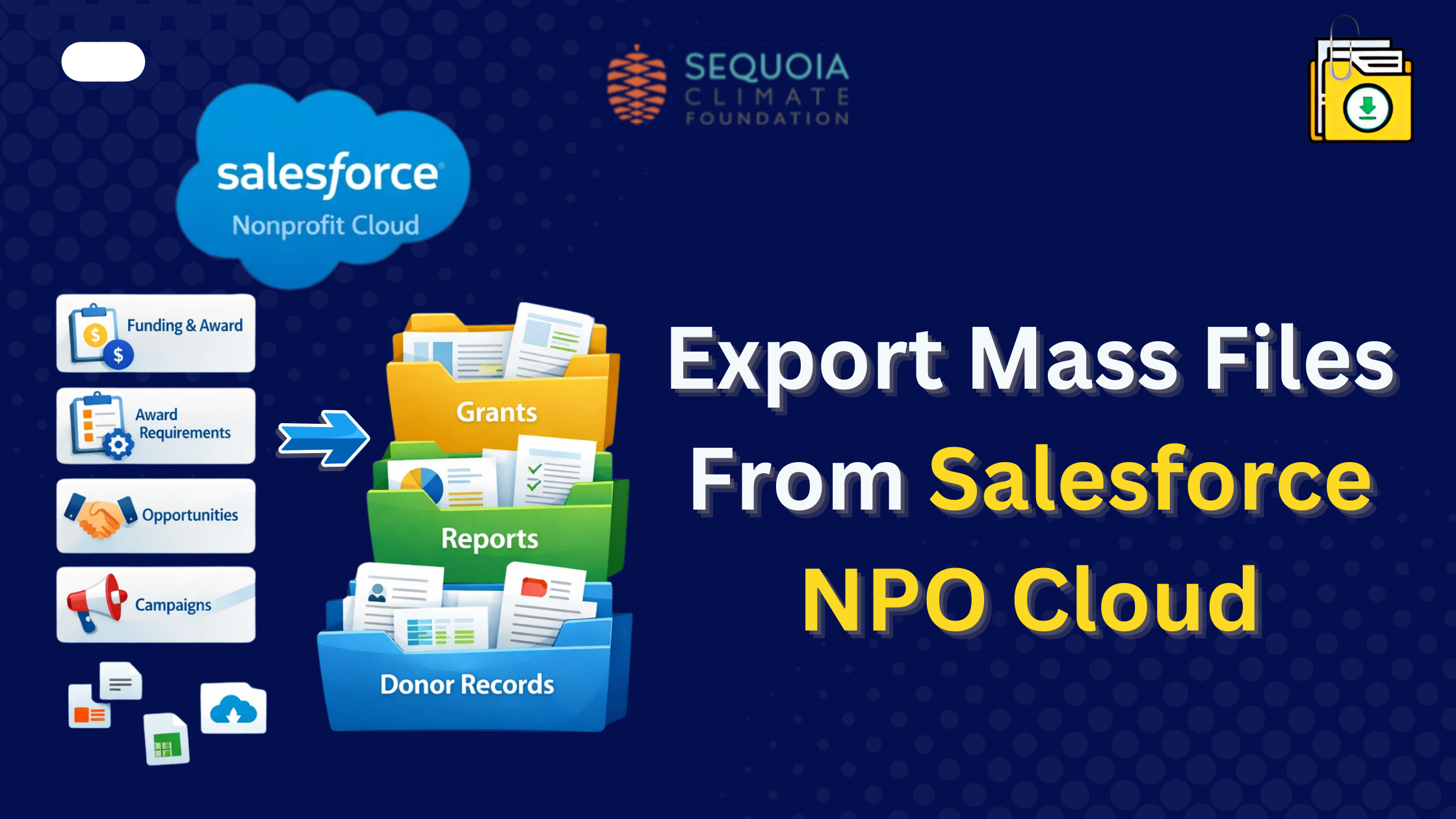
Sequoia Climate Foundation, which focuses on climate initiatives, uses Salesforce NPO Cloud (NPO Cloud) to manage its funding programs, awards, and fundraising operations. These activities generate hundreds of files and attachments across multiple Salesforce objects.
Manually downloading these files from Salesforce objects was time-consuming and prone to errors, especially when handling Funding & Award records, Funding Award Requirements, and other fundraising-related objects.
To solve this challenge, Sequoia Climate Foundation downloaded Files Downloader from Salesforce AppExchange, a Salesforce files export tool that works seamlessly in NPO Cloud, allowing users to extract bulk files from multiple Salesforce objects while preserving file names, metadata, and folder structures.
Challenges Faced
- Multiple Salesforce Objects Containing Critical Data: The organization manages files across several Salesforce objects, including:
- Funding & Award Object: Tracks awarded grants and related documents
- Funding Award Requirements: Stores compliance documents, agreements, and attachments
- All fundraising-related objects: Includes Opportunities, Campaigns, and custom objects
- Time-Consuming Manual Downloads: Manually downloading files & attachments from multiple records slowed reporting and audits.
- Maintaining File Integrity: Preserving file names, folder structures, and metadata is essential for compliance and record-keeping.
- Large Volume of Multiple Type of Files: Hundreds of PDFs, images, spreadsheets, and other attachments needed extraction efficiently and securely.
Solution: Files Downloader in NPO Cloud
Files Downloader provided Sequoia Climate Foundation with a 100% native Salesforce solution that allows bulk exporting files, attachments, and documents while preserving metadata and folder structures.
Key Features Utilized:
- Bulk Export Across Multiple Objects: Files Downloader enabled seamless extraction from the Funding & Award Object, Funding Award Requirement, and all fundraising-related objects.
- Mass Export files from Salesforce List View: Admins can mass extract files from Salesforce List Views, allowing them to target only specific records like recent grants or active campaigns.
- CSV Mapping: Automated CSV mapping helped associate each downloaded file with its corresponding Salesforce record for easy reference.
- Preserved File Relationships: The app maintains links between files and parent records (Accounts, Opportunities, Campaigns, or custom objects), so audit trails remain intact.
- Secure & Compliant: Being Salesforce-native, the solution adheres to all platform security and compliance standards, providing peace of mind for sensitive fundraising and award documents.
- Dashboard & Tracking Reports: Admins could monitor downloads, track file extraction status, and generate reports for audit purposes.
For detailed documentation, see: Files Downloader Salesforce Package v1.107 Release Notes.
How It Works: Extracting Files from Grantmaking and Fundraising Objects
Here’s how Sequoia Climate Foundation uses Files Downloader to extract mass files from Salesforce:
1. Filter Records Using List Views
- Admins create List Views for specific criteria:
- Approved grants
- Funding Award Requirements submitted in a given month
- Opportunities related to specific campaigns
2. Select File Types and Parent Objects
- Choose specific file types (PDF, XLS, images)
- Specify Salesforce objects such as Funding & Award, Funding Award Requirements, or custom objects
3. Bulk Export with Metadata
- Files Downloader maintains parent-child relationships between the file and its Salesforce record
- Preserves metadata such as created date, owner, and related Account/Contact
4. Download Organized ZIP Files
- Files are compiled into structured ZIP folders with folder names reflecting the Salesforce object or record
- Simplifies archiving, sharing, and audit preparation
Results: Efficiency for Nonprofit Operations
By integrating Files Downloader with Salesforce NPO Cloud, Sequoia Climate Foundation achieved:
- Significant Time Savings: Manual downloads reduced from hours to minutes
- Error-Free File Management: Eliminated mistakes caused by manual downloads
- Improved Audit Readiness: Structured files with preserved metadata allow quick audit preparation
- Enhanced Data Portability: Easy to archive or share files without losing relationships or metadata
- Streamlined Fundraising Operations: Teams can focus on evaluating grants and supporting climate initiatives instead of administrative work
Client Testimonial
“Files Downloader has completely transformed the way we manage our documents. Extracting files from multiple objects in Salesforce NPO Cloud is now effortless, saving us time and ensuring accuracy. Highly recommended for any nonprofit managing large volumes of data.”
— Sequoia Climate Foundation
Why NPO Cloud Users Need Files Downloader?
Nonprofits using Salesforce NPO Cloud deal with:
- High volumes of attachments across Funding & Award, Funding Award Requirements, Opportunities, Campaigns, and custom objects
- Complex record relationships where each file is tied to a parent Account, Contact, or Opportunity
- Reporting and compliance requirements where audit-ready documents are essential
- List Views for targeted data selection
Files Downloader addresses all of these challenges, making bulk file extraction fast, organized, and error-free.
Introducing Salesforce Nonprofit Cloud (NPO Cloud)
Sequoia Climate Foundation uses Salesforce Nonprofit Cloud (NPO Cloud), a tailored platform for nonprofits. NPO Cloud includes objects and modules specifically designed to manage donors, fundraising campaigns, grants, and programs.
Key objects in NPO Cloud include:
- Accounts & Contacts: Donor, volunteer, and partner tracking
- Opportunities & Donations: Fundraising and grants
- Campaigns: Fundraising initiatives and marketing campaigns
- Funding & Award Objects: Tracking grant distribution and program funding
- Funding Award Requirements: Compliance and milestone documentation
Files Downloader works natively in this environment, ensuring that nonprofit teams can extract files from any object, including custom and standard NPO Cloud objects, without compromising security or relationships.
Conclusion
For nonprofits like Sequoia Climate Foundation, managing large volumes of files and attachments across multiple Salesforce objects in NPO Cloud can be challenging. Files Downloader simplifies the process, enabling efficient, secure, and compliant mass files extraction from NPO Cloud.
Whether it’s awards, funding requirements, or general fundraising documents, Files Downloader ensures your team can focus on your mission instead of tedious file management tasks. Challenges Managing Files in Salesforce NPO Cloud
Ready to automate your grantmaking documentation? Install Files Downloader from the AppExchange
or Book a Demo today.