

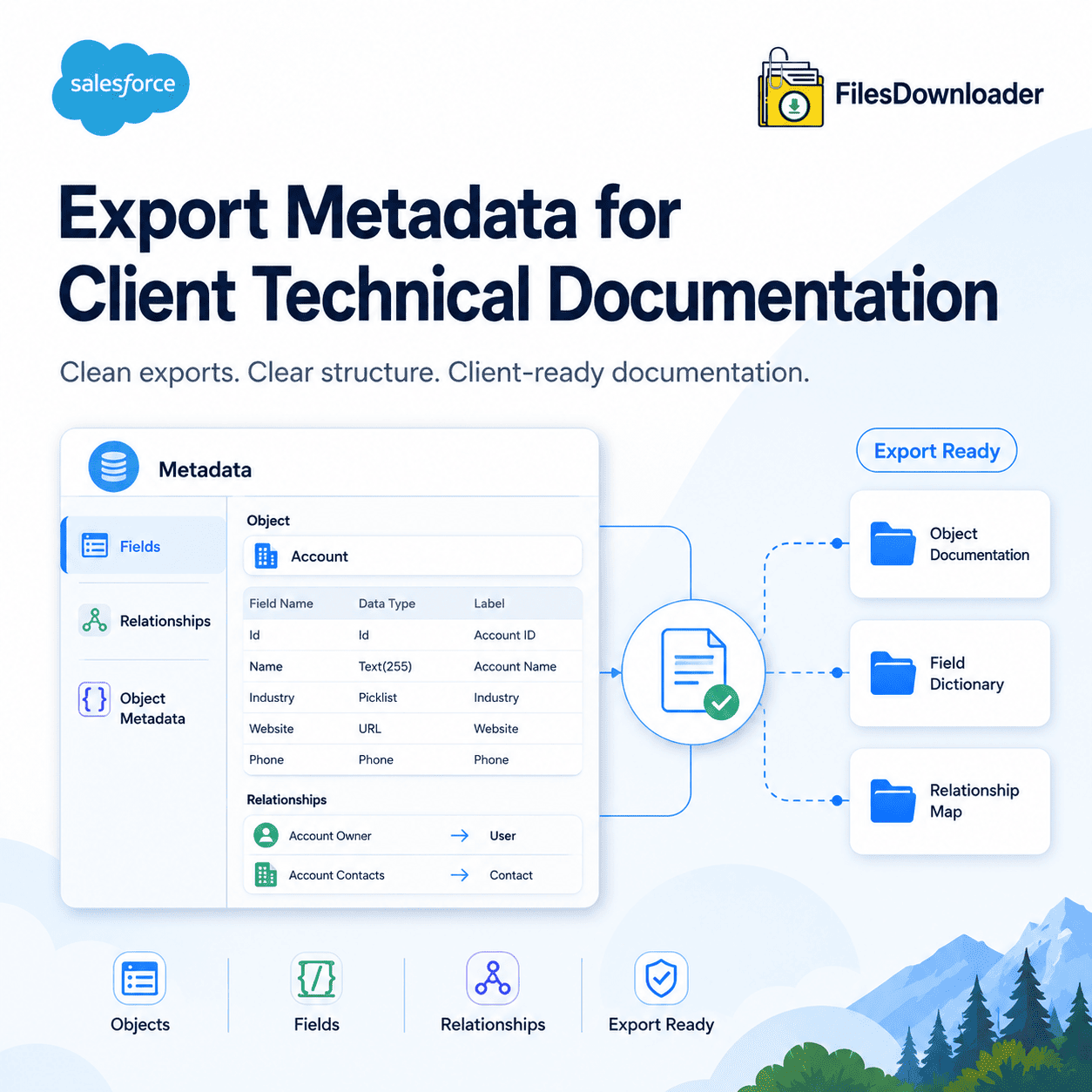


How to Export Metadata for Client Technical Documentation in Salesforce
To export metadata for client technical documentation, you need more than a raw file dump — you need each document (contract, spec sheet, blueprint, compliance certificate) to retain its original file name, owner, record association, and object type, so a client or auditor receiving the export can trace every file back to the record it came from without extra explanation. That’s the core requirement, and it’s the piece most Salesforce exports get wrong.
Thank you for reading this post, don't forget to subscribe!Why Standard Salesforce Exports Fall Short
Salesforce is a powerhouse for CRM, but its native export tools weren’t built for producing clean, handoff-ready documentation. Two problems come up constantly:
The “Zip File Treasure Hunt.” A standard weekly or monthly export compiles files into generic, nested zip folders. Original file names get replaced with unreadable IDs, and object associations and ownership data are stripped out—so reattaching each file to its correct record becomes a manual, time-consuming task.
Storage caps and rigid filtering. Hitting a File Storage Limit Exceeded error can stall an export entirely, and native tools offer no fine-grained way around it. You’re forced into an all-or-nothing export even when you only need files from a specific date range or object.
How to Export Files with Metadata Intact
Here’s the practical workflow using a file downloader; once the native limitations above are the problem you’re solving for:
1. Choose your source. Open any standard or custom list view in Salesforce, or use a custom SOQL query for precise ContentVersion or Attachment fields.
2. Filter to exactly what you need. Narrow by record type, creation date, or parent object—pulling 200 technical specs for an audit instead of an entire 50,000-file library.
3. Run the export. Files download with original names, folder structure, owner, object type, and record association intact—ready to hand to a client or import into SQL Server or Excel for further tracking.
4. For advanced filtering, run direct SOQL. Developers and advanced admins can target specific fields for surgical precision over ContentVersion records and their parent-object metadata.
Native Export vs. Purpose-Built Export
| Challenge | Native Salesforce Export | file downloader |
|---|---|---|
| File Naming | Renamed to cryptic record IDs | Original file names preserved |
| Filtering | All-or-nothing org export | Filter by list view, object, or SOQL |
| Metadata Preservation | Detached from the files themselves | Owner, object type, and record link retained |
| Setup & Speed | CLI tools or hours-long wait | One-click export |
Security note: Because the export runs natively within Salesforce and respects existing permission sets and sharing rules, client-facing documentation exports don’t introduce a separate compliance risk on top of the audit itself.
Best Practices for Client-Ready Technical Documentation
- Filter before you export—a targeted 200-file set is easier to hand off and verify than a 50,000-file dump.
- Keep the folder structure intact rather than flattening files into one directory; it’s the fastest way for a client to self-navigate.
- Re-export on a defined cadence for ongoing client relationships, rather than only when a request comes in.