

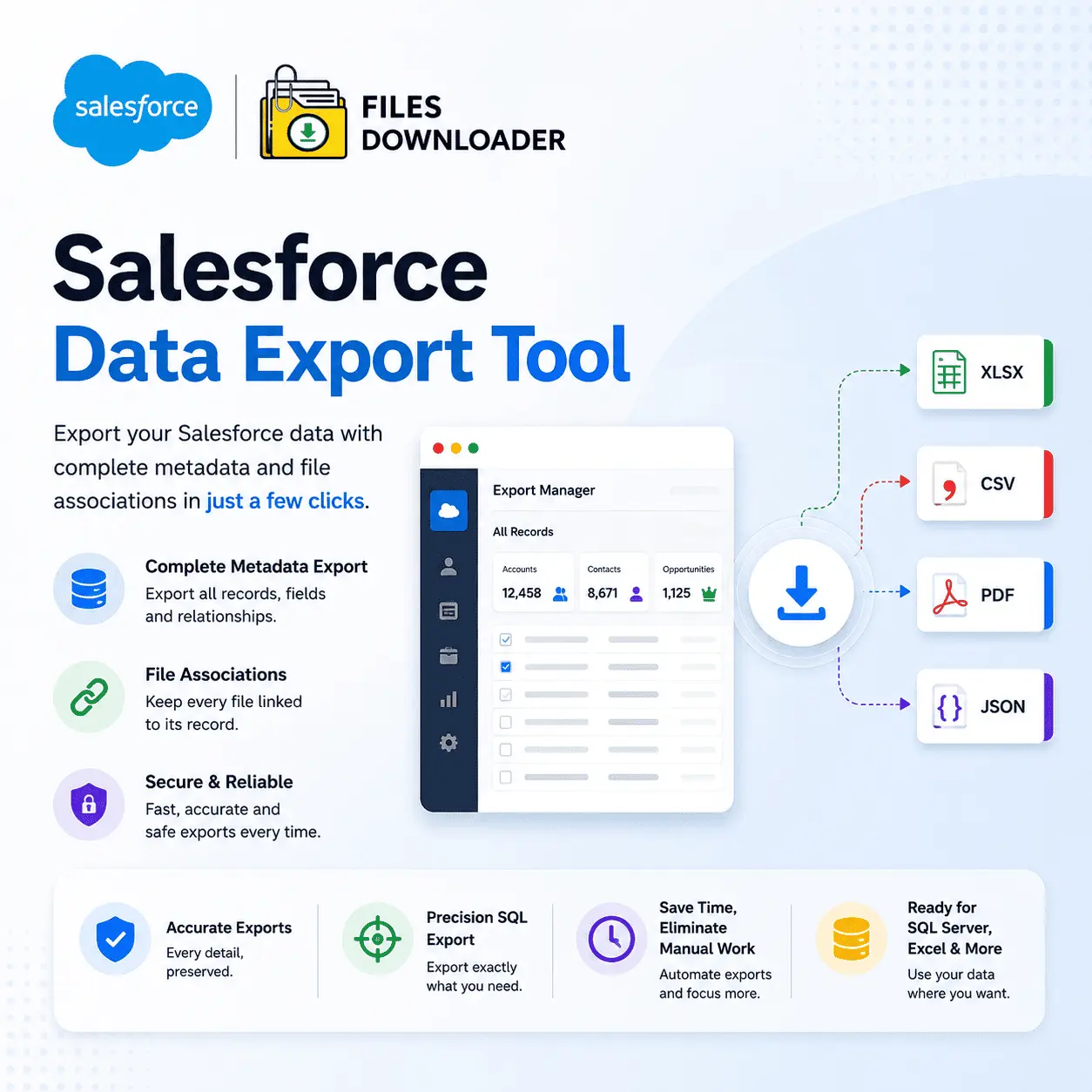


Best Salesforce Data Export Tool & Data Migration Tool for Admins, Operations Teams & Data Engineers
Having trouble with Salesforce’s built-in export limits? Files Downloader is the only Salesforce data export tool that allows you to bulk download files, attachments, and records from any standard or custom object—in the exact original format—without writing a single line of code.
Thank you for reading this post, don't forget to subscribe!Every Salesforce admin knows the drill: You need your files out. Fast. But the native export leaves you buried in a zip file with randomly renamed attachments, no folder structure, and zero metadata. That’s not an export. That is a scavenger hunt.
Salesforce Export Limits by Default
Every team runs into the same wall. You open the native data export, wait for the zip, and unpack it—and what you get back is a folder of files with cryptic names, stripped metadata, and no clear records association. For a one-time backup it’s acceptable. It’s a blocker for a migration or audit or compliance request.
You can’t pull ContentVersion records or binary attachments in bulk from standard Salesforce reports. Every week you have to manually parse a bloatware archive. If you’ve ever hit the dreaded File Storage Limit Exceeded alert, you know how quickly “we’ll deal with it later” turns into a crisis.
Here are the four pain points that lead teams to search for a better salesforce data export tool:
- The Zip File Scavenger Hunt—Native exports jumbled file names and strips folder context, turning post-export sorting into a full-day job for whoever drew the short straw.
- No Selective Filtering — You cannot specify particular records, file types, or date ranges. It’s all or nothing, meaning exporting thousands of files to find the two hundred you actually need.
- File Storage Limit Exceeded—No easy way to audit and off-load files so your org storage fills fast, performance suffers, and your Salesforce bill creeps upward.
- The SOQL Complexity Barrier—Extracting files with SOQL Query Export requires developer resources most admin teams simply don’t have available on demand. Your admins were not hired to write queries, troubleshoot API calls, or manage output files.
What is the Salesforce Data Export Tool Files Downloader?
Files Downloader is a native AppExchange application designed specifically for Salesforce orgs that need to transfer large volumes of files and attachments quickly, cleanly, and accurately. It works directly from your Salesforce list views — standard and custom — unlike generic file managers or manual SOQL scripts, so there is no setup overhead or data mapping required.
It’s the Salesforce data export tool admins turn to when they need to keep metadata intact, maintain folder structures, and get files into downstream systems like SQL Server or Excel without the usual pain.
Files Downloader natively works with Salesforce’s ContentVersion object, which means your files (not legacy attachments) export cleanly with all version history and linked record data intact. It supports every standard and custom object in your org, handles all file types, and requires zero lines of code to operate.
Files Downloader: The Salesforce Data Export Tool That Does It All—and Then Some
Files Downloader is not a one-trick utility. It’s a complete file extraction platform built around how Salesforce admins and data teams really work.
The Quickest Way to Run a Salesforce Data Export Tool Without Complex Setup
Choose any standard or custom list view, apply your filters, and start a bulk export in one step. There are no batch jobs to schedule. No API wrappers to set up. No need to open dev tickets. The app brings your entire export workflow right into the Salesforce UI you already use every day.
Whether you pull PDFs from a contracts object, images from a media library, or documents from a fully custom object, Files Downloader handles every file type: PDFs, JPG images, PNG images, Word documents, spreadsheets, and more. You receive the files in the exact format they were uploaded—no conversion, no corruption.
- Compatible with both standard and custom list views — Export mass files and attachments from any list view in your org. No exceptions, no object exclusions.
- Exact format preservation — Download Salesforce files and attachments in the exact original format. Whatever goes in is exactly what comes out.
- Full metadata retention – Retain owner, object type, record association metadata, etc. during export. Your data is meaningful and traceable outside of Salesforce.
- Original file names and folder structure — Export with original file names and folder structure. No more renaming hundreds of files after the download finishes.
- Precision filtering – Extract only the files that are relevant to your criteria in one step. Don’t export everything just to find something.
- Custom SOQL Query Export—Pull the freshest data right now by customizing and running your own SOQL query right in the app. Built for power users who need surgical precision, minus the boilerplate.
- Supports all file types—PDFs, images (.jpg, .png), Word docs, Excel sheets, CSVs, ZIP files, and any other binary stored as a ContentVersion or classic Attachment record.
- Export from standard and custom objects — Export Salesforce files in bulk from standard objects such as Accounts, Contacts, and Opportunities, and from any custom object your team has built.
- SQL Server and Excel ready — The export output is already formatted to import into SQL Server or Excel after export, saving hours of manual reformatting.
Designed for Migrations, Audits and System Backups
Files Downloader is designed for the high-stakes scenarios that Salesforce teams face most often. It makes complex data downloads easier by allowing you to specify particular objects and fields, instead of downloading all the data and filtering later.
- Clean migrations—Migrating to a new CRM, data warehouse, or cloud storage platform? Files Downloader provides you with a structured, metadata-rich export that plugs right into your import pipeline. Automated cleanup. No missing associations.
- Compliance Audits – Need to produce every document tied to a specific account, date range, or record type for a legal or regulatory request? Filter by object, owner, or field value and export exactly what you need—no more, no less.
- System backups — Best for scheduled or on-demand backups of your Salesforce file library. Maintain your org’s documents in a clean and organized local copy, without relying on Salesforce storage alone.
No manual data sorting saves you time. Files Downloader takes care of the organization for you at export time so the output is immediately usable.
Who Is This Salesforce Data Export Tool For?
Files Downloader is the essential file exporter for Salesforce admins and data teams of all industries.
- Salesforce Admins use it for routine backups, storage audits, and org housekeeping—without having to raise a developer ticket or learn SOQL.
- Data and operations teams use it for migration to new CRMs or data warehouses, where the integrity of metadata and folder structure is non-negotiable.
- Compliance and legal teams leverage the precision filtering to quickly and accurately produce document sets for audits, legal holds, and regulatory reviews.
- IT and Developer Teams leverage the custom SOQL query export to run targeted pulls against specific objects and fields, skipping the boilerplate and working faster.
It works flawlessly with Salesforce data export and file management requirements for all of these roles—and scales from a single admin performing a one-off backup to an enterprise ops team executing weekly scheduled exports.
How to Export Files from Salesforce in Four Easy Steps
No time for onboarding. No complicated config. How fast is a bulk export with Files Downloader:
- Step 1 — Open any list view in Salesforce (standard or custom) and select the records you want to export.
- Step 2—Launch Files Downloader from the button installed from the AppExchange right in your list view toolbar.
- Step 3 — Filter by file type, object, owner, or date range. You can optionally run a custom SOQL query export to target exactly the fields and records that you need.
- Step 4 — Click on Export. Your files are downloaded in their original format with metadata, original file names, and folder structure fully preserved.
And that’s all. No zip file archaeology. No hand sorting. No involvement from developers.
[Book a Free Demo] | [View Pricing] | [Install on AppExchange]