

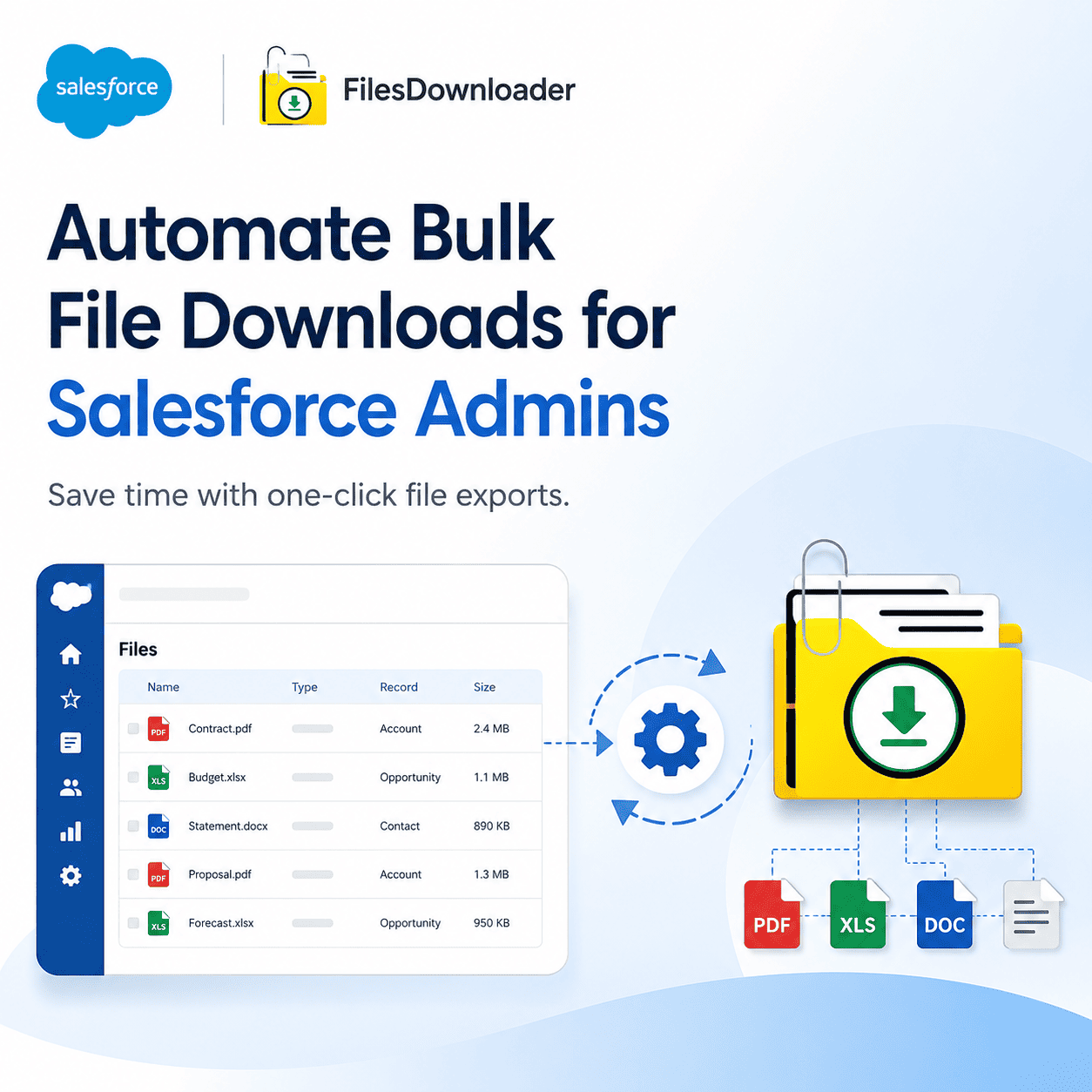


Automate Bulk File Downloads For Salesforce Admins
Automate Bulk File Downloads For Salesforce Admins replaces the manual, record-by-record file extraction with a filtered, one-click export that pulls hundreds or thousands of attachments at once—while keeping the metadata and record relationships that make those files useful later. For Salesforce admins who are working with storage limits, audits, or migrations, this shift from manual clicking to automatic extraction is often the biggest time saver in their file management process.
Thank you for reading this post, don't forget to subscribe!Why Native Salesforce File Tools Don’t Scale
Salesforce’s native file capabilities are built for managing individual records, not bulk operations, and that gap appears in a few consistent ways:
No bulk download via the UI. Native tools make you open each record individually to download the attachments—fine for a few files, but impractical at scale.
Weekly Export Service takes context out. Standard exports give you raw content bodies with no human-readable metadata, so there’s no way to tie files back to their parent records unless you do it manually.
No selective filtering. It’s an all-or-nothing export, which is a real problem when your org hits a warning that the file storage limit has been exceeded and needs to archive specific files quickly, not all at the same time.
For any admin doing data governance, storage clean-up, or compliance reporting, those gaps make a routine job into hours of manual sorting.
Bulk File Download Automation – How To
Here is the practical workflow with the file downloader:
- Select your scope. Choose a standard or custom list view—Accounts, Opportunities, Cases, or any custom object—or run a custom SOQL query export for finer-grained control.
- Be specific about what you want. Narrow by object, file type, date range, or owner, so you’re pulling only the files relevant to your current task instead of your entire file library.
- Export with context preserved. Files are downloaded with original names, exact file formats, folder structures, and full metadata (owner, object type, record association) preserved—no manual matching afterward.
- Repeat on a cadence. Doing regular exports, instead of one-time pulls, makes your storage predictable and gives you an ongoing archive instead of a one-off snapshot.
Native Salesforce Export vs Files Downloader
| Capability | Native Salesforce | Files Downloader |
|---|---|---|
| Bulk Download | Record-by-record only | Mass export in one click |
| Selective Filtering | All-or-nothing | List view, object, or SOQL-based |
| Preserve Metadata | Stripped or separated | Owner, object type, record link kept |
| File Format Support | Generic/Limited | PDFs, images, docs, spreadsheets, CAD, etc. |
| Setup Complexity | Scripting or ETL pipelines | No code, instant |
The export runs natively inside of Salesforce and respects your existing permission sets and sharing rules, so automating bulk downloads doesn’t create a new data-handling or compliance risk.
Salesforce Admin Key Use Cases
Safe backups and system migrations — full file archives with no data loss, perfect for legacy org migrations or business unit consolidations.
Database integration and analytics — logical folder structures and retained metadata enable exported files to be easily imported into SQL Server or Excel for downstream analysis.
Reduce costs and optimize storage—archive bulky documents to local or cloud storage as soon as you receive a “File Storage Limit Exceeded” alert and reduce storage fees while keeping full historical access intact.