

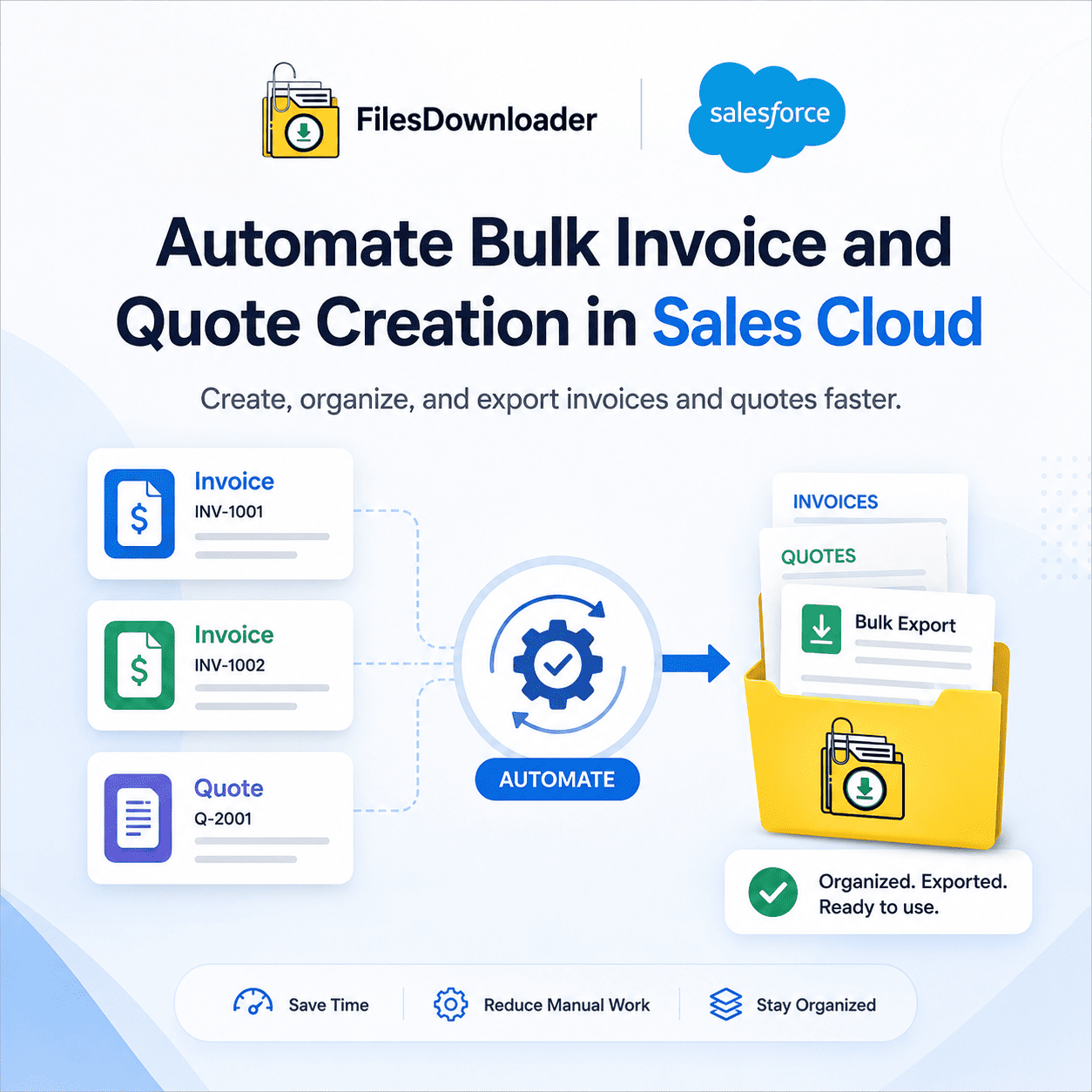


Automate Bulk Quotes and Invoice Creation in Sales Cloud
What you need is a document generation tool that can take account, opportunity, and line item data and automatically generate the finished PDF (not a file exporter) to automate bulk invoice and quote creation in Sales Cloud. This is most commonly done via Salesforce CPQ, native Quote Templates with Flow, or third-party document-generation tools such as Conga Composer or DocuSign Gen. You need to understand which of these fits your process before you automate anything.
Thank you for reading this post, don't forget to subscribe!The Real Deal with Invoice and Quote Automation in Salesforce
A few native and extended paths do this:
Salesforce CPQ (Configure, Price, Quote)—A quoting tool for opportunity and product data, pricing rules, and approval workflows. Best suited for teams with complex pricing logic or bundled products.
Quote Templates + Flow—The native Salesforce Quote object can generate a PDF from a template, and Flow can auto-call this based on changes in opportunity stage, removing the manual “click generate” for high-volume teams.
Conga Composer / DocuSign Gen—third-party document-generation platforms that combine Salesforce data into Word or PDF templates in bulk, often used when invoice formatting needs to go beyond what native quote templates support.
Billing platforms (e.g., Salesforce Billing or ERP integrations)—for actual invoice creation that has to do with billing cycles, not quotes, since the invoice is usually post-close and syncs with finance systems.
If generating invoices and quotes one at a time is your bottleneck, this is the layer to automate. It’s worth stating clearly that a file export tool, including ours, doesn’t generate documents.
When File Management Becomes Relevant After Documents Are Created
Once invoices and quotes are filed in Salesforce—typically as ContentVersion attachments on Opportunities, Accounts, or custom billing objects—a different problem comes up: getting those documents out in bulk for audits, storage clean-up, or migrations. This is where native Salesforce export tools get in the way.
The default Weekly Export Service dumps these files into unstructured zip archives, strips original file names, and replaces them with unreadable record IDs—the “zip file scavenger hunt” is familiar to any admin who’s tried to reconcile a batch of invoices back to their parent Opportunities. There is no selective filtering, so downloading one quarter’s worth of invoices for an audit means downloading everything and sorting it manually, and a File Storage Limit Exceeded warning often forces the issue before anyone is ready for it.
Files Downloader for Exporting Invoice and Quote Files
After your documents are generated, the workflow for handling them at scale is:
- Start with a list view. Filter to the specific record set (billing object, opportunity segment, or quote list) using standard or custom list views already created in Salesforce.
- Be precise with SOQL. You can filter ContentVersion records by parent object type, file type (PDF, docx), date range, or owner and avoid exporting duplicates across active billing cycles.
- Export with context. Original file names, folder structure, owner, object type, and parent-record association are preserved to ensure that each invoice or quote is associated with the opportunity or account from which it was created.
- Downstream system transition. Structured output easily loads to SQL Server, Excel, or a target org for migrations; no manual remapping is required.
Files Downloader vs Native Export
| Feature | Native Salesforce | Files Downloader |
|---|---|---|
| One-Click Bulk Export | No | Yes |
| Selective Filtering | Limited | Advanced (list view, object, or SOQL) |
| Metadata Preservation | Partial | Complete (owner, object type, record link) |
| Folder Structure | Random, flat | Custom hierarchy maintained |
Because the export is native to Salesforce and honors the existing permission sets and sharing rules, pulling invoice and quote files for an audit does not introduce a separate compliance risk.
Finance & RevOps Teams: Best Use Cases
Audit and financial compliance—filter by date range and export a full quarter’s invoices and quotes in minutes, not days of manual record pulling.
Storage and systems administration—periodically move older invoice/quote files to archives to avoid “File Storage Limit Exceeded” errors.
Migration and data cleanup—pull files with relationships intact when consolidating business units or moving to a new organization.