

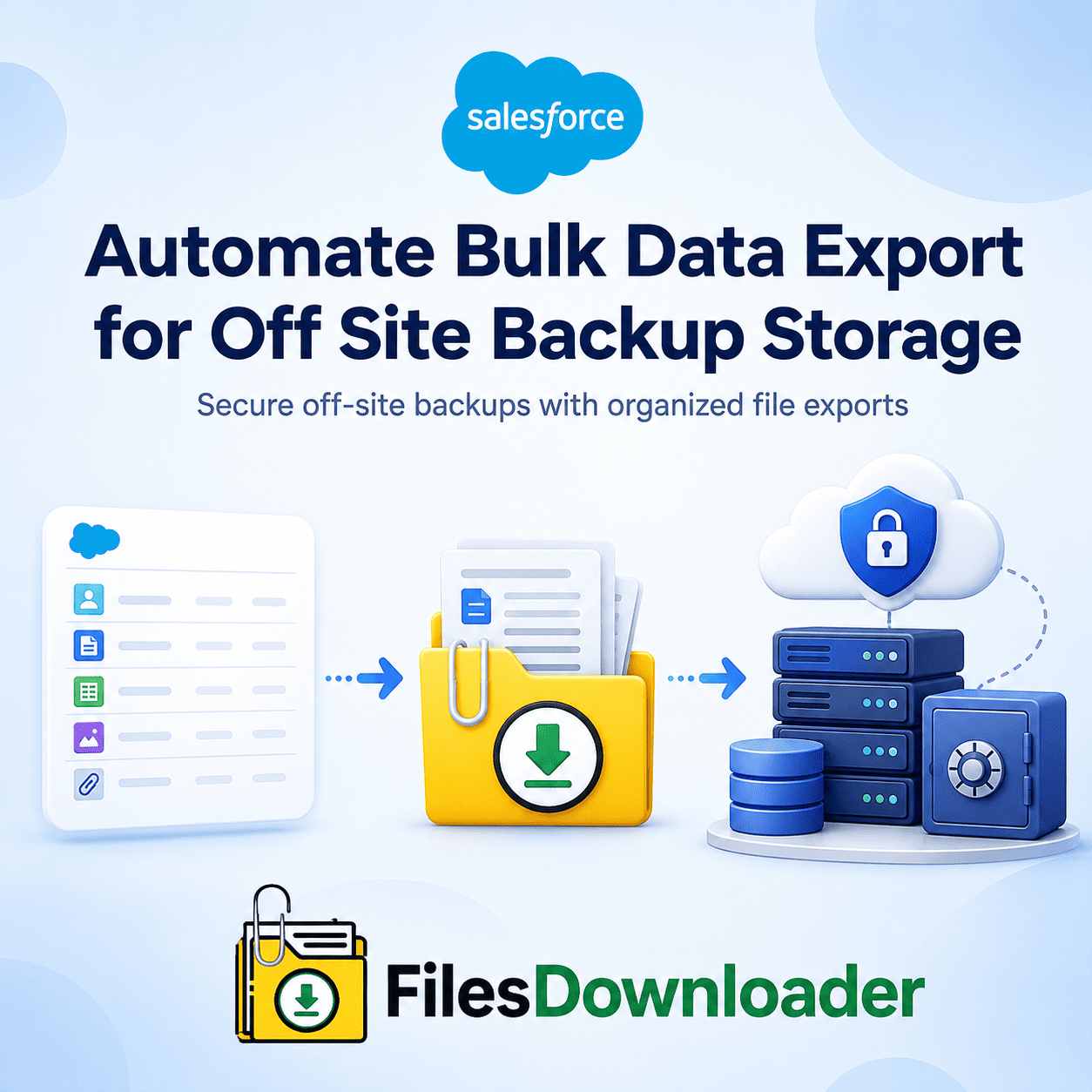


How to Automate Bulk Data Export for Off Site Backup Storage
To automate bulk data export for off site backup storage in Salesforce, you need a way to pull files and attachments out of your org on a repeatable schedule, with original file names, metadata, and record relationships intact — not a manual weekly export that leaves you sorting cryptic zip files by hand. This matters most for three scenarios: compliance archiving, disaster recovery planning, and clean data migrations, all of which depend on a backup being usable, not just complete.
Thank you for reading this post, don't forget to subscribe!Why Native Salesforce Exports Fall Short for Off-Site Backups
Salesforce is a powerful CRM, but its out-of-the-box file export capabilities weren’t built for serious backup workflows, and two specific gaps make automating bulk data export for off-site backup storage difficult without the right tool:
The “zip file scavenger hunt.” Native exports compress documents into split zip files, replacing original filenames with cryptic record IDs and severing the link to parent records like accounts, cases, or opportunities. Rebuilding that structure into something usable takes hours of manual spreadsheet matching.
No selective filtering. Need just the Closed Won Opportunity attachments from last quarter for an off-site archive? Native tools can’t do that — you’re forced to export your entire file repository, burning local storage and bandwidth to retrieve a fraction of your actual data.
What a Real Off-Site Backup Strategy Needs
Before automating anything, an off-site backup export needs to hit three requirements:
1. Metadata, file names, and parent-child relationships retained. A backup is only useful in a recovery scenario if you know where each file belongs. The export needs to preserve original file names and key metadata — owner, object type, creation date, and record association — across every format (.pdf, .jpg, .png, .docx, and custom extensions).
2. Targeted extraction by object and field. Filtering by standard objects (Accounts, Contacts) or custom objects in a single step, rather than downloading gigabytes of irrelevant data, is what makes ongoing off-site backups sustainable rather than a one-time project.
3. SOQL flexibility for complex environments. In larger orgs, standard UI filters aren’t enough. Running a custom SOQL Query Export against the ContentVersion and Content Document objects let you get exactly the file sets you need, on demand.
How to Automate Bulk Data Export for Off-Site Backup Storage: Step-by-Step
Here’s the practical workflow for shifting from manual batch dumps to a targeted, repeatable export process:
1. Choose what to pull — list views or SOQL. Select the specific data subset to store off-site using standard or custom list views, or write a targeted SOQL query for more precise conditions.
2. Set file naming and folder conventions. Map destination folder paths to fields from the parent record—for example—so object relationships stay intact automatically, with no manual sorting needed after export.
3. Run the bulk export files downloader. Processes files in parallel, giving you the fastest way to export files of any size in bulk from your selected list views or query results, without relying on error-prone desktop tools like Data Loader.
This is how admins move from ad hoc weekly exports to a genuinely automated bulk data export process built specifically for off-site backup storage.
Native exporters vs. files downloader
| Backup Requirement | Native Salesforce Export | files downloader |
|---|---|---|
| File Naming & Metadata | Replaced with cryptic record IDs | Original names + full metadata preserved |
| Selective Filtering | All-or-nothing repository dump | List view or SOQL-based targeting |
| SQL/Excel Readiness | Requires manual mapping | CSV export ready for direct import |
| Storage Cost Control | No off-platform migration path | Migrate legacy files to external storage |
| Setup Complexity | CLI tools like Data Loader | Zero-code, one-click bulk action |
Because the export runs natively within Salesforce and respects existing permission sets and sharing rules, automating off-site backups doesn’t introduce a new compliance risk on top of the backup itself.