

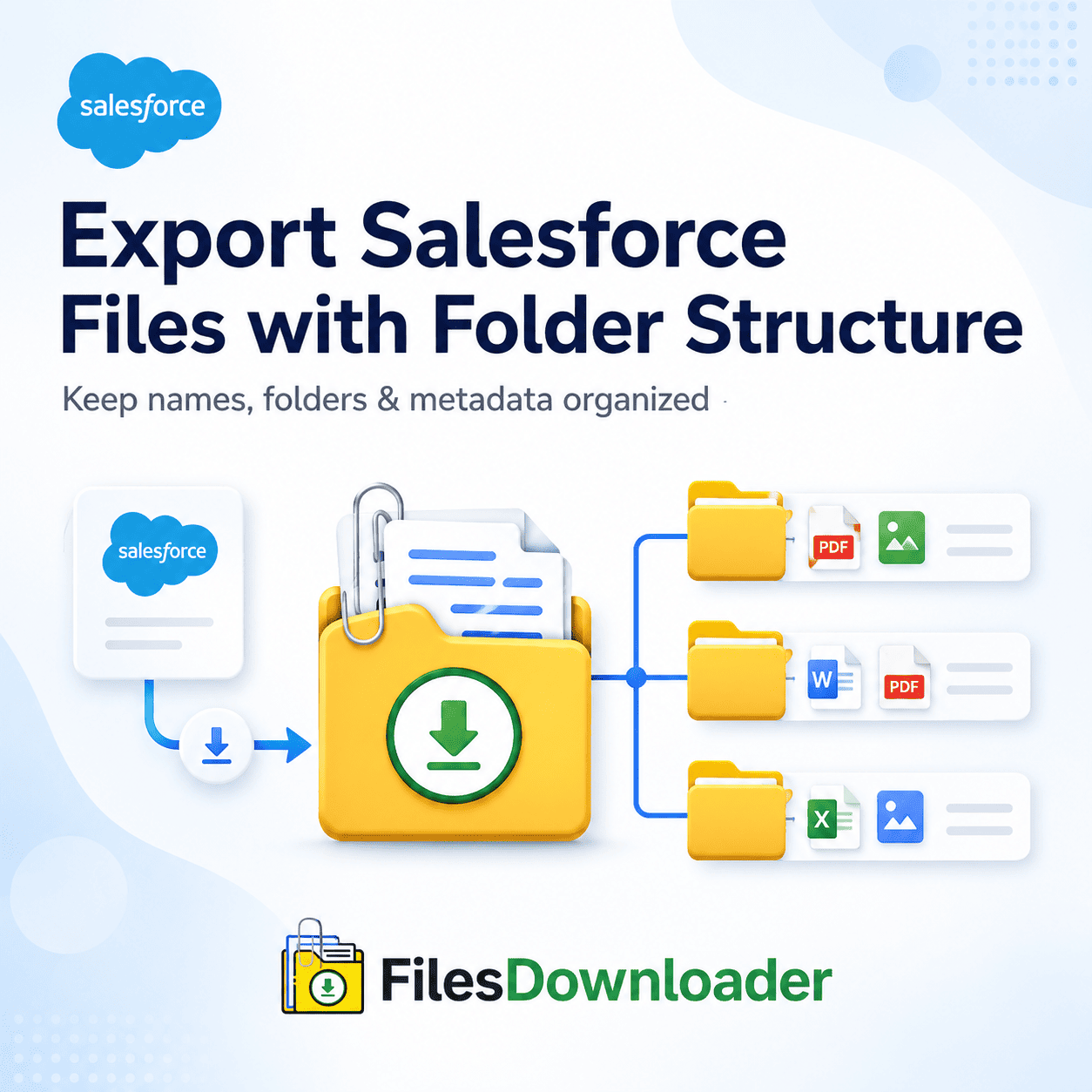


Export Salesforce Files with Folder Structure: The Admin’s Ultimate Guide
If you’ve ever tried to pull attachments using the Export Salesforce Files with Folder Structure, then you know all about the “zip file scavenger hunt.” You don’t learn the names of the files. Then you get these huge messy zip archives with random hex numbers. The worst part is that native tools don’t have selective filtering, so it’s download all or nothing. Export Salesforce files with folder structure With the native features, that’s not good enough.
Thank you for reading this post, don't forget to subscribe!Getting a File Storage Limit Exceeded warning for your org? Getting ready for a system migration? You don’t want to spend hours manually sorting attachments. You need a lean, automated solution to export Salesforce files with folder structure, maintaining the important record associations, metadata, and original file names.
The Hidden Cost of Exporting Native Salesforce Files
The native export tools were intended for basic data backups, not the massive file management we are doing today. However, when admins attempt to do bulk extractions using native workflows, they run into major operational bottlenecks that slow down data teams and put compliance at risk.
1. No folder management;
Salesforce natively deletes relationships between records when downloading files in bulk. You end up with flat lists of files that don’t link to account, contact, or custom object records—making post-export auditing an administrative headache.
2. Remove the non-selective
Native data exports are all or nothing. You can’t filter attachments by record owner, date created, or object type. That’s a lot of data for admins to wade through unnecessarily to find a handful of critical documents.
3. Hiding the Name of the Hex File
When you perform a normal export, Salesforce replaces the original file name with the ContentVersion record Id. Matching those files back to human-readable .pdf, .jpg, or .png names is complex spreadsheet work and custom scripting.
3 Simple Steps to Export Salesforce Files with Folder Structure
The simplest way to export Salesforce files with folder structure and without manual data cleanup, no complex ETL tools, or custom Apex code.
Step 1: Filter Your Data Using Standard List Views or Custom List Views
No complicated set-ups. Do a one-step filter and export of only those files matching your criteria straight from standard and custom list views.
Choose your target object (Accounts, Opportunities, or Custom Objects).
Use your current list view filters to filter specific records.
Click the bulk action button to start downloading.
Target objects and fields on the fly to make downloading complex data easier with standard and custom list views.
Step 2: Customize Advanced Filter by Exporting SOQL Query
Want more than a standard list view? Custom SOQL Query Export. Search for specific data sets anywhere in your instance.
Step 3: Execute the One-Click Bulk Export
Configure your settings, then start the download. Auto-generate dynamic local directories that mirror your Salesforce hierarchy.
For Salesforce Admins, Data Teams & System Integrators
Export Salesforce Files with Folder Structure is an important utility for Salesforce admins and data teams who need a robust and scalable solution for daily file management and a long-term storage strategy.
| Feature Capability | Business & Operational Benefit |
| Multi-Object Bulk Export | Download files from standard and custom objects. |
| Metadata Preservation | Retain association of owner, object type, and record. |
| Auto Naming of Files | Source filenames (.pdf, .png, .docx) |
| Dynamic Folder Mapping | Keep your record-to-folder mappings local. |
| Excel/SQL Preparation | Easier export and import of databases. |
Retain All Metadata & Context
If you are exporting Salesforce files with folder structure, preserving metadata is important. Our solution automatically preserves file owner, object type & direct record association. This makes it far easier to export Salesforce data to SQL Server or Excel for more advanced reporting and business intelligence.
Full native support for all file types
It works with any file type, whether it’s PDFs, images (.jpg, .png), MS Office docs, or CAD files—contracts, technical spec sheets, marketing collateral—whatever you throw at it. Files are delivered uncorrupted and ready for deployment.
Backups, Audits & Clean System Migrations Optimized
Data needs to be moved out of the platform and archived to strict standards. Unorganized native zip files risk records getting lost during audits.
Clean System Moves
File relationships are key when you transition from Salesforce to another CRM or cloud storage service. The automated folder structures in the migration pipeline preserve the relationship between each attachment and its parent record.
Content Optimisation
Once you exceed your storage threshold, you can configure a File Storage Limit Exceeded alert. Buying more storage from Salesforce can be costly. File export tool to offload archived attachments to local or cloud servers. Perfect organization. Export Salesforce files with folder structure.
Product capabilities at a glance:
List View Integration: Compatible with standard and custom list views.
Mass Download Action: Export mass files and attachments from any list view in one click.
Zero complexity initialization: Download Files & Attachments from Salesforce in original format; no need for complex 3rd party tools
Full object coverage: Bulk export Salesforce files from standard and custom objects.
Time-saving automation: No more manual sorting, renaming, or creating directories.
Custom SOQL Engine: Build your SOQL Query Export Get the latest data from the field.
[Book a Free Demo] | [View Pricing] | [Install on AppExchange]