

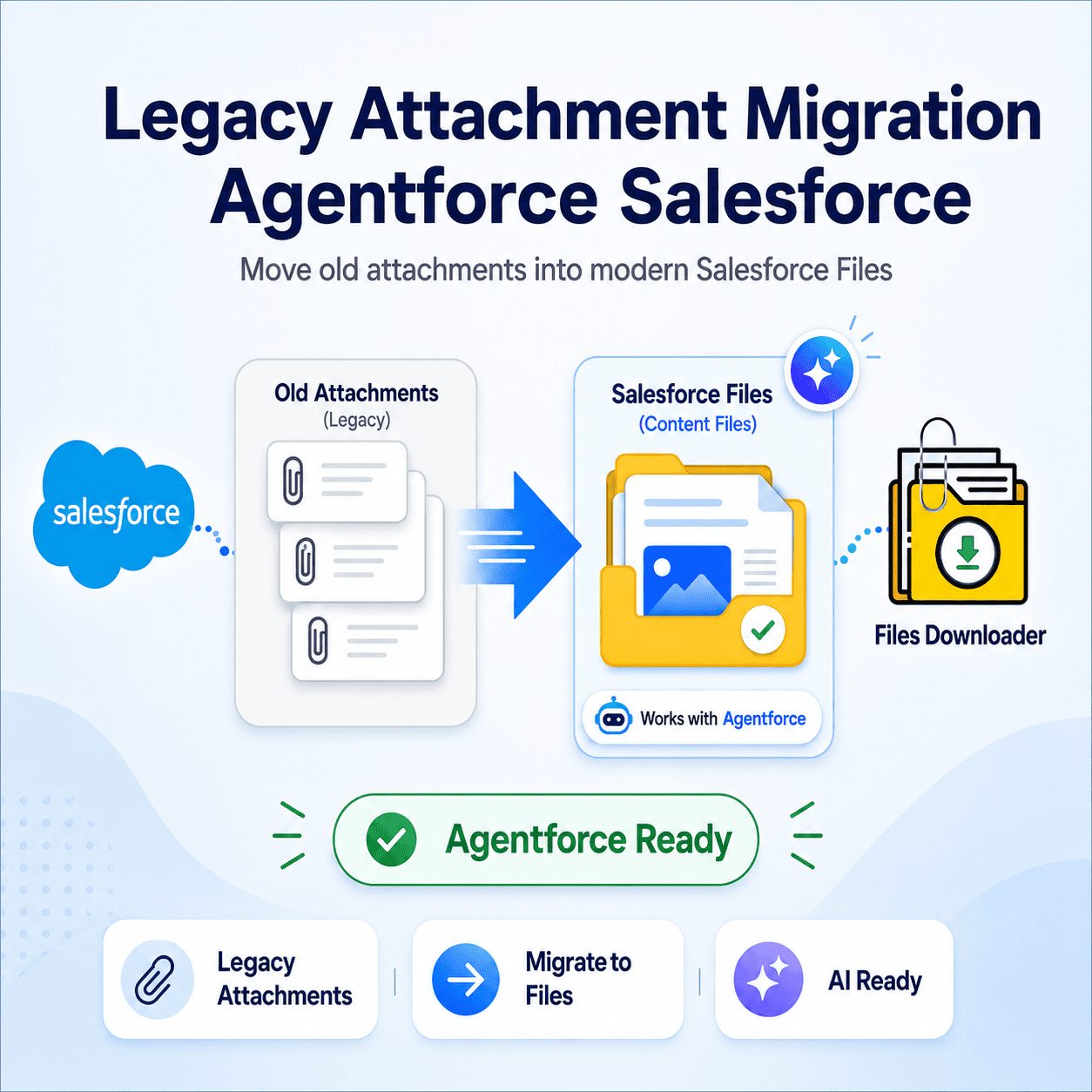


Salesforce Legacy Attachment Migration Agentforce A Practical Guide
The Legacy Attachment migration agentforce salesforce is fast becoming an urgent issue for Agentforce Salesforce orgs. If your orgs are still using the old Attachment object to store files instead of Files (ContentDocument/ContentVersion), Agentforce agents may not be able to see, reference or act on those records at all.
Thank you for reading this post, don't forget to subscribe!That’s the trap most admins don’t get caught in until an agent can’t find a document a rep swears is “right there.” Agentforce is designed for modern Salesforce Files, not the old Attachment object – so any attachments not migrated are invisible to the AI features your org just paid for. Files Downloader gets you ahead of this before it becomes a support ticket.
Why Agentforce Does Not View Legacy Attachments
Attachments were the native file storage model for Salesforce that attached directly to parent records with no independent object of their own. Files, however, exist as ContentVersion records linked by ContentDocumentLink, the architecture on which Legacy Attachment Migration Agentforce Salesforce and other modern Salesforce features are built.
If you want agents to access historical documents, contracts, or case files, Legacy Attachment migration Agentforce salesforce-compatible Salesforce storage is not an option. Without migration, agentforce will still not find or reason over anything sitting in the old Attachment object.
The True Cost of Delaying Migration
The longer you wait to migrate, the more legacy Attachments migration agentforce salesforce accumulate with new Files, and the bigger and messier your migration project will be in the future. The issue is often mid-rollout, when an Legacy Attachment Migration Agentforce Salesforce pilot doesn’t work well because half the documents it needs to be able to see are structurally invisible to it.
This is also when orgs get a File Storage Limit Exceeded warning on the regular – because no one has audited what’s sitting in Attachments vs. Files, so cleanup and migration happen at the same time under pressure.
How Files Downloader Makes Legacy Attachment Migration Easier
This is the fastest way to export Salesforce files without writing custom Apex or using brittle third party migration scripts. Bulk export Salesforce files from standard and custom objects. This allows admins to start with a clean slate before re-importing into the Files model.
Each export retains metadata such as owner, object type and record association, which is critical during migration – you need to know exactly which record each legacy Attachment migration agentforce salesforce belonged to prior to it being rebuilt as a ContentVersion file.
Keeping Structure During the Move
Export preserves original file names and folder structures so your Legacy Attachment Migration Agentforce Salesforce migration doesn’t become a second scavenger hunt on the way back in. This makes importing the Salesforce data into SQL Server or Excel after exporting much easier so that your team can properly stage, validate and sequence the migration before it ever hits production.
No more manual sorting of data between export and re-import that can make most DIY migrations of Attachment multi-week projects.
SOQL Query Export Targeted Migration
Not all legacy attachments migration agentforce salesforce have to move at once. The SOQL Query Export ofFiles Downloader lets you filter and pull only the files that meet your criteria in one step – by object, owner, date range or record type.
This makes downloading complex data much easier as you are first targeting just the Attachments associated to Legacy Attachment Migration Agentforce Salesforce -relevant workflows instead of migrating your entire orgs legacy file history all at once. You can run your own SOQL query, customize it yourself, and get the freshest data instantly while prioritizing the records Agentforce actually touches.
Who Should Be Managing This Migration Today?
Salesforce Admins Prepare for Agentforce Deployment
Data Teams planning phased Attachment-to-Files migrations
IT teams auditing storage prior to a wider system migration
RevOps & CS Teams that need Agentforce to surface historical documents accurately