

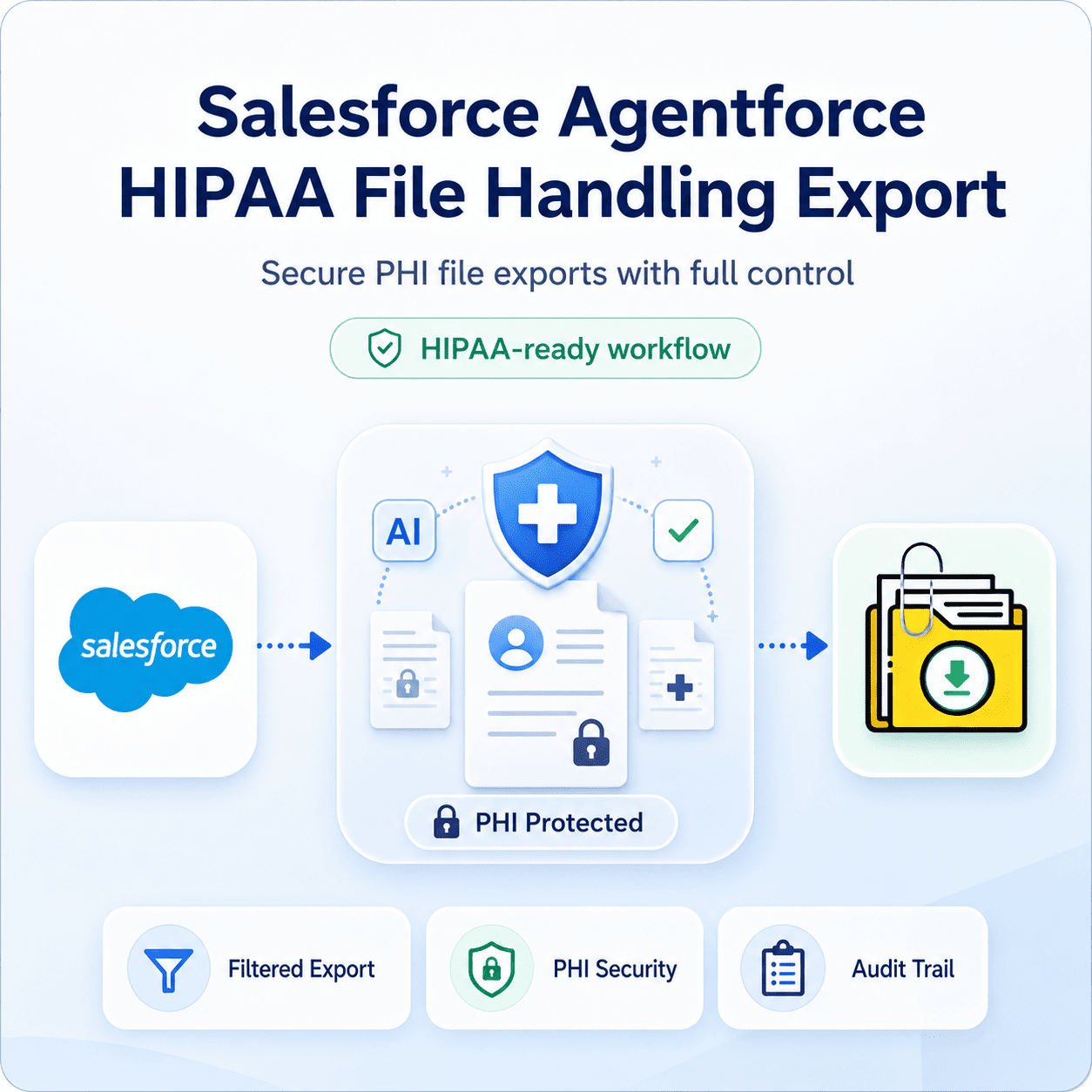


Salesforce Agentforce HIPAA File Handling and Export: Admins Must Know
If your org handles Protected Health Information (PHI) and you’re rolling out Salesforce Agentforce HIPAA file handling export can’t be an afterthought. For HIPAA file handling and export, Salesforce Agentforce compliance requires more than just a signed Business Associate Addendum (BAA). It is about placing the right controls and guards around every single file that moves in, through, and out of your org.
Thank you for reading this post, don't forget to subscribe!This is where a lot of healthcare and life sciences teams hit a wall. Native Salesforce tools are not built to selectively filter, audit, and export files with the strict level of traceability that HIPAA requires especially when AI agents are in the mix touching records they may not technically need to see. Files Downloader was built to give that exact control back to admins and data teams.
How Does Agentforce Change the File Compliance Equation?
Salesforce Agentforce HIPAA file handling export is subject to Salesforce’s HIPAA Security Rule guidance only when used with a signed Business Associate Addendum (BAA), appropriate encryption, and strict data access controls. PHI is only covered for services specifically referenced in your executed BAA, and everything else — including many third-party integrations — is out of scope by default.
That’s the core difference in how files are handled. ContentDocument and ContentVersion records frequently contain PHI-laden attachments — such as scanned intake forms, lab results, and medical consent documents. If an AI agent or an unmanaged export tool touches those files without appropriate field-level security and data containment, you risk creating exposure that didn’t exist before autonomous agents came along.
The Core Risk: When File Access Runs Amok
Salesforce Agentforce HIPAA file handling export should only have access to PHI if it is specifically needed for the task at hand. Unfortunately, most native export tools completely lack the capability to apply that same selective filtering to bulk file exports — they either grab everything in a list view indiscriminately or force you into an exhausting, manual, record-by-record review.
That’s the exact challenge that turns standard audits, migrations, or system backups into a severe File Storage Limit Exceeded headache, with no clean way to isolate PHI-relevant files from the rest of your org’s operational data.
How Files Downloader Enables HIPAA Compliant File Export
Files Downloader addresses this gap by introducing a dedicated file export layer designed to keep your clinical files organized, traceable, and secure.
Bulk Export via List Views: The tool supports standard and custom list views to let you export mass files and attachments from exactly the patient or case population you need, rather than pulling from your entire org.
No Format Conversion Risk: Files download in the exact format they were originally uploaded. PDFs, images (.jpg, .png), scanned clinical docs, and other types of medical files move seamlessly without corruption.
Minimizing the Audit Surface: This is the quickest way to export files from Salesforce Agentforce HIPAA file handling export without introducing complicated third-party middleware into your compliance boundary. Fewer moving parts mean a smaller audit surface, as every additional integration touching PHI requires its own arduous security review.
Cross-Object Compliance: Files Downloader is an ideal utility for admins and data teams operating under BAA-scoped compliance programs, as it allows you to bulk export Salesforce Agentforce HIPAA file handling export from standard and custom objects simultaneously.
SOQL Query Export with Fine-Grained Filtering
For compliance teams looking for more control than a standard list view provides, the SOQL Query Export engine allows you to filter and export only the files relevant to your strict criteria in a single step. You can target specific objects, fields, owners, or record types — effectively isolating PHI-related files without touching records that fall outside your immediate scope.
This capability makes complex data downloads significantly easier for compliance teams that need to show exactly what data was exported, when, and from where. Instead of waiting on a broad, unfiltered database dump, you can grab the latest data instantly by customizing and running your own SOQL query.
Made for Audits, Migrations & Clean Backups
Files Downloader permanently attaches critical metadata — such as owner, object type, and record association — to each export pass. This is crucial for demonstrating a reliable chain of custody during a rigorous Salesforce Agentforce HIPAA file handling export. Original file names and deep folder structures are entirely preserved so that nothing has to be manually renamed or reorganized before a compliance review.
Use list views or custom SOQL filtering to isolate files associated exclusively with specific healthcare objects (e.g., Health Cloud Care Programs or custom PHI objects), filtering out non-PHI attachments to minimize data exposure.
Run the bulk exporter to pull the verified file binaries. The engine securely processes the ContentVersion records in their native format without exposing data to external, unverified middleware servers.
Generate the files along with their companion metadata structure. This step locks in the file names, original creators, and record associations, establishing a clean, structured repository ready for compliance verification.
Downstream Data Pipelines
Because the export is structured consistently, it is significantly easier to import Salesforce data into SQL Server or Excel after the export is complete. This allows compliance and security teams to conduct their own downstream reviews without having to manually sort through loose files by hand.
Who Needs It?
Salesforce Admins scoping Agentforce access to PHI-sensitive objects and protecting storage boundaries.
Compliance & Security Teams that require heavily filtered, perfectly auditable file exports with clear lineage trails.
Data Teams performing migrations, or integrations under a signed BAA.
Orgs Managing Health Cloud or custom PHI objects in Healthcare & Life Sciences.
[Book a Free Demo] | [View Pricing] | [Install on AppExchange]