

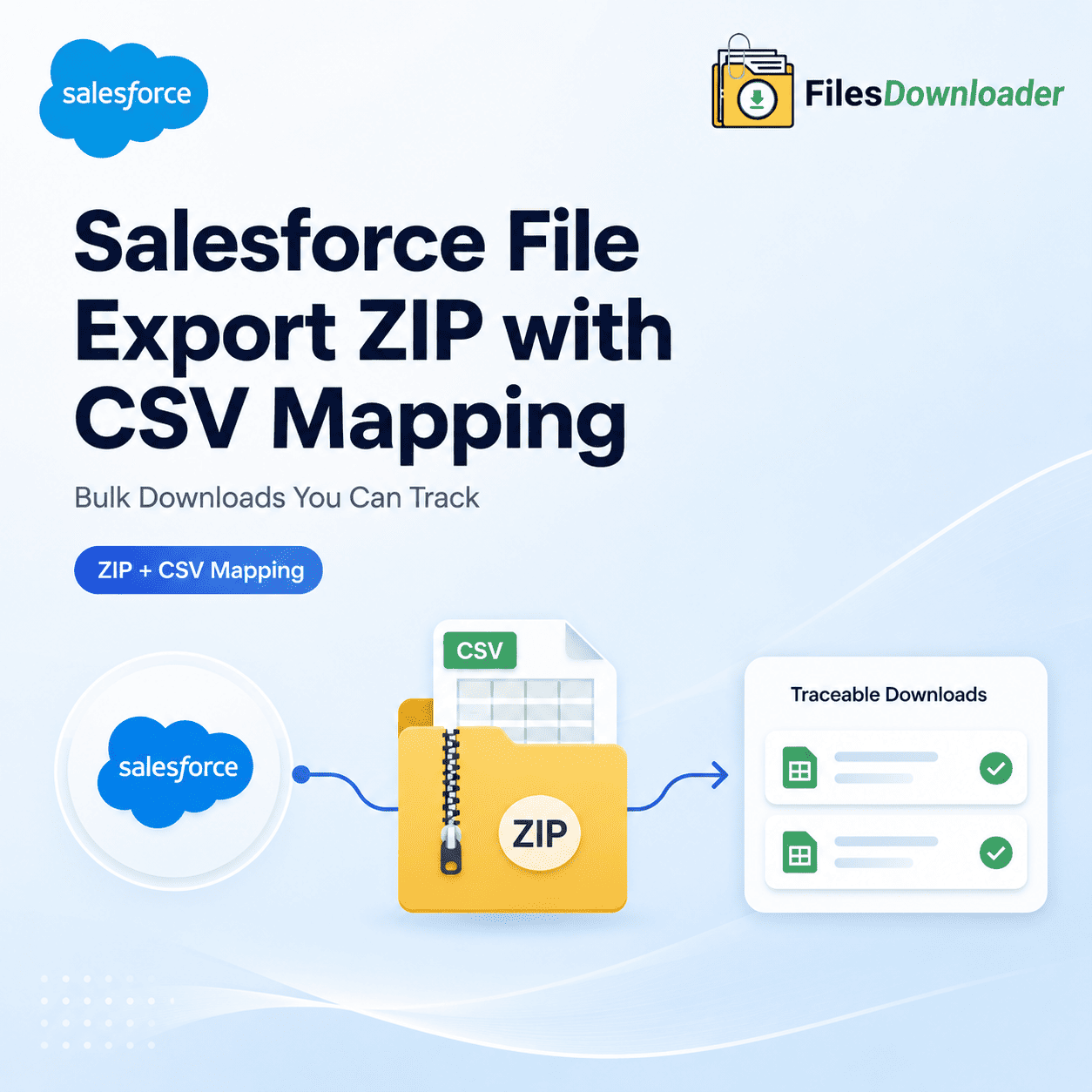


Salesforce File Export ZIP with CSV Mapping: Bulk Downloads You Can Track
Exporting files from Salesforce is only part of the solution. The other half is knowing which file belongs to which record when it hits your hard drive. That’s the exact gap bridged by a Salesforce File Export ZIP with CSV Mapping — it bundles every attachment into one ZIP file and creates a companion CSV that maps each file directly back to where it came from.
Thank you for reading this post, don't forget to subscribe!Without it, admins are stuck with the “Zip File Scavenger Hunt.” Hundreds of generically named files. Zero context. No fast way to tie a PDF back to the Opportunity or Account it originated from. A mapping file transforms a folder of mystery files into an audit-ready dataset.
Why a Plain ZIP File Simply Won’t Cut It
Most standard export tools stop halfway, simply compressing ContentVersion records into a single archive. While that takes care of clearing up storage space, it destroys traceability. Once files are extracted, there is no reliable reference back to the account, opportunity, or custom object they were attached to.
This creates a massive compliance risk during an audit, migration, or the urgent storage cleanups that follow File Storage Limit Exceeded warnings. Data teams need to show the exact provenance of a file — proving which file came from which record — not just that the files exist somewhere in a random folder.
CSV Mapping Bridges the Traceability Gap
When you execute an export correctly, a companion Salesforce File Export ZIP with CSV Mapping is generated alongside the ZIP archive. This manifest includes critical metadata for each file listed:
Owner ID and creator details
Object Type (Standard or Custom)
Record Association (LinkedEntityId)
Original File Name and extension
Each row directly maps a physical file name within the Salesforce File Export ZIP with CSV Mapping, ensuring nothing gets lost in translation. Because the export engine maintains original file names and folder structures, the resulting Salesforce File Export ZIP with CSV Mapping reflects the actual layout of your Salesforce org instead of dumping thousands of items into a single, messy directory. Auditors, migration teams, and data analysts can locate any file in seconds.
How This Export Works in Practice
This workflow isn’t a fragile, bolt-on script that breaks under heavy volume. It is an enterprise-grade process designed specifically for speed and structural accuracy.
Export in Bulk, But Filter First
The tool works natively with both standard and custom list views, meaning you are never limited to a handful of predefined objects. You can export mass files and attachments from any list view — allowing you to filter down to the exact segment of records you need before downloading a single byte.
For advanced targeting, the SOQL Query Export engine allows you to run custom queries to retrieve data in real time. Filter and extract only the files that match your complex criteria (such as file size, creation date, or status) and generate both the ZIP and the CSV in Salesforce File Export ZIP with CSV Mapping one single pass. One Package. All File Types.
The export engine handles all file types without exception — including PDFs, images (.jpg, .png), Word documents, and spreadsheets. You download files and attachments from Salesforce in the exact binary format they were originally uploaded. There are no forced conversions and no corrupted files.
You can extract files in bulk from standard and custom objects simultaneously, receiving Salesforce File Export ZIP with CSV Mapping already perfectly generated. It is the quickest way to export Salesforce files without patching together disparate tools or writing custom Apex.
Where ZIP + CSV Mapping Really Pays Off
This is not a novelty feature; it is built for those high-stakes scenarios where the lineage of a file is non-negotiable.
Clean Migrations: The CSV acts as your master reconciliation sheet, ensuring target systems can map imported files back to their new record IDs without mismatching.
System Backups & Audits: It provides a flawless, unalterable audit trail that satisfies regulatory compliance by keeping files linked securely to their business context.
Downstream Data Pipelines: Because the mapping file is consistently structured, it can be imported easily into SQL Server, Excel, or a data warehouse without manual cleanup. Data teams can immediately join the CSV to external systems, matching files to records without writing a single manual lookup formula.
This makes it a must-have utility for Salesforce admins and data teams who need bulk speed without sacrificing accountability. It fits perfectly into larger corporate data export and file management frameworks.
Engineered to Save Real Hours, Not Just Files
Zipping files up manually and creating a spreadsheet to track them is a full afternoon of tedious busywork. This automated process replaces manual sorting entirely, generating both the asset archive and its documentation simultaneously. Skip the headache of complex, blind data downloads. By selecting specific objects and fields in advance, the Salesforce File Export ZIP with CSV Mapping you receive is already perfectly scoped to what your business actually needs.
Ready to make your data tracking seamless? Try Files Downloader today to get completely organized, traceable ZIP exports on your very next run.
[Book a Free Demo] | [View Pricing] | [Install on AppExchange]