

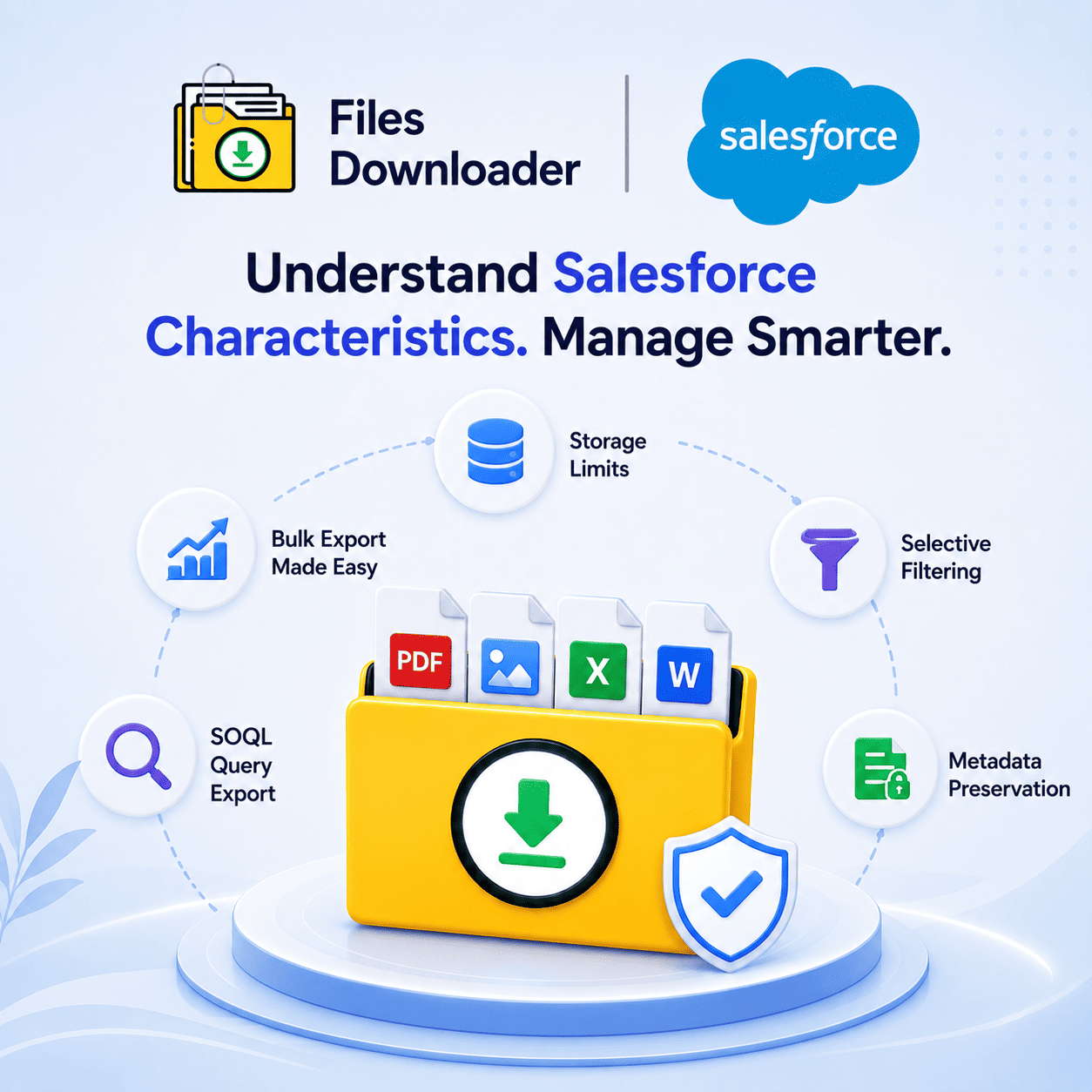


Salesforce Characteristics: The Comprehensive Guide to Data, Files, and Storage Behavior
The first step to managing your org without constant firefighting is understanding Salesforce characteristics. Once you know what to look for, each Salesforce instance behaves in predictable ways: how it stores files, how it handles records, how it quietly imposes limits. Most admins learn these Salesforce characteristics the hard way: a migration, an audit, or the dreaded “Zip File Scavenger Hunt” when leadership asks for every attachment tied to a closed deal.
Thank you for reading this post, don't forget to subscribe!This guide explains the key Salesforce characteristics that affect day-to-day work especially around files, storage, and data export and what they mean for your team.
Core Salesforce Characteristics Every Admin Needs to Know
Salesforce is built on a multi-tenant architecture, which impacts nearly every other aspect of the platform. There are limits to storage, performance, and even file handling to ensure the stability of the shared environment. That’s why Salesforce storage and file management characteristics feel restrictive compared to a local file system.
File Storage Limit Reached: A Defining Characteristic
One of the most common pain points tied to Salesforce characteristics is storage. Each org comes with a limited allotment, and as attachments, ContentVersion records, and documents begin to accumulate, you’ll see the dreaded “File Storage Limit Exceeded” warning. This isn’t a bug – it’s a feature of the platform architecture.
The issue is compounded by the fact that it’s not easy to identify what is consuming up that space in Salesforce. Closed opportunities, old cases, or orphaned records have attached files that sit invisible until storage is exhausted.
The Real Limitation Is a Lack of Selective Filtering
Standard Salesforce export tools were not designed for fine-grained control. That lack of selective filtering is one of the more frustrating characteristics of Salesforce for data teams who need files from particular records not everything.
Native list views are great for sorting, but bulk exporting attachments from those views is another story. This is why a purpose-built files downloader is not optional, but necessary.
Why This Is Important for List Views
Salesforce list views standard and custom are a powerful way in which to sort records, but are not file-export tools by design. A tool that works with standard and custom list views to export mass files and attachments directly addresses this gap, enabling teams to pull exactly what is visible in their filtered view.
ContentVersion and File Object Model
In order to understand Salesforce characteristics around files, you need to understand ContentVersion. Every single file uploaded to Salesforce (PDF, image, doc, etc.) creates a ContentVersion record. The ContentVersion then links to a ContentDocument and then eventually to the parent record.
That’s why context of an export is so important. A good export process downloads files and attachments from Salesforce in the exact format they were uploaded with original file names and folder structures. Otherwise, that structure is lost in export and you end up with a mess of renamed, context-less files in a clean archive.
Metadata Preservation as a Feature of Salesforce
Another traits to consider: metadata such as owner, object type, and record association is tightly bound to each file. Keeping this metadata when exporting isn’t a “nice to have,” it’s what makes the exported data usable for audits, migrations, or compliance reviews later.
SOQL Query Export: Control Salesforce Traits
Power users skip list views entirely and use SOQL Query Export to pull out exactly the records and fields they want. Get the latest data instantly with your own custom SOQL query, run by you, without the limitations of standard reporting tools.
This approach is great for screening and extracting only the files that satisfy your needs in one pass, rather than exporting everything and sorting it out manually at a later time. This level of control saves hours every week for data teams that manage recurring exports (for clean migrations, audits, system backups, etc.).
Export en Masse Without the Headache
Bulk file operations across standard and custom objects are not supported by native tools in Salesforce. A dedicated solution should be able to bulk export Salesforce files regardless of object type. It should support all file types PDFs, images (.jpg, .png), docs, and more without complex configuration.
This is highly critical for admins and data teams who consider file exports a recurring operational task, not a one-time emergency.
Designed for Migration, Audit, and Backup Workflows
For Salesforce admins and data teams, a must-have file exporter does three things well:
Makes clean migrations a cinch
Supports audit readiness
Enables system backups without a manual hand
This should also make it easier to import Salesforce data into SQL Server or Excel after export, giving the data a second life beyond the original org.
Save Time, Avoid Manual Sorting
The hidden time-killer in most Salesforce admin workflows is manual data sorting. The right tool gets you around the need for manual data sorting altogether, by focusing on specific objects and fields in advance, making complex data downloads more straightforward from the outset.