



What Does Salesforce Prompt Builder Do? How It Works?
One of the biggest additions to the Einstein AI platform in the last few years is Salesforce Prompt Builder. Heard the term tossed around in Salesforce releases and not sure what it actually does or if it’s important for your org? This Guide covers it all, from what it is to how admins and developers can start using it today.
Thank you for reading this post, don't forget to subscribe!What is Salesforce Prompt Builder?
Salesforce Prompt Builder is a declarative tool in Salesforce that lets admins and developers create, manage, and deploy AI prompts without writing code. It’s embedded in the Einstein 1 Platform and connects directly to your CRM data, so you can build prompts that include live Salesforce records as context before you submit a prompt to a large language model (LLM).
Think of it like an AI template engine, but one that knows your Salesforce data model. Instead of asking a generic question to an LLM, Prompt Builder lets you construct dynamic prompts based on actual account data, case history, contact records, or any other object in your org. It was announced as a core part of Salesforce’ wider Einstein Generative AI strategy and is tightly integrated with Einstein Copilot and the Einstein Trust Layer.
Why Salesforce Built Prompt Builder
Before Prompt Builder, AI responses based on Salesforce data required custom API integrations, external middleware and significant developer effort. If a team wanted AI-assisted features such as drafting sales emails, summarising cases or generating knowledge articles, they had to build their own pipeline.
With point and click prompt engineering inside the platform most teams already live in, Salesforce Prompt Builder changes that. The goal is to close the gap between “AI capability” and “practical CRM utility” without requiring a data science team to get there.
Key Concepts You Need to Know
Before we dive into how to use Salesforce Prompt Builder, let’s cover a few fundamental concepts:
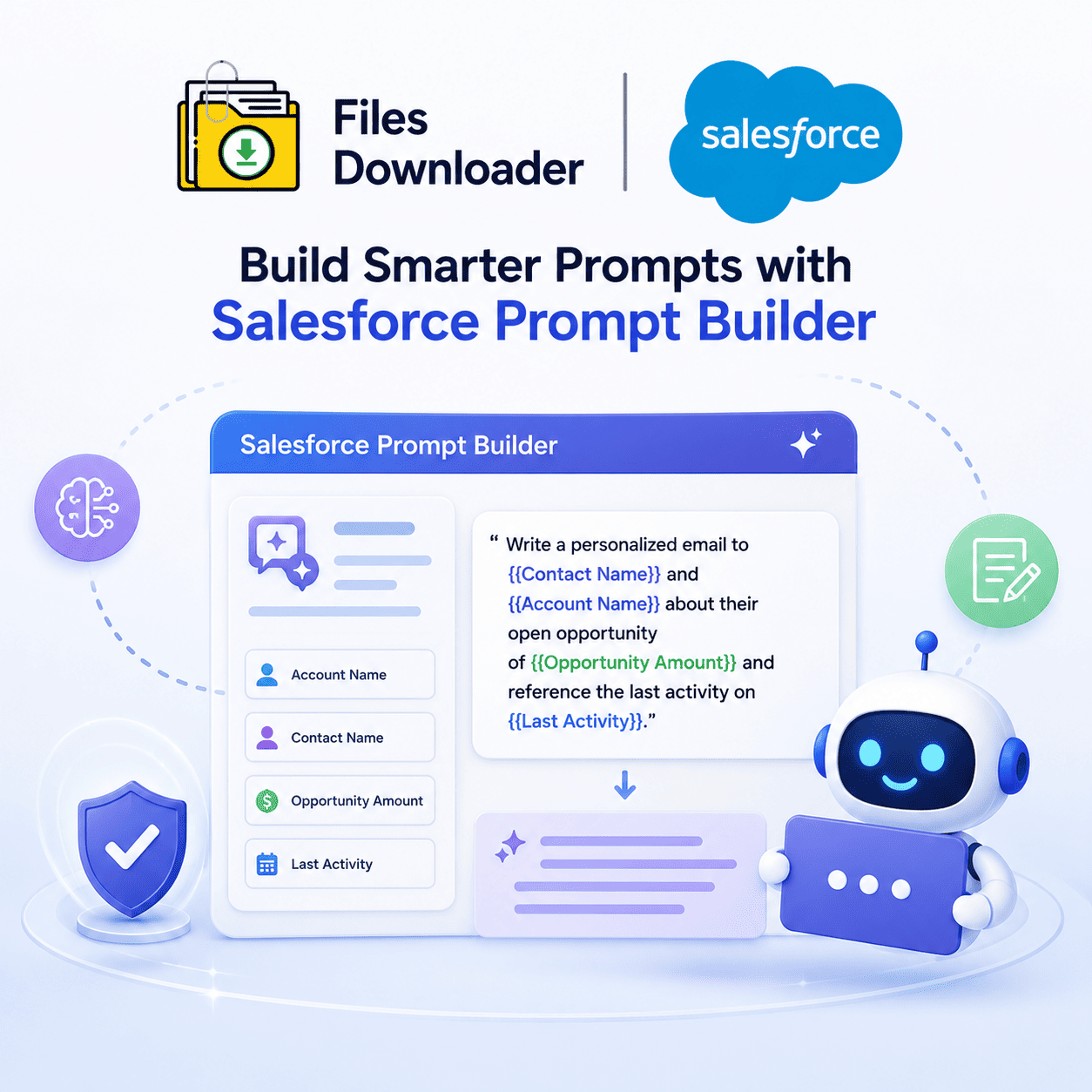
Prompt templates: The most important part of Prompt Builder is a prompt template. It’s a templated document with static instructional text and dynamic merge fields pulled from Salesforce records. When the template is executed, Salesforce fills in the merge fields with actual data from your org and sends the assembled prompt to the connected LLM.
Grounded: Grounding is anchoring an AI prompt in real, specific data so the model’s response is relevant and accurate. Salesforce Prompt Builder performs grounding automatically, resolving merge fields from your CRM before the prompt even reaches the LLM. That’s the difference between a grounded enterprise AI tool and a generic chatbot.
The Einstein Trust Layer: The Einstein Trust Layer is Salesforce’s security and governance layer that sits between your org and any external LLM. It ensures that sensitive data fields are masked before leaving Salesforce, third-party models are not trained on prompts and responses, and all interactions with AI are logged for audit. Prompt Builder is all in the Einstein Trust Layer, so your CRM data stays safe from external AI providers unless you have controls in place.
Connected LLMs: Salesforce Prompt Builder can connect to different LLMs such as OpenAI’s GPT models and Anthropic’s Claude models via the Model Builder interface. Admins can customize which model powers which prompt template so teams can choose the model capabilities that best align with their use case needs.
Salesforce Prompt Builder Types of Prompt Templates
Salesforce has a lot of prompt templates for different use cases.
Sales Email Templates
The goal is to assist sales reps in drafting account and contact informed outreach emails. Using a template, the contact name, company, open opportunities and last activity can all be pulled in quickly to create a personalised message. This resolves the blank-page problem for reps, while preserving the contextual relevance of each email.
Field Generation Prompt Templates
Field generation templates are used to automatically populate a Salesforce field with the AI output. For example, you could create a template that takes a long description of a case and outputs a short summary into a separate Summary field — no more copy-paste. This is especially useful for case management, legal teams and support operations.
Customizable Prompt Templates
Flex templates offer the most flexibility. They’re not tied to any particular UI surface and can be invoked from Flow, Apex, or an API call. This means they can be useful for backend automation scenarios where you want the AI output as part of a larger chain of events, like a risk assessment summary as part of an approval workflow.
Create a Prompt Template in Salesforce Prompt Builder
Here’s a step-by-step overview of how admins get started creating:
Enable Einstein Generative AI Features: Before you use Prompt Builder, you must enable Einstein Generative AI in your org settings. Enable the relevant features (Setup > Einstein Setup). You’ll also have to agree to Einstein Generative AI’s terms of service.
Open Prompt Builder: Go to Setup, click in the Quick Find box, and search for “Prompt Builder.” This opens the Prompt Builder management interface where you can see existing templates, or create a new one.
Select a Template Type: Select from Sales Email, Field Generation, Flex or Record Summary based on your use case. The type of the template determines the available data inputs and the output location.
Write your prompt: You will write your instructional text in the template editor. Use the field picker to insert dynamic merge fields that correspond directly to fields on Salesforce objects. You can reference the primary object and related objects fields in the same template.
Set up Grounding and Model Parameters: Select the LLM that will be used to power this template, define any output length constraints and configure how the template deals with empty or null field values to prevent broken prompts.
Try it with some real data: Prompt Builder includes a built-in testing interface that lets you select a real Salesforce record to preview the fully assembled prompt and model output before you activate the template.
Launch and Deploy: Test template, then enable it. Depending on the type, you can surface it in Lightning pages via components, trigger it via Flow automation or call it via Apex.
Who is Salesforce Prompt Builder For?
Salesforce Administrators: Prompt Builder is a no-code tool that lets admins build and deploy AI features without waiting for the development team. It naturally fits with the same skill set used for Flow Builder and Lightning App Builder.
Salesforce Developers: Developers can use Flex templates and the Prompt Builder API to embed AI-generated content in custom Apex logic and automated workflows.
Revenue Operations and Sales Enablement Teams: Prompt Builder enables these teams to create standardised ways to generate AI-assisted emails and summaries across the sales org — providing consistency of tone, inclusion of relevant data and adherence to messaging guidelines.
Customer Support Teams: Support teams can automate case summarization, draft response suggestions and create knowledge article drafts directly from case records.
Salesforce Prompt Builder and Einstein Copilot: How Are They Different?
It’s one of the most frequent places people get confused in the Einstein AI ecosystem. Einstein Copilot is an AI assistant from Salesforce. A chat interface enables users to ask questions, summarise records and take actions. That’s where admins use Salesforce Prompt Builder the toolset to define how those AI interactions work. Many times, when an Einstein Copilot action invokes an AI response from a Salesforce record, there’s a Prompt Builder template behind the scenes that informs that request.
Limitations and Things to Consider
Token Limits
LLMs have token limits a limit on how much text a single prompt and response can contain. If a Prompt Builder template pulls in too many large fields, the prompt may end up too large for the model’s context window and fail. Admins need to create templates with token efficiency in mind.
Data Quality Dependence
Data quality in your org affects the quality of Prompt Builder output. The AI response will be vague or inaccurate if the contact record is missing information or has outdated fields. The best way to make grounding work is to have good data hygiene in your organization.
License Requirements
Access to Salesforce Prompt Builder is tied to Einstein Generative AI licensing, which is not available in all Salesforce editions. Please review your contract and edition before rolling out.
Availability by Region
Not every connected LLM is available in all Salesforce data residency regions. If your organization has data sovereignty requirements, verify the availability of the model before you decide on a particular AI integration.