

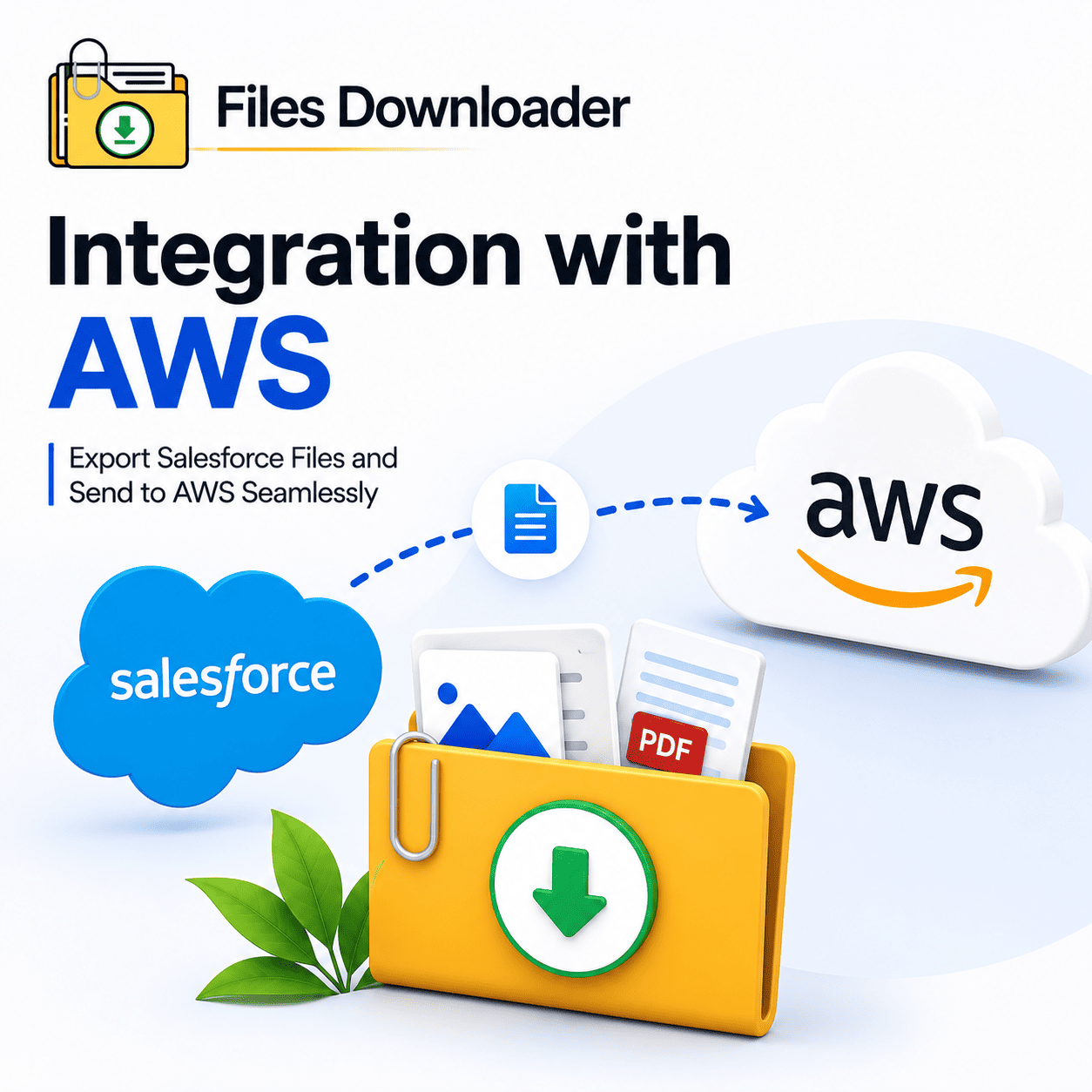


Salesforce Integration With AWS: What Every Admin, Data Team Should Know Before Moving Files
If your team is planning integration with AWS for your Salesforce org, you’re working on one of the most powerful data pipeline decisions available to enterprise teams today. With services such as S3, Redshift, and Glue, AWS provides you the ability to create scalable storage, processing and analytics infrastructure. Your CRM records, files, and attachments are in Salesforce. The architecture that allows both systems to work together is integration with AWS, but there is a file extraction step between the planning and the execution that most AWS integration guides completely skip. Getting files out of Salesforce cleanly, with ContentVersion metadata intact, original filenames preserved, and folder structures maintained, determines whether your integration with AWS delivers clean, usable data or inherits years of accumulated disorder.
Thank you for reading this post, don't forget to subscribe!What Salesforce and AWS integration actually looks like
In a Salesforce context, integration with AWS means building a pipeline that moves data — records, files, attachments, and metadata — from your Salesforce org into AWS infrastructure for storage, processing, analytics, or archiving.
For teams using Amazon S3 as a file repository, Salesforce files need to be moved to S3 buckets in an organized, metadata-rich format. Teams using Amazon Redshift for analytics require structured Salesforce data exports that can be queried efficiently downstream. Teams building data lakes on AWS need every ContentVersion record pulled with its full context intact — owner, object type, record association, creation date — before the data ever hits an AWS service.
There is a common thread across every integration with AWS use case: what comes from Salesforce has to be clean, complete, and metadata-intact for AWS infrastructure to do something useful with it.
The File Extraction Problem All Integration With AWS Projects Face
Most of the integration with AWS documentation is centered on the AWS side – S3 bucket configuration, IAM permissions, Lambda functions, Glue jobs. What it seldom addresses is the state of the Salesforce files going into the pipeline. And that’s where most integration with AWS projects run into their first real problem.
The “Zip File Scavenger Hunt” Before the Pipeline Starts
When teams try to prepare Salesforce files for integration with AWS using native export tools, what comes out is a collection of numbered ZIP archives with scrambled filenames and no record context. The ContentVersion completely removes the stored owner, object type, creation date, and record ID within Salesforce from the export bundle. AWS infrastructure receives a random set of files unrelated to the Salesforce records that created them — and any integration with AWS pipeline built on that foundation delivers meaningless data from the very first run.
The Problem of No Selective Filtering
One of the most expensive pain points in any integration with AWS project is the inability to extract Salesforce files selectively before the pipeline runs. With native tools, you can’t say, “Send only the PDFs that are attached to Enterprise Accounts in the Western region, created in the last 24 months into the S3 bucket.” Every native Salesforce extraction for integration with AWS is all or nothing – meaning S3 buckets fill up with ContentVersion records that are irrelevant and create downstream noise in Redshift queries and Glue jobs.
File Storage Limit Exceeded — The Pipeline Blocker No One Plans For
Teams planning integration with AWS often find out mid-project that their Salesforce org has hit, or is close to hitting, a File Storage Limit Exceeded threshold. ContentVersion records have been building up silently on every object – Accounts, Cases, Opportunities, custom objects – with little warning. Salesforce charges for file storage separately from data storage so it is possible for this limit to appear suddenly and add an emergency extraction and offload requirement directly into the integration with AWS project timeline and budget.
How Files Downloader gets your Salesforce Files ready for integration With AWS
This is the insight that most integration with AWS guides miss: the AWS pipeline handles the infrastructure, but you still need a reliable way to extract files from Salesforce cleanly, before the data ever reaches an AWS service. That’s exactly what Files Downloader provides.
Files Downloader is a native Salesforce AppExchange application that addresses the file extraction step in every integration with AWS project needs. It natively reads ContentDocument, ContentVersion, and ContentDocumentLink – providing admins and data teams with complete control for bulk extraction across all standard and custom objects in the org before data moves into AWS.
Files Download All Files Your AWS Pipeline Integration Needs in One Click
Downloader works with standard and custom list views just as they exist today in your org. Every object that contains files to be integrated with AWS – Accounts, Contacts, Opportunities, Cases, and every custom object your org has created – is available through its current list view. Open any list view, apply your filters, and initiate a full bulk extraction in one step. No intermediate mapping. No need to rebuild your workflow. No developer ticket needed.
This is the fastest way to prepare Salesforce files for integration with AWS without adding complex extraction layers to the already technical pipeline architecture.
Download Every File In Its Exact Original Format – AWS-Ready
Native Salesforce exports change the name or convert exported files as part of the extraction process. Files Downloader downloads each file exactly as stored by Salesforce: in the original format, with original filename, within the original folder structure. Instead of dumping it in an archive, you upload organized, structured files to AWS services.
PDFs is PDFs
Images are still .jpg or .png
Word documents remain .docx
Nothing is compressed into an unreadable archive or renamed with a system-generated ID.
It works with all file types that any integration with AWS project needs – PDFs, images (.jpg, .png), docs, spreadsheets, and more. Format consistency means S3 buckets are ready to use right away and Glue crawlers produce accurate schemas the first time.
Keep Complete Metadata to Enable AWS to Search and Analyze Your Files
Metadata enables search, traceability, and analysis of your files in AWS. Without it, integration with AWS results in an S3 bucket full of files with no business context, and Redshift queries that return results no one can act on. Files Downloader keeps all metadata on all extractions:
Original file name — just as ContentVersion stored it, and it’s never replaced with a system-generated ID
Owner and record association — who created the file and what Salesforce record it belongs to
Object type context — so your S3 folder structure maps directly back to where each file lived in Salesforce
This is the metadata-aware extraction that takes a simple integration with AWS and turns it into a true data pipeline where every file that lands in S3 has the context to allow for meaningful analytics, archiving, and compliance reporting.
SOQL Query Export: Precisely Manage What Enters Your AWS Integration Pipeline
Files Downloader’s SOQL Query Export is one of the most powerful ways to manage integration with AWS at scale. This feature enables you to write and run your own queries directly against ContentVersion and related objects – no developer required, no Apex code, no waiting on a ticket – giving you surgical control over which Salesforce files make it into the AWS pipeline.
Target Specific Objects and Fields for a More Effective AWS Integration Data Feed
Customize and run your own SOQL query directly inside the app to access the latest data instantly. Filter your AWS extraction integration by:
Object type
Type of Record
Date of creation
Owner status
Any field your org monitors
Extract only the files that meet your AWS integration criteria from the objects you want to include – in one step, without exporting everything first and sorting afterwards. This ensures that S3 buckets are clean, Glue jobs are efficient and Redshift queries are fast and meaningful.
Clean Up Your AWS Data Pipeline by Simplifying Complex Multi-Object Extractions
In most Salesforce orgs, files are spread across Accounts, Opportunities, Cases and custom objects all at once. Files Downloader makes difficult pre-pipeline extractions simple, extracting the exact objects and fields every time. An Account-level extraction for integration with AWS doesn’t accidentally pull in unrelated Case attachments or ContentVersion records from elsewhere in your org.
Salesforce Integration With AWS: Who Gains the Most?
Integration with AWS isn’t the right architecture for every team but for organizations operating at scale, it delivers significant value when the file layer is handled correctly.
Salesforce Admins Files Downloader enables Salesforce Admins to extract and sanitize files from specific objects before AWS integration launch and before File Storage Limit Exceeded thresholds break the pipeline
Data Engineers receive pristine ContentVersion extractions with metadata intact landing in S3 with consistent naming and structure making Glue crawlers and Redshift schemas reliable from the first job run
Compliance Teams use the integration to migrate regulated contracts, case files, and audit records to AWS archiving infrastructure with full metadata preserved for defensible retention policies
Analytics Teams use the integration to create targeted extraction runs by object and date range — only feeding relevant file sets into AWS analytics pipelines instead of entire org dumps
It just works with any AWS tooling integration—eliminating the manual file sorting and metadata reconstruction that adds weeks to every enterprise Salesforce migration or data pipeline project.
Things to Do Before, During and After Integration with AWS
Before AWS integration goes live – do a complete bulk extraction via Files Downloader to extract all ContentVersion records from Salesforce with metadata and folder structure intact for clean S3 ingestion
In the pipeline setup, use SOQL Query Export to identify exactly which objects and file types should be included in the AWS integration, to avoid cluttering the S3 bucket with irrelevant ContentVersion records.
Schedule regular extraction runs after launch to offload new ContentVersion records before File Storage Limit Exceeded errors cause the live integration with AWS pipeline to break
For compliance and audits Use Files Downloader to extract targeted file sets from specific objects with full metadata for regulatory review without interrupting the active AWS data feed
Files Downloader sets a reliable, repeatable, metadata-preserving extraction foundation for every part of your integration with AWS – no matter how big or complex your orgs are, or how many ContentVersion records you’ve accumulated over time.
Extract Salesforce files with complete metadata intact. Keep the original folder structures that directly map into S3 buckets and AWS data lake architectures. Cleanly re-import to AWS, SharePoint, Google Drive, SQL Server or any staging environment. What once took days of manual prep now takes minutes.