

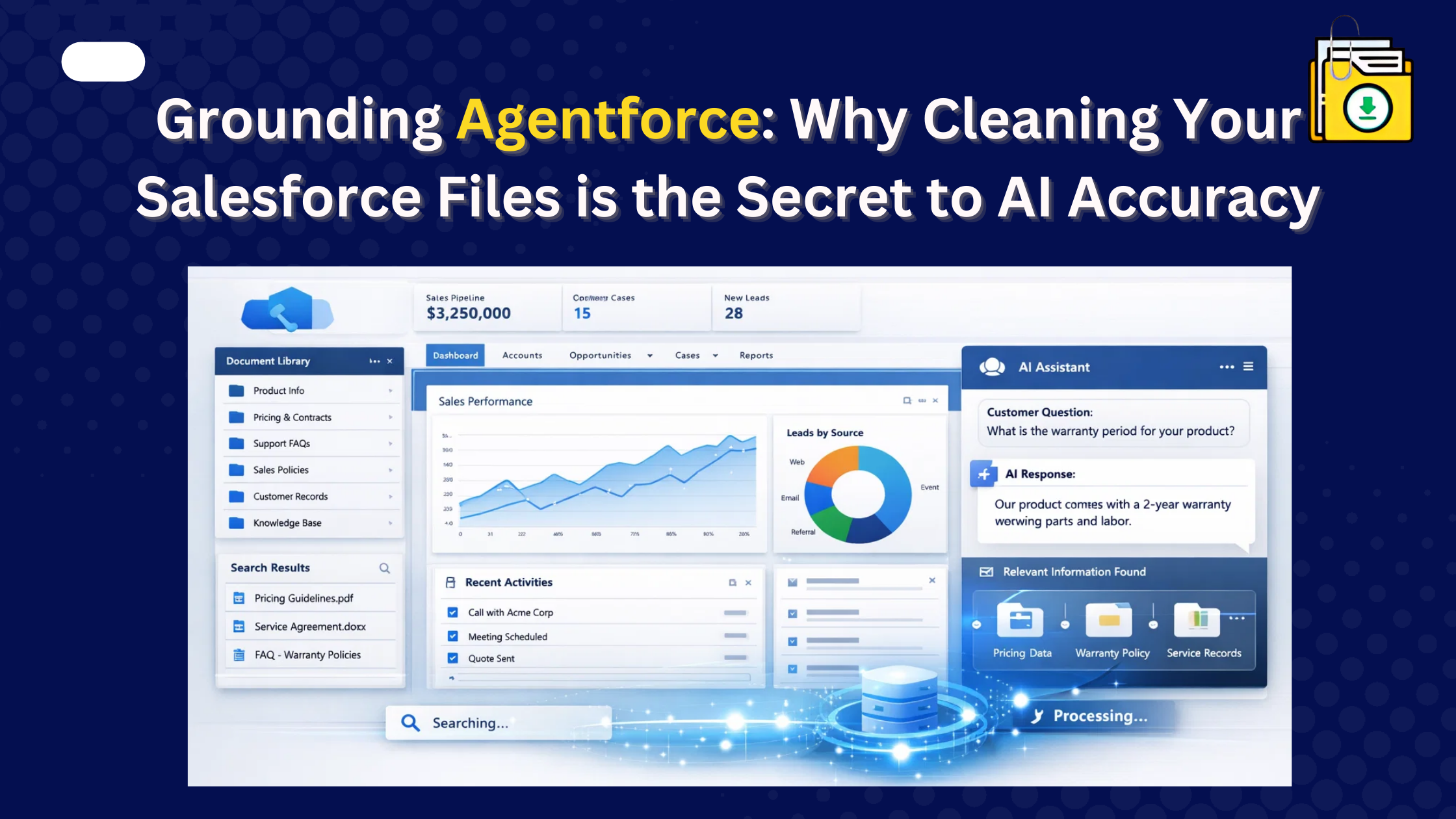


Thank you for reading this post, don't forget to subscribe!Agentforce grounding data cleanup is essential to ensure AI agents in Salesforce return accurate and up-to-date responses. AI agents rely on your Salesforce Files to answer questions; if your Org is cluttered with outdated contracts, duplicate drafts, or “image001.png” signature files, the AI will hallucinate. The most efficient way to clean your data is to bulk export and archive old files using a tool like Files Downloader, ensuring only the latest “Source of Truth” remains available for the AI to scan.
It is 2026, and you’ve just launched your first Agentforce agent to handle customer support. A customer asks, “What is your current refund policy?” Instead of quoting the 2026 policy, the AI quotes a PDF from 2019 that was buried in a dusty folder on an old Account record. The result? A frustrated customer and a “hallucinating” AI.
Preparing your Salesforce files for AI is therefore one of the most important steps in building reliable Agentforce agents.
Understanding Agentforce Grounding Data Cleanup in Salesforce
Agentforce uses Retrieval Augmented Generation (RAG). This means it scans your ContentVersion records in real-time to find answers. If your Org has 15 different versions of a “Pricing Guide,” the AI might pick the wrong one.
To fix this, you need a Grounding Cleanup Strategy. This involves three critical steps:
- Identifying Duplicate and outdated files: Many Salesforce orgs accumulate thousands of files over time. Documents are uploaded repeatedly, revised versions are stored alongside originals, and temporary drafts remain long after projects are complete. Cleaning up these files helps ensure your AI agents rely on accurate and current information.
- Archiving Historical Data: Moving old files out of Salesforce so the AI doesn’t “see” them.
- Improve File Naming and Metadata: Ensuring original filenames are preserved so the AI understands what the file is about.
Step 1: Filter the “Noise” with SOQL
You don’t want your AI reading every internal memo. Use a SOQL query to identify files that are either too old or shouldn’t be used for grounding (like files attached to “Draft” records).
By filtering for IsLatest = TRUE and excluding certain file extensions, you can create a list of “Clean Data” for your AI.
Step 2: Export and Purge (The “Safe” Cleanup)
Most Admins are afraid to delete files because “we might need them someday.” This fear leads to Salesforce storage limits being exceeded and AI inaccuracies.
The solution is to Archive, then Purge. * Use Files Downloader to bulk export your historical files to a secure local server or SharePoint.
- Once you have a safe, searchable ZIP of your old files, you can mass delete them from Salesforce with confidence.
- This removes the “noise” for Agentforce while keeping your compliance team happy.
Step 3: Fix Your Filenames for the AI
AI agents rely heavily on file titles. If a file is named DOC_99283.pdf, the AI has no idea what it is. If it’s named Standard_Refund_Policy_2026.pdf, the AI can prioritize it.
If your files were uploaded via Data Loader, they might be stuck with unrecognizable ID names. You need to export and rename them to ensure your “Knowledge Base” is human-readable and AI-friendly.
Why Files Downloader is an “AI Readiness” Tool?
In 2026, Files Downloader isn’t just for backups; it’s for AI Optimization. * Maintain Context: When you move files, we preserve the parent and related record mapping.
- Bulk Accuracy: Clean up 10,000 files in minutes, not weeks.
- Security: Keep your Data Security Model intact while you reorganize.
Conclusion: A Clean Org = A Smart AI
You wouldn’t give a new employee a stack of 5-year-old manuals and expect them to perform. Don’t do the same to Agentforce. By mass exporting Case files and old documents, you “ground” your AI in the present, not the past. A strong Agentforce grounding data cleanup strategy ensures your AI is grounded in clean, reliable, and up-to-date Salesforce data.
Ready to upgrade your AI’s IQ? Clean up your grounding data today. Start your Free Trial of Files Downloader and build the “Source of Truth” your Agentforce deserves.