

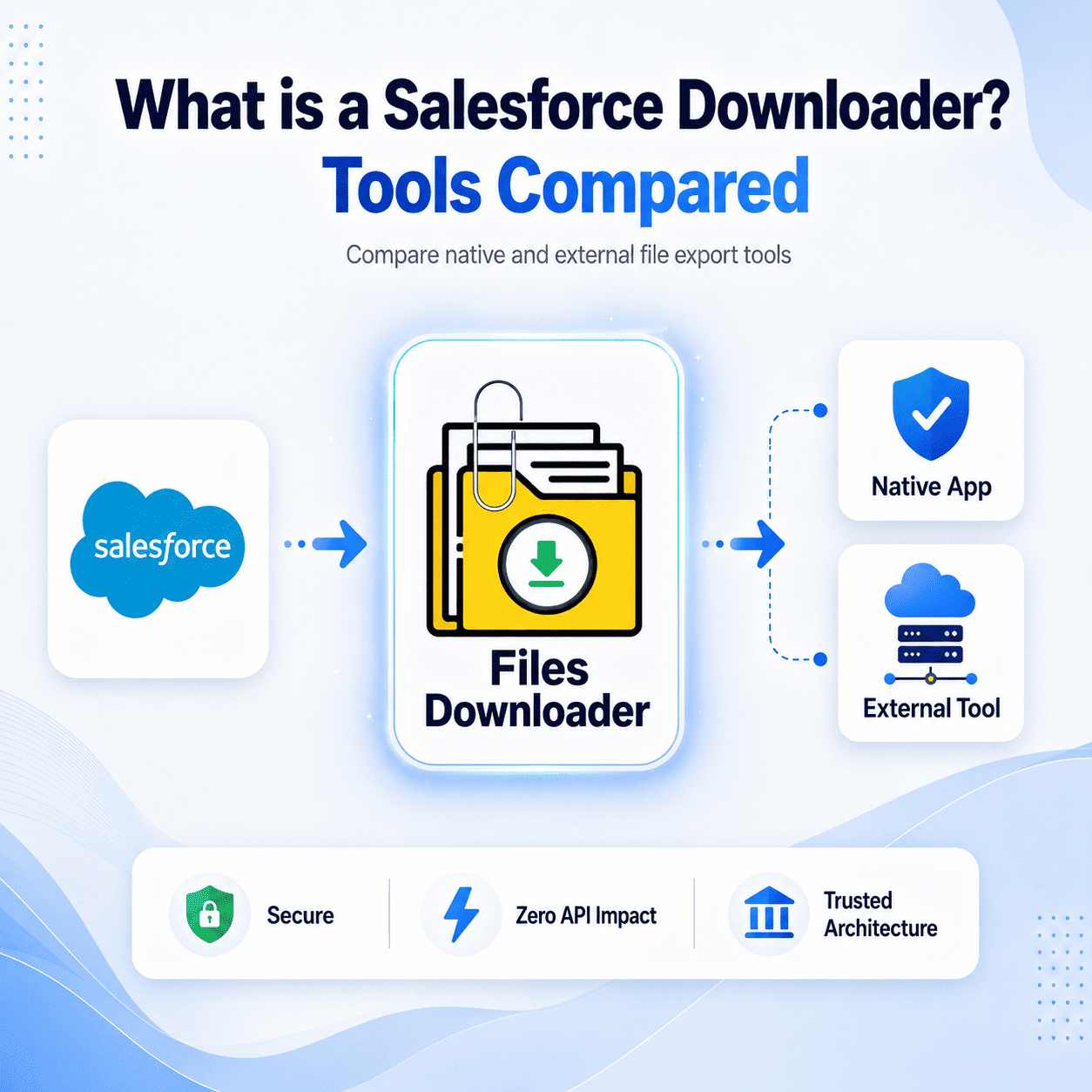


If you’ve ever tried to export files from Salesforce, you already know why a Salesforce file downloader is essential for bulk file extraction. The platform was never really designed with bulk file export in mind, and over the years a whole ecosystem of tools has sprung up to fill that gap. These tools are broadly called Salesforce File downloaders but not all of them work the same way, and the differences matter a lot more than most admins realize.
Thank you for reading this post, don't forget to subscribe!This guide breaks down what a Salesforce Files downloader actually is, the different types that exist today, and why the architecture underneath the tool not just the feature list should be the first thing you evaluate.
What Is a Salesforce Files Downloader?
A Salesforce Files downloader is any tool or application that lets you extract files, attachments, Salesforce Notes (SNotes), and related content from your Salesforce org either in bulk or on a scheduled basis. On the surface, they all do the same thing. In practice, the way they handle your data varies dramatically.
At a high level,
fall into two camps: native apps built entirely on the Salesforce platform, and off-platform tools that connect to your org via API and process data on an external server.
The Shift Away from Off-Platform Tools
For a long time, the dominant approach was to build Salesforce tools on top of Heroku, AWS, or Azure. The reasoning made sense at the time – those environments offered more processing power, easier scheduling, and flexibility that Apex couldn’t match.
But something changed. In 2026, the “Zero-Copy” movement has fundamentally reframed how organizations think about data movement. Every time a file travels to an external server for processing, it picks up new risk. You’re now responsible for auditing that vendor’s encryption standards, their internal access controls, and their data retention policies. That’s a new audit you didn’t need before you installed the tool.
The security gap isn’t a hypothetical. It’s a documented vulnerability surface that every IT team now has to account for when using off-platform Salesforce Files downloaders. With a fully native architecture, processing happens entirely on Salesforce’s own servers. Your IT and security teams already trust Salesforce – native apps simply extend that trust to your file management workflow without adding new hops to your data path.
Salesforce’s Spring ’26 Release introduced several security enhancements worth understanding if you’re evaluating downloader tools – because only native apps can actually take advantage of them.
Spring ’26 Security Improvements for File Management
Native malware scanning is now available for file uploads at the platform level. A native Salesforce downloader like Files Downloader can call these scanning services during a bulk export, meaning your files are checked against known threats before they ever leave the environment. Salesforce Shield compatibility is the other major consideration. If your org uses Platform Encryption, files are encrypted at rest using your org’s own keys. A native app can process those files using the existing keys without exposing them. An external tool, by contrast, would require you to share those keys with a third-party processor – which is exactly the kind of thing a SOC2 or HIPAA auditor flags immediately.
Data Residency and Global Compliance
If your organization operates across multiple countries, data residency isn’t a nice-to-have – it’s a legal requirement. The EU AI Act, GDPR, and a growing number of regional regulations now mandate that certain data stays within specific geographic boundaries.
The problem with off-platform downloaders is that you often have no reliable control over where your data is processed. Use a non-native tool to download 50GB of files from an EU-hosted org, and those files might pass through a server in a completely different jurisdiction – triggering a compliance breach before the download even finishes. Native apps don’t have this problem. If your Salesforce org is on Hyperforce EU, the native app runs in the EU. If you’re on GovCloud, it stays in GovCloud. The data never leaves the boundary.
Avoiding API Limitations
This is one of the less-discussed downsides of external Salesforce Files downloader tools, but one that ops teams tend to discover at the worst possible time. Off-platform tools rely on the Salesforce API to pull data, which means they consume your org’s daily API limits. If you’re running a large sandbox migration or a major file export, you can realistically burn through those limits and freeze your entire org – including any integrations or automations that depend on the same API budget.
The second issue is OAuth tokens. External apps need persistent tokens to stay connected to your org. If those tokens are compromised, an attacker has a direct, authenticated tunnel into your data. Native apps use internal system permissions instead, eliminating the need for external connections entirely.
Why Native Architecture Powers Better AI (Agentforce)
In 2026, the practical value of files in Salesforce has expanded significantly. Agentforce and other AI features need to see your files to give accurate, contextually grounded answers. That changes what you need from a Salesforce File downloader.
Native tools understand the relationship logic of your org. When you export files and SNotes, a native downloader preserves the link between the file and the Account, Contact, or Opportunity it belongs to. That relationship data is what makes AI grounding work properly. Non-native tools often strip or lose this metadata during the export and processing step. You end up feeding your AI model clean files with no context – which defeats the purpose entirely. Native apps ensure the data your AI is working with is verified, local, and has never been handled by a third-party processor.
Comparison: Native App vs. External ETL / Connected App
Here’s how the two approaches stack up across the security and operational criteria that matter most:
| Security Feature | 100% Native App | External ETL / Connected App |
| Data Movement | None stays within Salesforce | Travels to an external server |
| Encryption | Inherits Salesforce Shield automatically | Requires separate configuration |
| Audit Requirement | Covered by SF SOC2 | New vendor audit required |
| API Usage | Internal zero limit impact | High consumes daily limits |
| Data Residency | Guaranteed by Hyperforce | Dependent on vendor server location |
| OAuth Token Risk | None | Present |
| Malware Scanning | Native Spring ’26 integration | Not available or separate setup |
Why Native Architecture Matters for File Exports
When you’re exporting Salesforce files, attachments, and notes in bulk, the stakes are higher than most people initially appreciate. Compliance, security, record relationships, and storage governance all come into play simultaneously.
Files Downloader is built as a 100% native Salesforce application. All file processing happens directly within your Salesforce environment – no external servers, no API middlemen, no new risk surfaces. Administrators can run bulk exports while preserving security controls, record relationships, and governance policies exactly as they exist in the org.
If you’re evaluating Salesforce downloaders and your org handles sensitive data – whether under GDPR, HIPAA, SOC2, or the EU AI Act – the architecture question isn’t optional. It’s the first question to ask.
Don’t compromise your Trust Boundary for a connected solution. Start your free trial of Files Downloader – the 100% native standard for Salesforce file management.
[Book a Free Demo] | [View Pricing] | [Install on AppExchange]