

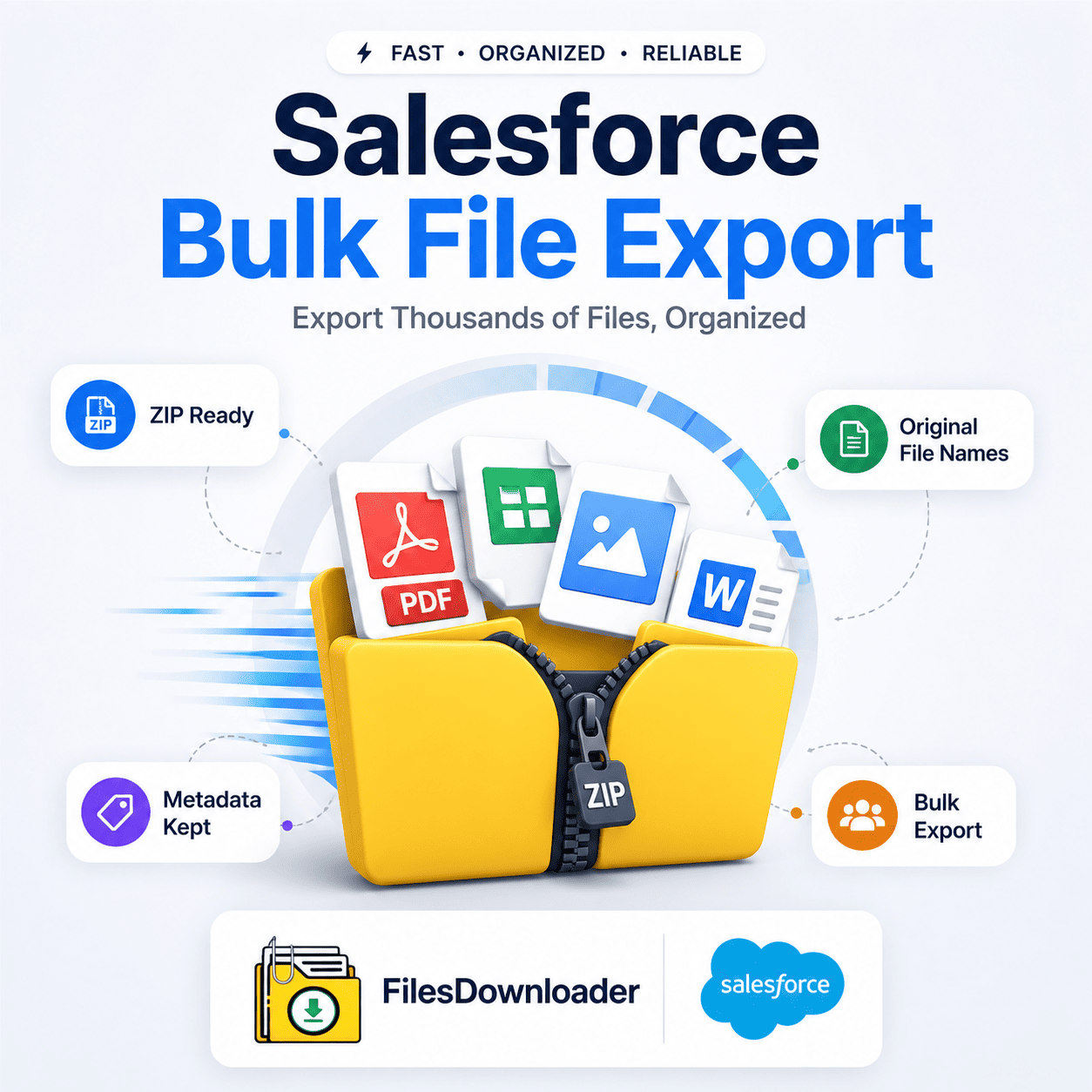


Salesforce Bulk File Export – The Definitive Guide ZIP: Speed Up File Extraction
You shouldn’t feel like you’re in a maze when managing your digital assets in Salesforce bulk file export. You know the pain if you have ever tried to download thousands of attachments with native tools: disorganized folders, generic file names and hours of sorting through split archives. Salesforce administrators, data architects and compliance teams all know processing a Salesforce bulk file export ZIP is still one of the most frustrating operational hurdles.
Thank you for reading this post, don't forget to subscribe!Native data export options often don’t cut it when your organization hits its File Storage Limit Exceeded threshold or you need immediate access to historical documents for an enterprise audit. They leave you with fractured archives and disconnected metadata.
Files Downloader was created to solve precisely this bottleneck. Our tool redefines how you query, filter and package your files, transforming a complicated data extraction project into a simple one-click action.
Why Native Methods for Exporting Salesforce Files Fall Short
Salesforce does have utilities built in, such as the Data Export Wizard and Data Loader, but these tools were designed for raw data records, not streamlined document management. So when you try a Salesforce bulk file export ZIP using native channels, you hit considerable friction points right away.
Storage Bottlenecks and the “ZIP File Scavenger Hunt”
Native weekly or monthly exports create huge, random 512 MB ZIP files of your files. Once you get them out you get cryptic alphanumeric file IDs instead of human readable file names .
Without relationship mapping, a particular PDF contract or customer image is a manual cross-reference to export logs. And as your storage increases and you get a File Storage Limit Exceeded warning, waiting days for a scheduled native export to run is just not an option.
No Selective Filtering
Native tools are “all-or-nothing” by nature. Filtering attachments by closed-won deals, date ranges, or custom object criteria is not easy. You have to download your entire ContentVersion library just to find a few relevant files, wasting bandwidth, storage space and precious team hours.
Selective Salesforce Bulk File Export ZIP: Improve Your Workflow
Your export tool needs to give you surgical precision over what you pull out to get rid of manual data sorting. Files Downloader is the missing link between complex database queries and simple file downloads.
Exporting Mass Files from Standard and Custom List Views
No need to write complex scripts when you can get files directly from the views you use every day. Files Downloader works fine on all standard and custom list views and on all standard and custom objects.
Whether you want to export case attachments from a specific queue or export signed contracts from a custom object called, say, “Vendor Agreements,” simply select your list view, launch the exporter, and export mass files and attachments in one go.
Custom SOQL Query Export Target Certain Objects
Experienced data teams and developers might find native list views lacking the granular control they need. Files Downloader natively supports custom SOQL Query Export workflows.
You can query directly against the ContentVersion object to filter down to the exact files that meet your business criteria. Use your own customized SOQL queries to get the latest data immediately. Make complex data downloads a breeze – just specify the fields, record types or date parameters you need.
Top Benefits of Files Downloader
A Salesforce bulk file export ZIP should not mean compromising data integrity or spending days on post-export cleanup. Files Downloader provides a fast, automated solution for modern enterprise workflows.
| Feature | Native Salesforce Export | Files Downloader |
| File Naming | Cryptic Record IDs | Keeps File Names Original |
| Folder Hierarchy | Unstructured Flat Folders | Custom / Object-Based Structure |
| Filtering | Global / All or Nothing | Separate List Views for Select & SOQL |
| Metadata Retention | CSV Logs | Held & Related |
| Export Speed | Queued (Takes Hours/Days) | Instant-On Demand |
Store Original filenames and folder structures
When you download files & attachments from Salesforce using Files Downloader, your assets are saved in their precise original format. The tool preserves the original file names and folder structure when exporting, so your team won’t have to guess which document belongs to which account.
Metadata retention and linkage to records.
Data audits and compliance checks demand strict provenance. Files Downloader lets you retain metadata like owner, object type and record association. This makes it a must-have file exporter for Salesforce Admins and data teams working with sensitive legal or financial records.
Make Data Migrations, Importing To SQL Server and Excel Easy
Structured output is essential if you are preparing for system backups, enterprise clean migrations, or third-party integrations. Files Downloader formats your export nice and clean, making it a lot easier to import Salesforce data into SQL Server or Excel after export.
Full Support for All File Types
Files Downloader can download any file type without corruption or truncation, be it contract PDFs or customer image files (.jpg, .png) or spreadsheets, presentations and code files. Great for all your Salesforce data export & file management needs.
3 Steps to Export a Salesforce Bulk File ZIP
Doing a quick bulk file export from Salesforce It takes less than two minutes to zip.
Choose Your Source: Open your default or custom list view or paste your custom SOQL Query Export string to interface.
Set Export Preferences: Decide how you want to sort your output; object name, record name or date created.
Download Your Archive: Click Run. You’ll get your structured archive right away – the fastest way to export Salesforce files without the hassle of command line tools.
[Book a Free Demo] | [View Pricing] | [Install on AppExchange]