

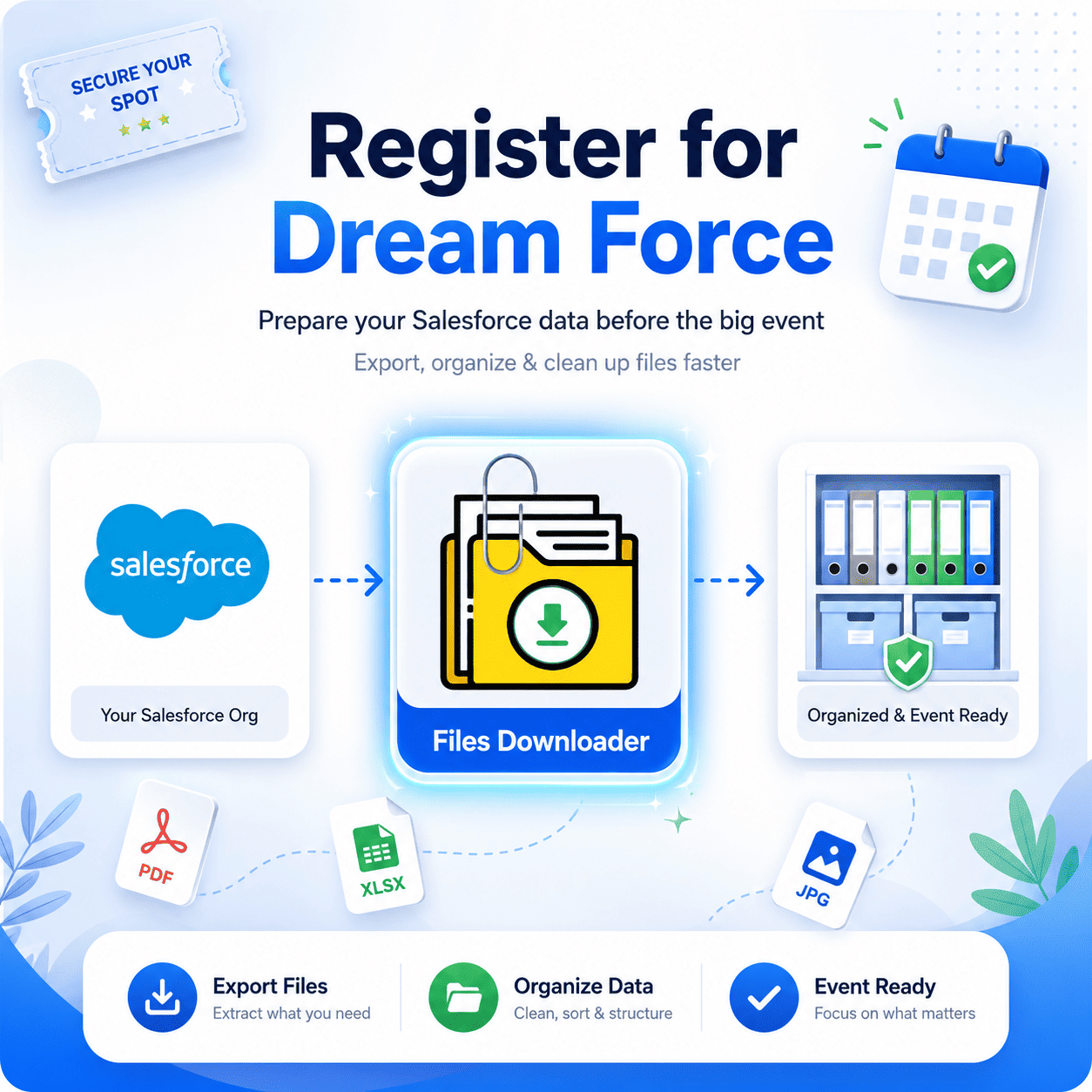


Register for Dream Force: Get Ready with Your Salesforce Data Before the Largest Salesforce Event
If you’re ready to Register for dream force, now’s the perfect time to get your Salesforce ready for audits, migrations, AI implementation, and enterprise automation. All too often, Salesforce administrators encounter the same problem before large-scale Salesforce events: chaotic attachments, duplicated files, disorganized ContentVersion data, and the dreaded “Zip File Hunt” post bulk extraction.
Thank you for reading this post, don't forget to subscribe!More companies are signing up for dream force, and Salesforce platforms are organizing their storage, optimizing their processes, and preparing their CRM data for AI-driven processing. Yet, there is one crucial task that is frequently overlooked: Salesforce file management.
Files Downloader allows Salesforce administrators to extract files, attachments, and ContentVersion information easily without complex APIs, scripting, or developer-based procedures.
No matter what your company needs in terms of backup, migration, storage management, or compliance-friendly exports prior to signing up for dream force, Files Downloader makes the process easy and stress-free.
Reasons Why Teams Need to Register for Dream Force Prior to Salesforce Clean-Up Projects
Each year, companies register for dream force to learn more about:
- CRM automation through AI technology
- Agentforce initiatives
- Enterprise Salesforce design
- Salesforce data cloud
- Effective salesforce admin techniques
- Compliance and governance techniques
Before adopting new salesforce technologies, businesses need to clean up their existing file systems.
There are many challenges faced by Salesforce teams that plan to sign up for dream force, such as:
- Exporting selected files
- Dealing with content versions
- Constraints with SOQL Query Export
- File storage limit exceeded problems
- Managing metadata
- ZIP organizing process
- Exporting custom objects’ files
Files Downloader gets rid of all these challenges in a flash.
Register for Dream Force and Make Salesforce File Export Easy
Dream Force registered teams usually examine their file structure within Salesforce prior to the event. The importance of efficient file exports is rising due to the increase of data-based AI workflows. Files Downloader allows administrators and other teams to export files quickly and efficiently.
Why Do Salesforce Teams Need Files Downloader?
- It supports both standard and custom list views
- Mass file and attachment exports from list views
- Download any files and attachments from Salesforce exactly as they are
- The quickest way to export files from Salesforce, no advanced software required
- Supports all file types: documents, photos (.jpg/.png), and many others
- Bulk file and attachment exports from standard and custom objects
- An absolute necessity for Salesforce file exporting
- Useful for clean data migration, auditing, and backups of systems
Dream force registrations can help organizations save a lot of manual administration time through these functions.
Content Version Management Before Registration to Dream Force
Salesforce saves files under the Content Version object. Although metadata can be exported easily, exporting files’ binaries can be quite challenging for teams.
The Files Downloader streamlines content version file exports within a few clicks.
Content Version File Export with One Click
Instead of using scripts or APIs, the user may:
- Pick List Views or Salesforce Objects
- Filter the data selectively
- Perform immediate export
- Automatically preserve metadata
- Export files with their original hierarchy
It is particularly helpful for teams registering for dream force as part of migration, auditing, and artificial intelligence project implementations.
Register for Dreamforce With Structured Salesforce Information
When enterprises sign up for dream force, they start assessing the following:
- Legacy attachments
- Files management system
- Backup procedures
- Compliance processes
- Data migration strategy
- AI-enabled Salesforce ecosystem
Files Downloader accommodates all these endeavors without coding knowledge.
Fix “File Storage Limit Exceeded” Issues Prior to Dream Force
One of the main concerns of Salesforce admins prior to major system upgrades is:
“File Storage Limit Exceeded”
Corporate businesses typically store numerous outdated documents, duplicates, and irrelevant ContentVersion entries.
With Files Downloader, you can:
- Extract obsolete files for safekeeping
- Decrease Salesforce storage space
- Store backups compliantly elsewhere
- Organize ContentVersion entries
- Streamline Salesforce instances
A lot of businesses that sign up for dream force take this opportunity to manage their storage needs.
SOQL Query Export for Advanced Salesforce Groups
Advanced Salesforce administrators don’t require complete organization data export. Selective exports help save time, space, and resources.
Files Downloader provides dynamic SOQL Query Export processes for enterprise-level organizations.
Advantages of SOQL Query Export
Through SOQL Query Export, you can:
- Export only necessary files
- Exclude owner name, dates, or objects
- Choose required Salesforce objects
- Avoid unwanted file downloads
- Create audit-quality data export
- Enhance migration quality
With the increase in registrations for dream force, there is a rising requirement for AI-powered Salesforce projects, thus making the need for neat and tidy data sets grow.
Register for Dream Force and Get Ready for AI-enabled CRM Operations
The following topics are frequently discussed in Dreamforce sessions:
- AI-driven automation
- Agentforce processes
- CRM systems transformation
- Salesforce scalability
- Data governance
- Backup systems
Files Downloader assists users in preparing Salesforce environments for such workflows.
Tailored for Salesforce Admins, Operations, and Compliance Projects
Files Downloader was built for:
- Salesforce administrators
- RevOps teams
- Compliance teams
- CRM consultants
- Migrations experts
- Enterprise IT teams
The platform makes Salesforce file exports easy and preserves metadata..
Reasons Salesforce Teams Prefer Files Downloader
Conventional processes for exporting from Salesforce are typically comprised of:
- APIs
- Coding
- File mapping
- Cleaning ZIP folder
- Developers
Files Downloader is all about quickness, ease, and efficient operations.
Effortless One-click Mass Export Process
The users at Salesforce can mass export their files without any need for:
- Coders
- Integrations
- Renaming files
- Organizing ZIP folder
And this would be particularly helpful for companies getting ready for registering on dream force.
Register For Dreamforce Using A Clean Salesforce Setup
For those Register for dreamforce, they have already prepared their Salesforce environment in terms of:
- AI implementation
- Reporting processes
- Migration plans
- Automation flows
- File management
- Data management
With Files Downloader, it becomes easy for businesses to overcome one of the most overlooked Salesforce problems by downloading files and attachments masse.