

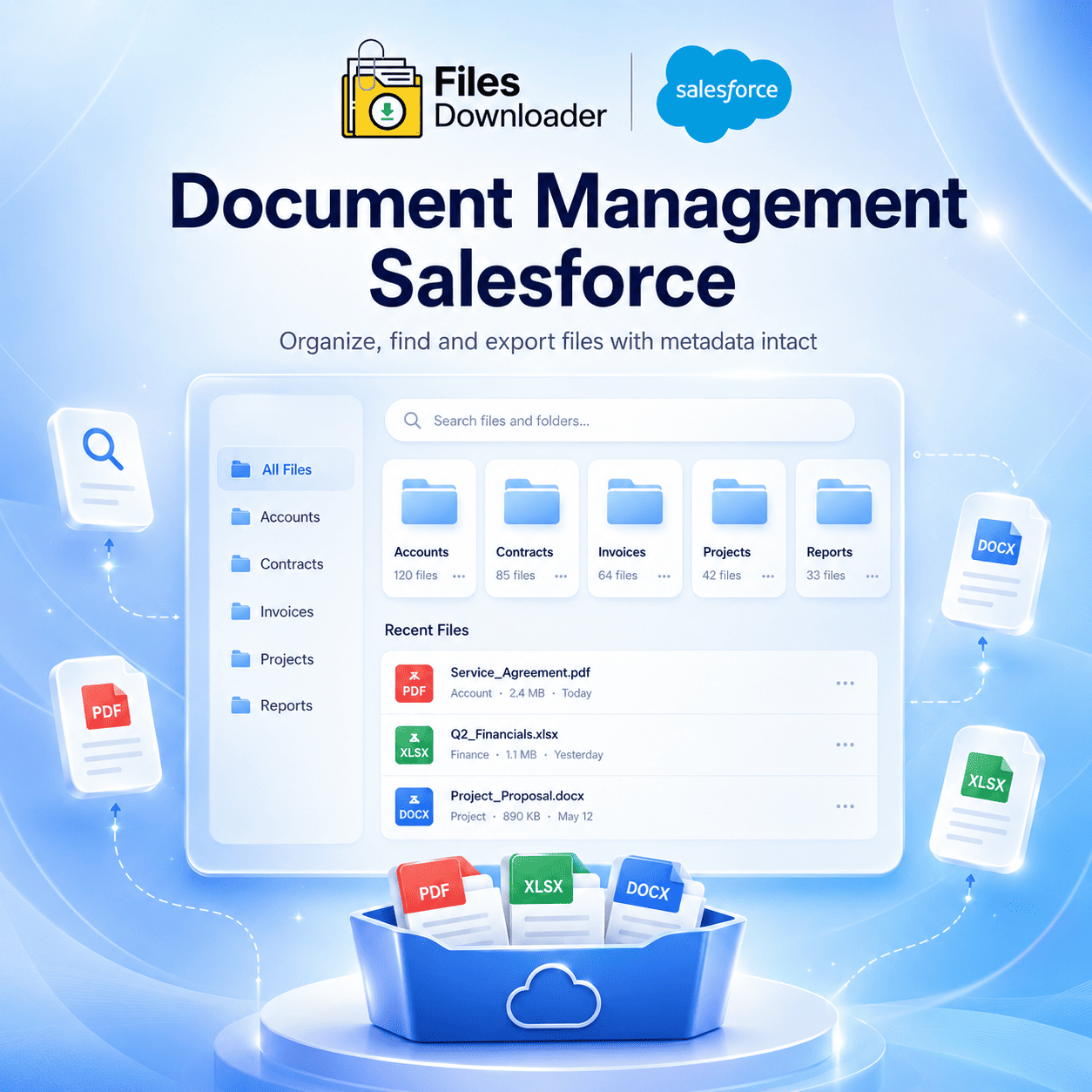


The Complete Guide To Salesforce Teams Actually Use Document Management
Most teams don’t realize how broken their document management Salesforce setup is until they need a specific file fast and can’t find it. An Opportunity that is closed-won and has a contract. A compliance document attached to a Contact. A product spec hidden in a custom object. Salesforce stores all of it, but accessing, organizing and exporting those files at scale is a different story.
Thank you for reading this post, don't forget to subscribe!Files Downloader closes the gap between Salesforce as a data platform and Salesforce as a functional document management system. No complicated scripts. No dev requests. No zip file searches
The Problem with Salesforce Document Management
But before you fix anything, it’s useful to understand exactly where native Document Management Salesforce falls apart. The problems are the same irrespective of industry, org size, use case.
The “Zip File Scavenger Hunt”
When teams try to export files natively, Salesforce zips everything into a compressed archive with system-generated file names. The original filenames are gone. The folder structure is collapsed. The link to the source record is gone. Rebuilding that context takes hours — and then you’re guessing.
No selective filtering
Salesforce’s native document management Salesforce doesn’t have a way to extract a specific subset of files. Only want the PDFs attached to Accounts in a certain territory, created in the last 90 days? That query does not exist in any native export tool. You download everything, and then you sort it yourself—which defeats the entire purpose.
ContentVersion Workload
Salesforce stores files in the ContentVersion object, linked to records via ContentDocumentLink. This data model is complex enough that most business users don’t have the Salesforce-specific knowledge to understand it, let alone query it. The architecture is solid, but it creates a high barrier to entry for anyone trying to manage documents at scale.
File Storage Limit Reached
Growing orgs hit the File Storage Limit Exceeded threshold faster than you might expect. Without a reliable way to audit, export and purge stale files, storage management is reactive and manual — costing time and money.
Files Downloader: Document Management for Salesforce
Files Downloader is a native Salesforce app that changes the way your team manages documents. It lives in your org, respects your existing permission model, and enables every user, admin to analyst, to export and manage files without technical overhead.
Files Downloader: How to Improve Your Document Management Workflow
Works With Standard and Custom List Views
Files Downloader seamlessly integrates into standard and custom list views on all objects in your org. There is no separate interface to learn and no need to build custom reports first. You work from the same list views your team already uses, with document management capabilities built on top.
Export Mass Files From Any List View
Select the records you want to export, start the export and Files Downloader does the rest in one operation. It grabs all the associated files and attachments from your selection in one go. This is the document management that Salesforce power users have been asking for – single click bulk action, not a multi-step manual process.
Download Files in Their Original Format
Every file exports in its native format. PDFs as PDFs, images as images, Word docs as Word docs. There is no conversion, no compression, no format degradation. You get out of Salesforce what you put in.”
Supports all file types
Files Downloader supports the entire spectrum of file types supported by Salesforce: PDFs, images (.jpg, .png, .gif), Office documents (.docx, .xlsx, .pptx), CSVs and more. There are no exclusions, no workarounds for specific formats, no surprises on export day.
Precision Document Management: Filtering, SOQL, and Metadata
Filter to Just the Docs You Need
The bottom line for good document management in Salesforce is selectivity — the ability to specify exactly what files are relevant for a given task. You can use Files Downloader’s filter system to target files by record type, owner, date range, object, field value and more. You pull out only what’s relevant, in one step, without the manual sorting.
This is the direct solution to the Lack of Selective Filtering problem that haunts native Salesforce document workflows.
Export Custom SOQL Queries
If teams need accuracy at scale, Files Downloader comes with a built-in SOQL query export interface. Run your own query against any standard or custom object, run it and export the associated files immediately. Get up-to-the-minute data – no waiting for a developer to build a report, no scheduled export jobs, no approximations.
As a result, Files Downloader is the document management tool of choice for Salesforce admins and data teams who need repeatable, auditable export workflows.
Keep Metadata — Always!
Files Downloader exports retain the metadata that makes document management truly useful – owner name, object type, record ID, record association and creation date. When you need to import Salesforce data into SQL Server or Excel, your files come fully contextualized. No cleanup sprint. No reconstruction of the metadata.
Keep Original File Names & Folder Structure
Files Downloader retains the original file names on export and organizes the output in a logical record-based folder hierarchy. A file attached to Case: #00045821 lands in a Cases/00045821/ folder – not in a randomly named directory inside a zip archive.
This is non-negotiable for compliance audits, system migrations and org consolidations. A reproducible document management Salesforce orgs can depend on.
Who Needs To Download Files
Salesforce Admins managing org storage, file governance, and data hygiene. If you’re responsible for keeping an org clean and compliant, it’s a must-have.
Data & Migration Teams working on org to org migrations, sandbox refreshes or legacy CRM decommissions rely on Files Downloader to bulk export Salesforce files from standard and custom objects — without any loss of structure.
Compliance and Legal Teams who need auditable, time-stamped exports of documents that relate to certain records and case files get exactly that – all without the need for IT.
Ops & IT Teams pushing Salesforce data downstream into SQL Server, data warehouses, or Excel-based reporting pipelines get clean, metadata-intact exports that import without transformation.
[Book a Free Demo] | [View Pricing] | [Install on AppExchange]