

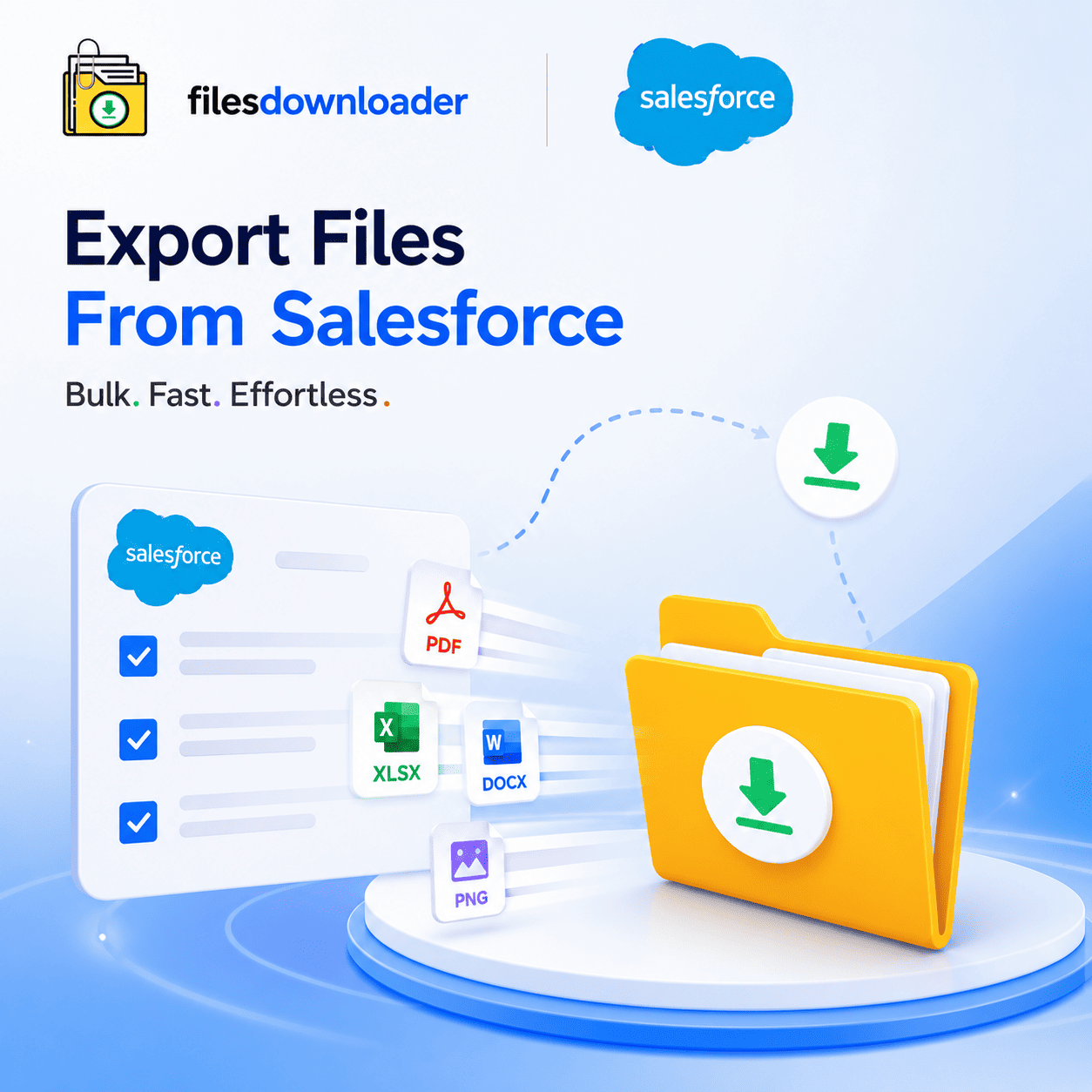


Export Files From Salesforce: The Fastest Way to Bulk Download Attachments
You’ve probably experienced the pain of export files from Salesforce for an audit, migration, or backup. There’s no easy way to bulk export attachments natively — you have to navigate to record after record and download one file at a time. Admins call it the “Zip File Scavenger Hunt,” and it eats up hours that should take only minutes.
Thank you for reading this post, don't forget to subscribe!This guide explains why native tools won’t cut it when you need to export files from Salesforce at scale, and how a purpose-built downloader turns a multi-hour ordeal into a single click.
Why Native Salesforce Tools Fail to Export Files at Scale
Standard reports show you metadata for attachments, not the actual physical documents. While both tools work fine for exporting a small handful of records, the moment your file volume scales, you hit a wall.
The result is a tedious manual process: open a record, scroll down to Notes & Attachments, download a file, and repeat. This workflow simply doesn’t scale for teams managing thousands of records — and it introduces serious business risk by accidentally missing files during critical compliance audits or platform migrations.
Why the “File Storage Limit Exceeded” Error Keeps Showing Up
Storage limits are usually the first warning sign that prompts teams to export files from Salesforce. Admins are forced to audit files org-wide to determine what is safe to remove, but native tools offer no efficient way to inspect or extract that volume. Suddenly, a File Storage Limit Exceeded warning pops up.
Without selective filtering, teams either over-delete files (risking permanent data loss) or ignore the warning until platform performance degrades. A proper export process solves both challenges simultaneously — providing a clean offsite backup while delivering immediate visibility into what is consuming your storage allocation.
One-Click Bulk Export: Work from List Views, Not Individual Records
A dedicated files downloader transforms your administrative workflow. Instead of opening records one by one, you work directly from any standard or custom list view to export files from Salesforce in a single bulk action.
Standard & Custom List View Support: Works natively with any list view no need to rebuild views solely for exporting.
One-Click Execution: Mass export files and attachments from any list view in a single action.
Exact Binary Formats: Download files and attachments exactly as originally uploaded with no format conversion or loss of quality (PDFs, images,
.docx, spreadsheets, etc.).No Middleware Overhead: The quickest way to export Salesforce files without wrestling with complex ETL tools or external middleware.
This completely eliminates the manual bottleneck for admins and data teams who regularly need to export files from Salesforce.
Designed for ContentVersion Records, Not Just Surface Files
Modern Salesforce orgs store attachments as ContentVersion records linked to underlying ContentDocument entities. Many simplistic export scripts only pull surface-level files and lose the underlying record association.
A downloader engineered for this relational structure preserves that essential link when you export files from Salesforce, establishing full compliance and audit readiness.
SOQL Query Export for High-Precision Extractions
Sometimes you don’t want to export everything you just want the exact right files. That’s where the SOQL Query Export engine comes in. Instead of pulling an entire object library, you write custom queries to export only the files that meet your specific business criteria.
Benefits of Query-Driven Exports
Live Query Execution: Run custom SOQL queries to instantly retrieve the freshest data.
One-Step Filtering: Filter and extract only the relevant file binaries in a single step, bypassing messy post-export cleanup.
Targeted Parameters: Simplify complex data downloads by scoping your query down to specific objects, fields, and date ranges.
This is especially useful for recurring audits where the exact same filtered export must run on a weekly or monthly schedule without rebuilding the process every time.
Preserve Metadata, Names, and Folder Hierarchies
Months down the line, a file extracted without context is virtually useless. Every time you export files from Salesforce, the export archive must carry its historical metadata with it.
Retain Core Metadata: Stamps original owner details, parent object types, and record associations onto each file.
Maintain Directory Structure: Keeps original file names and folder hierarchies perfectly intact — no random file renames or flattened folders.
Audit & Migration Ready: Creates clean, traceable offsite archives tailored for system migrations, audits, and regulatory compliance.
Whether you are archiving legacy case files or preparing for a full org migration, this level of metadata preservation separates an enterprise-grade file exporter from a basic download script.
Salesforce to SQL Server or Excel in Minutes
Once files are exported from Salesforce, that data rarely stays isolated. Delivering exports in a clean, structured format makes it simple to import your Salesforce file metadata into SQL Server, Excel, or a data warehouse, because file names, folder paths, and metadata already align with your source records.
This saves data teams from having to manually sort data before analysis can begin. Your export arrives clean and ready for downstream integration — no manual field re-mapping or hand-labeling required.
Who Needs to Export Files From Salesforce Regularly?
Bulk file extraction isn’t an obscure requirement — it has become an essential capability for Salesforce admins and data architects across industries. It fits naturally into broader corporate Salesforce data export and file management frameworks.
Primary Use Cases
IT & Migration Teams: Staging file assets prior to a major platform or org-to-org migration.
Compliance & Legal Officers: Executing scheduled, auditable file extractions against custom objects.
Data Engineering Teams: Building external reporting pipelines and data warehouses outside of Salesforce.
System Administrators: Resolving storage limit warnings under strict deadline constraints.
Check out the tool on the Salesforce AppExchange to review setup requirements and see feedback from other admins who regularly export files from Salesforce.
[Book a Free Demo] | [View Pricing] | [Install on AppExchange]