

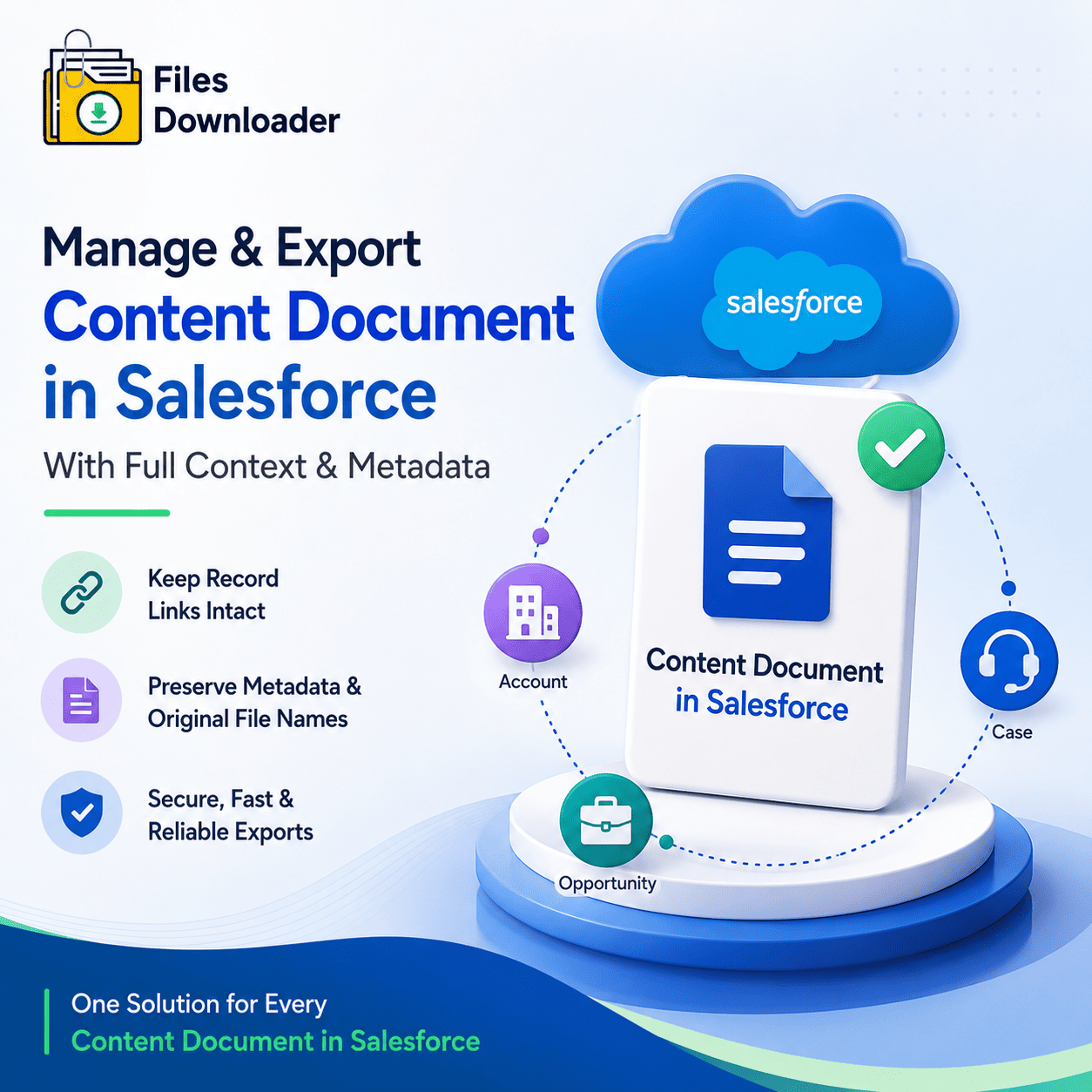


The Complete Guide to Content Document in Salesforce: How to Manage, Export, and Protect Every File in Your Org
Every admin who has spent time managing a live Salesforce org knows the moment content document in Salesforce becomes a problem. Files pile up across Accounts, Cases, Opportunities, and dozens of custom objects. Storage fills faster than anyone planned for. And when it comes time to export, back up, or migrate those files cleanly, the way content document in Salesforce works under the hood becomes the biggest obstacle standing between your team and a complete file export.
Thank you for reading this post, don't forget to subscribe!Files buried across dozens of objects with no bulk exit Content document in Salesforce metadata that disappears the moment you try to export No native tool that gives you selective, object-aware control over every content document in Salesforce
Files Downloader solves every one of these problems. It gives Salesforce admins and data teams complete control over every content document in Salesforce — making it the fastest and most reliable way to export, back up, and migrate files with full metadata, original filenames, and folder structure intact.
How Content Document in Salesforce Works — And Why It Causes Problems at Scale
Understanding how content document in Salesforce works is the first step to managing it properly. Salesforce does not store files the way a traditional file system does. Every content document in Salesforce lives across three related objects that work together to create the complete picture of a document inside your CRM.
ContentDocument is the parent record that represents a unique file stored in your org. Every file uploaded to Salesforce creates one ContentDocument record regardless of how many records it is attached to. ContentVersion holds the actual file version data — the binary content, the filename, the owner, the creation date, and every piece of metadata tied to that content document in Salesforce. ContentDocumentLink is the junction object that connects a content document in Salesforce to one or more records simultaneously.
A single PDF stored as a content document in Salesforce can be linked to an Account, an Opportunity, and a Case simultaneously through separate ContentDocumentLink records. This is how content document in Salesforce keeps files connected to your CRM records. And it is exactly why exporting files without the right tool breaks that connection completely.
Why Content Document in Salesforce Creates the “Zip File Scavenger Hunt”
Try to export content document in Salesforce using the native bulk export and here is what you get: a collection of numbered ZIP archives with scrambled filenames, no folder structure, and no indication of which record or object each content document in Salesforce came from. Admins spend days — sometimes weeks — manually reconstructing the context that the platform had preserved all along. The three-object relationship that makes every content document in Salesforce meaningful collapses entirely during a native export.
The Lack of Selective Filtering Problem
Content document in Salesforce records accumulate across every object in your org simultaneously. But native tools give you no way to extract selectively. You cannot say: “Give me only the content document in Salesforce records linked to closed Opportunities in the Northeast region, file type PDF, created in the last 12 months.” Native tools export everything or nothing. For orgs where content document in Salesforce records have grown across hundreds of custom objects, that all-or-nothing approach is completely unworkable.
File Storage Limit Exceeded — The Direct Result of Unmanaged Content Document in Salesforce
File Storage Limit Exceeded errors are the most visible consequence of unmanaged content document in Salesforce records. ContentVersion records accumulate across every object in your org — Accounts, Cases, Opportunities, custom objects, all of them simultaneously. Salesforce charges separately for file storage and data storage, which means content document in Salesforce records quietly consume your allocation with almost no warning. When the limit hits, admins need to export and offload content document in Salesforce records selectively — by object, record type, or date range — quickly and cleanly. Native tools cannot support that level of precision.
How Files Downloader Solves Every Content Document in Salesforce Challenge
Files Downloader is a purpose-built Salesforce AppExchange application designed to work directly with the way content document in Salesforce structures your files. It reads the ContentVersion, ContentDocument, and ContentDocumentLink relationships natively — giving admins and data teams complete bulk export control across every standard and custom object where content document in Salesforce records have accumulated.
Works With Every Object Where Content Document in Salesforce Records Exist
Files Downloader works with both standard and custom list views exactly as they exist in your org today. Every object that has content document in Salesforce records associated with it is accessible through its existing list view. Open any list view on any object, apply your filters, and trigger a mass export in one step — without rebuilding your existing workflow.
This is the fastest way to extract every content document in Salesforce record for teams that need to move files without complex third-party platforms, regardless of how large or complex your org has grown.
Export Every Content Document in Salesforce in Its Exact Original Format
Unlike native Salesforce exports that rename or convert files during extraction, Files Downloader lets you download every content document in Salesforce in its exact original format, with its original filename, inside its original folder structure.
PDFs stay PDFs Images stay .jpg or .png Word documents stay .docx Nothing gets compressed into an unreadable archive or renamed with a system-generated ID
It supports all file types that content document in Salesforce supports — PDFs, images (.jpg, .png), docs, spreadsheets, and more. For teams moving exported content document in Salesforce data into SQL Server or Excel, format consistency eliminates hours of post-export reformatting.
Preserve Every Piece of Metadata Tied to Content Document in Salesforce
When content document in Salesforce records accumulate across multiple objects, metadata is everything. Files Downloader preserves every piece of metadata that content document in Salesforce tracks:
Original file name — exactly as ContentVersion stored it, never replaced by a system ID Owner and record association — who created the content document in Salesforce and which record it belongs to Object type context — so your exported folder structure maps directly back to where each content document in Salesforce lived in your org
This metadata-aware export makes Files Downloader the go-to tool for every admin managing content document in Salesforce at scale — whether for clean migrations, compliance audits, or system backups where object context directly affects data quality.
SOQL Query Export: Surgical Control Over Every Content Document in Salesforce
For admins who need precision over which content document in Salesforce records to extract, Files Downloader’s SOQL Query Export is the most powerful feature available. Write and execute your own queries directly against ContentVersion and related objects — no developer required, no Apex code, no waiting on a ticket.
Target Exactly the Content Document in Salesforce Records You Need From Specific Objects
Access the latest content document in Salesforce data instantly by customizing and running your own SOQL query directly inside the app. Filter by:
Object type Record type Creation date Owner Status Any field your org tracks
Extract only the content document in Salesforce records relevant to your criteria from the objects you want to target — in a single step, with no exporting everything first and sorting afterward. This is especially powerful when ContentVersion records are linked to multiple objects across your org. A targeted SOQL query lets you define exactly which content document in Salesforce records you export — keeping every run scoped, intentional, and clean.
Simplify Complex Multi-Object Content Document in Salesforce Exports
In most Salesforce orgs, content document in Salesforce records are distributed across Accounts, Opportunities, Cases, and custom objects simultaneously. Files Downloader lets you simplify complex exports by targeting specific objects and fields every time. An Opportunity-level export will not accidentally pull in unrelated Case attachments or content document in Salesforce records from elsewhere in your org.
Built for Every Role That Works With Content Document in Salesforce
Files Downloader is not a generic file management tool with a Salesforce connector bolted on. It is a must-have tool for every role that works with content document in Salesforce records across standard and custom objects.
Salesforce Admins use it to offload content document in Salesforce records from specific objects before hitting the File Storage Limit Exceeded threshold Data Teams use it to structure clean exports from targeted objects for SQL Server, Excel, and BI platforms Migration Specialists rely on it to preserve original file names and object-aware folder structures when moving content document in Salesforce records during org-to-org or platform transitions Developers and Architects use it to validate ContentVersion and Attachment records across specific objects before and after major org changes
It works perfectly with Salesforce data export and file management workflows — and saves time by eliminating the manual data sorting that follows every unmanaged content document in Salesforce export.
Every Scenario Where Content Document in Salesforce Becomes a Challenge
Quarterly storage audit and offload before content document in Salesforce records hit the File Storage Limit Exceeded ceiling Full custom object file export with all content document in Salesforce metadata intact Compliance-driven export of specific content document in Salesforce records from targeted objects in your org Pre-merger org consolidation across dozens of standard and custom objects where content document in Salesforce records have accumulated simultaneously
Files Downloader gives every scenario the same clean, repeatable, metadata-intact export foundation — regardless of how large or complex your org has grown or how many content document in Salesforce records have accumulated.
Export content document in Salesforce records with full metadata preserved. Maintain original folder structures that map back to where each content document in Salesforce lived in your org. Re-import cleanly into your destination org, Google Drive, SharePoint, SQL Server, or any staging environment. What used to take days of manual work now takes minutes.