



How to Export Files from Salesforce Without Losing Your Mind
If you manage Salesforce for your team, you’ve probably already hit the wall. Your cloud based file management system stores thousands of documents, contracts, images, and attachments but when it comes time to get those files out, the wheels fall off quickly.
Thank you for reading this post, don't forget to subscribe!You click export, wait a few minutes and get a zip file of filenames like 069xx000001AbCdE.pdf. No folder hierarchy. No context records. No meta data. Just a bunch of files you now have to search manually. And a support request from the compliance team that needed those contracts an hour ago.
This guide explains why Salesforce file exports fail, and what a cloud based file management system workflow should look like. It also explains how tools like Files Downloader bridge that gap without custom code or working weekends.
Why Salesforce Fails as a Standalone File Export Tool
Salesforce was originally built as a CRM and automation platform. It’s file storage capabilities – ContentVersion records, attachment linking, role-based access – are solid for keeping documents inside the platform. But as soon as you want to move those files to somewhere else, that’s when the trouble starts.
The Treasure Hunt Zip File
Salesforce often replaces the original file names with internal ContentVersion IDs when it packages files for export — long strings of letters and numbers that don’t mean much outside of Salesforce. MSA_AcmeCorp_Signed_2024.pdf becomes 069xx000001AbCdEAAE.pdf. And when you do that for hundreds of records, it’s not a matter of minutes to rename them, it’s a matter of days.
No selective filtering.
Salesforce’s native Data Export tool is all or nothing. You can schedule a full org export, but there’s no built-in way to say “give me only the signed contracts attached to closed-won opportunities in the Northeast region from Q3.” To get that precision, you’d have to write a custom SOQL Query Export — and for most deadline-driven admins, that’s not realistic.
Metadata and Folder Structures Don’t Make It
Filenames may survive intact, but the organizational logic does not. The files lose their connection to the parent record, the owner, the object type, and the record ID. What was structured and navigable within Salesforce is now a flat, unsorted file dump on your desktop. This is particularly damaging during migrations when every file needs to be re-linked to the correct record in the destination system.
What a Clean Salesforce File Export Looks Like
A well functioning cloud based file management system export workflow should meet the following standards:
Keep original filenames — what you named it in Salesforce should make it through export unchanged
Keep record associations intact – every file should be traceable back to its account, contact, opportunity, or custom object
Keep the metadata – metadata should go with every file: owner, creation date, object type, record ID
Support filtering before download – define exactly what you want before the export runs, not after
Work across all file types – PDFs, images (.jpg, .png), Word documents, Excel spreadsheets, and custom formats should all export cleanly
Most important, the process should be repeatable. Whether you’re doing a one-off data migration or monthly compliance backup, the export should generate the same clean, predictable result each time.
When Salesforce Teams Want Bulk File Exports
Knowing when bulk exports are needed makes clear what a right tool must do.
Migrations of Data
Moving to a new CRM or consolidating many Salesforce orgs means every file needs to leave with all of its context intact. A migration that breaks file-to-record associations means weeks of post-go-live cleanup. Files must arrive at the destination system with the correct name, in logical order, and associated with the right records.
Audits of Compliance
Legal and compliance teams often need all documents related to a particular account, contract type, or date range — often with little notice. Going through records manually is not scalable. Targeted filtered exports provide auditors what they need in minutes, not days.
System Back-up’s
Salesforce has good built-in backup tools for structured CRM data. Attachments to files are different. Regular file exports give your team a copy of all documents that you can recover outside of the platform — critical if you get a File Storage Limit Exceeded error or need to restore files after a data incident.
Importing to External Systems
Teams using SQL Server, Excel-based workflows, or external document platforms often need to pull files out of Salesforce and re-import them somewhere else. When files come in with clean names, intact metadata and logical folder structures, that import process becomes much simpler.
How Files Downloader Fixes This Problem
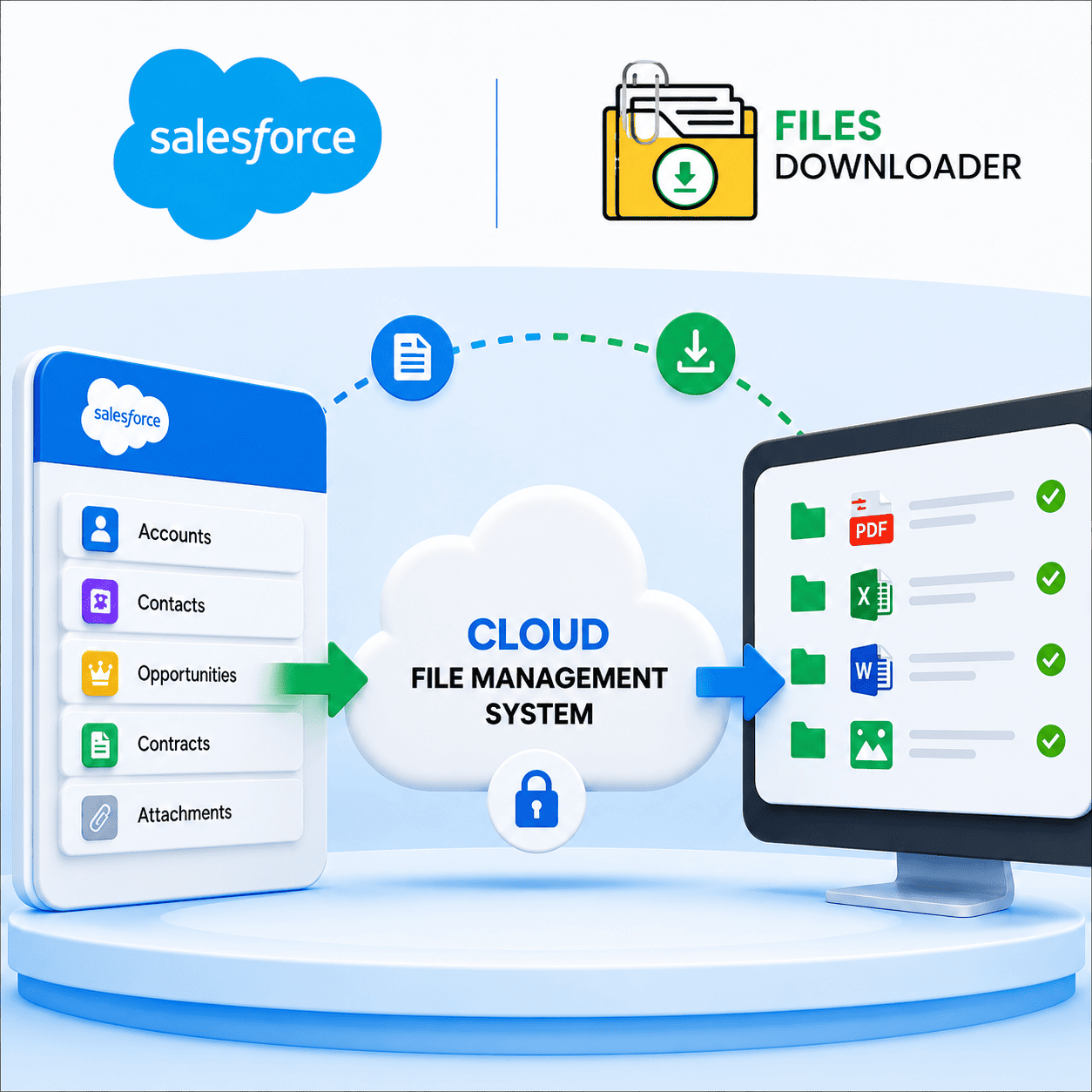
Files Downloader is a native Salesforce application that is built specifically to fix the export workflow. It integrates seamlessly into your existing list views and gives a clean, repeatable way for admins and data teams to bulk export files – no data loader, no writing SOQL from scratch, and no renaming a single file thereafter.
It Works Where You Already Work
Files Downloader supports both standard and custom list views. No separate learning or configuration interface. You filter your records the way you always do and export what you need. This is the fastest way to get data to download for any team using Salesforce as their cloud based file management system.
Download Filter
This is the biggest difference from native Salesforce export. You define your criteria ahead of time – by object, field value, record type or a completely custom SOQL Query Export – and only download the files that meet that criteria. Stop exporting 10,000 records to get the 200 you need.
Files Come Organized and Ready to Use
Exports maintain original filenames, folder structures and full metadata including owner, object type and record association. When you open the exported folder, all files are where you expect them to be. No renaming, no sorting, no cross-referencing ContentVersion IDs against another spreadsheet.
Works with All Object and File Types
PDFs, images, Word docs, spreadsheets and custom file types all export well. Files Downloader supports standard objects such as Accounts, Contacts, Opportunities and any custom object in your org. It also makes it much easier to import Salesforce data into SQL Server or Excel post-export, as everything comes out pre-organized.
Cleaner Salesforce Exports: Practical Tips
These habits make any bulk export more manageable, no matter what tool you use:
First, take a look at your file naming conventions. If the files were uploaded with inconsistent naming, your export will be just as chaotic. A little clean-up before a big export saves time on the receiving end.
Pre-scope your download with list views. The more focused your list view, the more targeted your output will be. Create a custom view limited to just the records you want to export.
Keep metadata fields filled. Owner, Created Date and Record Type are only useful after export if they are filled in consistently. Conduct spot-checks of data quality prior to any audit or migration export.
Try it out on a small batch first. Before you do a 50,000 record export, run it on 50. Verify file names, folder structure and metadata. It’s a lot easier to catch a configuration issue on 50 files than it is to untangle on 50,000.