

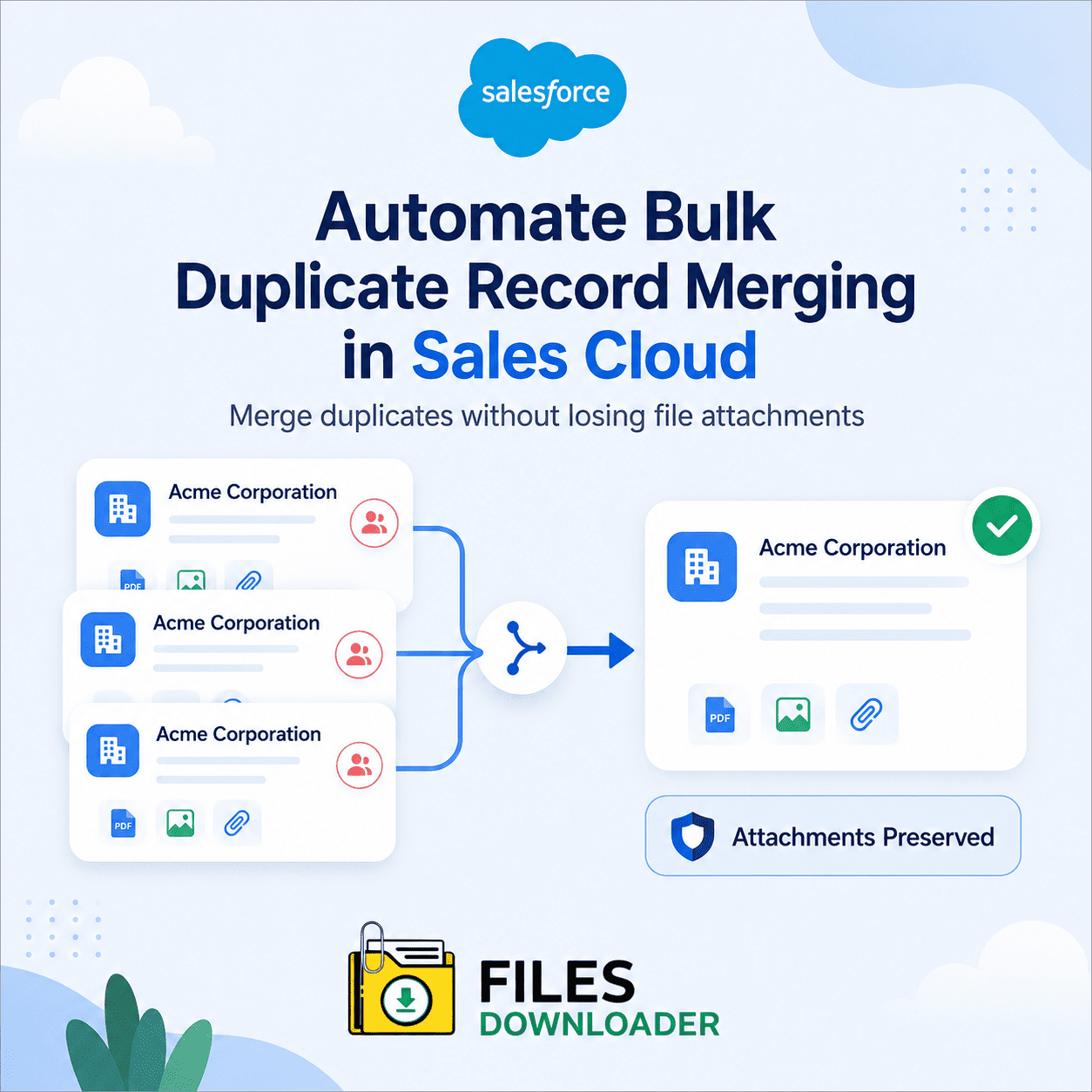


How to Automate Bulk Duplicate Record Merging in Sales Cloud
To automate bulk duplicate record merging in Sales Cloud, you need a deduplication tool that can identify duplicate accounts, contacts, or leads and merge them at scale—since Salesforce’s native merge feature only handles three records at a time manually, through the UI. For true bulk automation, admins typically turn to third-party deduplication platforms or custom Apex batch jobs. Just as important as the merge itself is protecting the file attachments tied to the records being merged, since that’s where most native and even third-party tools quietly fall short.
Thank you for reading this post, don't forget to subscribe!How Bulk Duplicate Merging Actually Works
A few paths handle large-scale deduplication in Salesforce:
- Native Merge (manual) — built into Salesforce for Accounts, Contacts, and Leads, but limited to 3 records per merge and no bulk automation — fine for occasional cleanup, not for thousands of duplicates.
- Third-party deduplication platforms (Cloudingo, DemandTools, Duplicate Check, dupeCatcher) scan for duplicates using configurable match rules and merge them in bulk, often with scheduling for ongoing cleanup rather than one-time projects.
- Custom Apex batch jobs—for orgs with specific merge logic (custom objects, non-standard match criteria) that off-the-shelf tools don’t cover, built and run by a developer.
- Salesforce Data Cloud / Duplicate Management rules—set matching and duplicate rules that flag likely duplicates proactively, reducing how often bulk merges are needed in the first place.
Whichever tool performs the merge, it’s worth knowing upfront: none of them are built to preserve file attachments as a first-class part of the process. That gap is where most compliance and data-loss problems during cleanup projects actually happen.
Why File Attachments Get Lost During Duplicate Merges
Standard deduplication tools focus almost exclusively on field values—they merge names, emails, and record data cleanly but rarely account for files and attachments tied to the records being consolidated. Without a separate preservation step, contracts, invoices, and legal documents attached to the “losing” record in a merge can be detached, orphaned, or lost entirely.
Native Salesforce exports don’t help here either. The Weekly Export Service produces large, disorganized zip files, delivered via email links that expire quickly, with file names replaced by unreadable IDs—making it nearly impossible to trace a file back to the specific duplicate record it belonged to before the merge. Add in the risk of a File Storage Limit Exceeded error from having too many duplicate file versions sitting in the org, and a routine cleanup project can stall automation scripts entirely.
Protecting Files During a Bulk Merge: Step-by-Step
Here’s the workflow for preserving file context before, during, and after a bulk deduplication run:
1. Identify duplicate sets and export attachments first. Before running any merge, use a custom SOQL query export to pull every ContentVersion record tied to both the master and duplicate record IDs—this guarantees nothing is lost if the merge behaves unexpectedly.
2. Export with metadata intact. File downloader preserves file owner, object type, and original record association in a one-click bulk export so context isn’t lost once the underlying records no longer exist in their original form.
3. Run the merge. With files safely backed up off-platform, execute your dedup tool or Apex batch merge job without the risk of orphaning attachments in the process.
4. Reconcile and re-attach as needed. Exported files, complete with original names and folder structure, can be reviewed and re-linked to the surviving master record or imported into SQL Server or Excel for a clean audit trail of what was merged.
File Management Options for Bulk Deduplication
| Capability | Native Data Export | Third-Party ETL/Loader Tools | files downloader |
|---|---|---|---|
| Selective Filtering | All-or-nothing | Requires complex scripting | Standard & custom list views |
| Metadata Preservation | Files hashed/renamed | Partial, developer-dependent | Full (owner, object type, record link) |
| SOQL Query Targeting | Not supported | Requires developer knowledge | One-click native SOQL |
| Setup Complexity | N/A | High, engineering overhead | Zero-code, instant |
| Off-Platform Storage | Files stay in the org. | Temporary at best | Direct off-platform export |
Because the export runs natively within Salesforce and respects existing permission sets and sharing rules, backing up files ahead of a merge doesn’t introduce a new compliance risk into the cleanup project.