

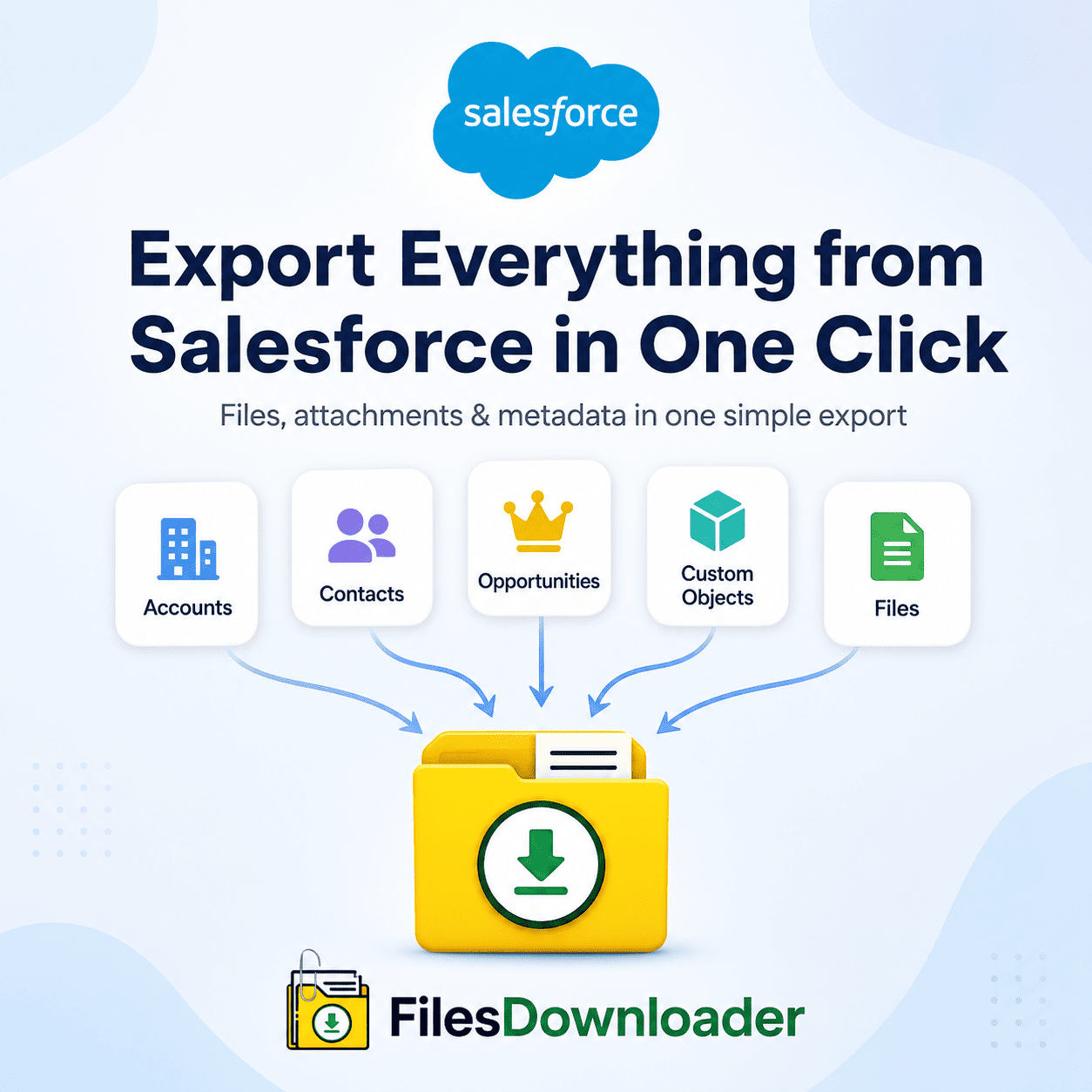


How to Export Everything from Salesforce in One Click
To export everything—every file and attachment—from Salesforce in one click, you need a tool that goes beyond the native Weekly Export Service’s slow, all-or-nothing zip archives and allows you to pull exactly the files you need—with metadata and folder structure intact—in a single action. To be clear from the start about scope: this is about files and attachments (ContentVersion and legacy Attachment records) across your org, not the underlying configuration metadata or record field data in Salesforce, which are handled by completely separate tools.
Thank you for reading this post, don't forget to subscribe!Native Salesforce File Exports Aren’t Enough
When file volume outgrows a small dataset, real limits are hit by Salesforce admins and data managers relying on out-of-the-box export features:
The “zip file scavenger hunt” and storage limits. A native weekly data export generates a multitude of split zip files containing randomly numbered folders, forcing you to manually sift through thousands of records to find specific attachments. As the volume of documents grows, this can often result in a File Storage Limit Exceeded warning, leading to a scramble for cleanup or an expensive storage upsell.
No selective filtering. Native export tools are all or nothing; you cannot target a specific list view, date range, or isolate files associated with a single custom object without pulling your entire database.
How to Export Everything from Salesforce in One Click with files downloader
Modern data management needs to be fast and accurate. Here is the actual workflow:
- Use customized and standard list views. Files downloader supports default and custom list views, so you can filter and pull only the files that match your exact criteria in one step—pulling contracts from an “Open Deals” view or compliance docs from a custom object without writing scripts.
- Use a custom SOQL query export for accuracy. Data architects and power users can directly target specific objects, fields, and ContentVersion records, making complex data downloads easier and cleaning up clutter before the export even starts.
- Export with all metadata intact. Extracting a file is only part of the job — what makes it usable afterward is keeping its context. With each export, record owner, parent object type, original record ID mapping, and version history/creation dates are automatically retained, along with original file names and folder structures.
- Retrieve files in their native format, ready for downstream use. PDFs, images (.jpg, .png), documents (.docx), and CAD files export in their exact original format without corruption, ready to be loaded into SQL Server or Excel for further analysis.
Native exporters vs. files downloader
| Feature | Native Salesforce Export | files downloader |
|---|---|---|
| Execution | Delayed (email links, queued) | Instant, one-click |
| Filtering | Global, unfiltered | List view or SOQL-based |
| File Structure | Random zip folders | Original folder structure preserved |
| Metadata Retention | Stripped or separated into CSVs | Fully retained on each ContentVersion export |
| Setup Difficulty | Manual cleanup needed | No mapping needed |
Step-by-Step: Export Everything from Salesforce in One Click
- Download the app. Install the package directly from the AppExchange.
- Select your object or list view. Open a standard or custom object or a custom list view that contains the files you want.
- Use SOQL filters (optional). Narrow the export by targeting specific dates, file types, or record owners.
- Click export. Choose the mass export option to grab everything matching your criteria in one click—files download instantly with the full folder structure preserved.
Because the export runs natively in Salesforce and honors existing permission sets and sharing rules, there is no additional compliance risk in your audit or migration process when exporting everything at once.
[Talk to Expert] [View on AppExchange] [View Pricing] [Read Faqs]