

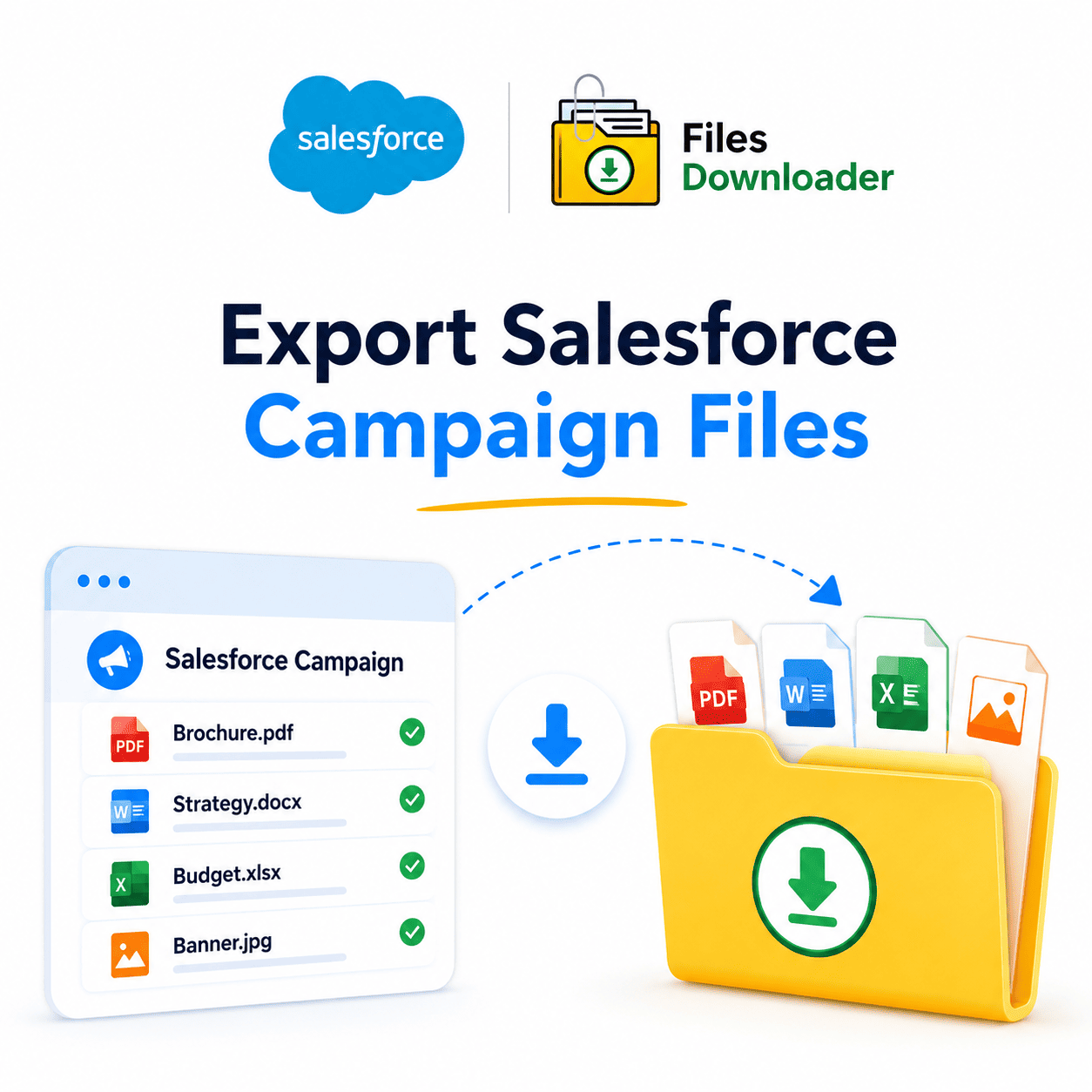


Export Salesforce Campaign Files in Bulk Without the Headache
If you’ve ever exported Salesforce campaign files and found yourself wading through a zip archive with no logical structure, renaming files for hours, or writing custom SOQL queries just to get a handful of attachments, then you already know the pain.
Thank you for reading this post, don't forget to subscribe!Salesforce is a powerful platform, but its native file export tools weren’t designed for bulk operations. They give you a zipped set of ContentVersion records with auto-generated filenames, stripped metadata, and zero folder structure. That’s not an export. That’s a Zip File Scavenger Hunt.
All of this is fixed by Files Downloader. It’s a native Salesforce app designed to help you export your Salesforce campaign files as they exist in your org – names intact, metadata preserved, and folder structure maintained.
Why Native Salesforce File Export Is Lacking
Salesforce stores files in ContentVersion and ContentDocument objects, and that architecture creates real friction when you need to export Salesforce campaign files quickly and cleanly.
No Selective Filtering
The native data export is all or nothing. There is no way to say “Give me only the PDFs that are attached to Campaign records that were created in Q1.” Without selective filtering, you’re downloading your entire org’s file library and digging through the results manually.
This is particularly painful when the “Salesforce File Storage Limit Exceeded” warning is already flashing. You have to audit and clean up, but you can’t really pull just the specific files that you want to review.
Zip File Scavenger Hunt
When Salesforce does export files, it bundles them up in a zip archive with cryptic, system-generated names. No owner information, no object type linked, and no record association are included. Re-linking those files back to their source records is a full day’s work — and that’s before you even get to your actual migration or audit tasks.
Complexity of SOQL Query Export
Advanced users can write a SOQL Query Export to pull file metadata from ContentVersion. But that needs developer access, query knowledge, and still doesn’t provide you with a clean file download. Most Salesforce admins shouldn’t have to write code just to export a PDF.
Exporting Campaign Files From Salesforce with Files Downloader
Files Downloader is built for Salesforce admins and data teams who want fast, accurate, clean output — without writing a single line of code.
Export from Any List View Standard or Custom
Files Downloader works with standard and custom list views on any object in your org. If you’re extracting attachments on Salesforce Campaign Files records, Account files, or a custom object, you simply filter your list view and export. Only the files that meet your criteria are downloaded — in one step.
This is not a workaround. It’s the fastest way to export Salesforce campaign files without requiring complex third-party tools or developer resources.
Files Downloader: Key Features
List View Export: Export mass files and attachments from any List View in Salesforce.
Native Formats: Download files in their exact original format (no conversion, no compression).
Universal File Support: Supports all file types: PDFs, images (
.jpg,.png), Word docs, spreadsheets, and more.Cross-Object Capabilities: Bulk export files from standard and custom objects alike.
Structure Preservation: Export with original file names and folder structures automatically intact.
Full Context Retention: Metadata such as owner, object type, and record association stays bound to each file.
Targeted Extraction: Only extract files that match your exact filtered criteria.
Developer Power: Run your own SOQL query for instant access to the latest, most targeted data.
No Mapping Needed Metadata Stays With Your Files
Files Downloader exports Salesforce campaign files with original names and full context: owner, linked object, record association, and object type. Post-export spreadsheet reconciliation is a thing of the past.
This makes it so much easier to import Salesforce data into SQL Server or Excel after you export, since your file structure and names are already clean.
SOQL Queries for Advanced Users
For teams who need precision, Files Downloader allows you to write and run your own custom SOQL Query to target exactly the ContentVersion records you need. Customize your query parameters — by date range, owner, file type, linked record, or any other field in your org — to instantly access the freshest data. This is a real power-user feature that closes the gap between what Salesforce stores and what you can actually get your hands on.
Who Uses Files Downloader and Why?
Files Downloader is a must-have file export tool for Salesforce admins and data teams across all industries. This is where it provides the most value:
Clean Migrations: Pull all files from a source org while keeping the metadata intact. Import into your target org, SQL Server, or any external system without having to relink items manually.
Compliance Audits: Filter files by record type, owner, or date. Export only relevant data for an audit window to cut down on manual data sorting time.
System Backups: Run on-demand or scheduled exports from any object. Backup important files outside of Salesforce with folder structures completely intact.
Campaign File Management: Use the fastest way to export Salesforce campaign files for a specific campaign or campaign group. Perfect for marketing teams managing extensive content libraries.
Storage Optimization: When the “File Storage Limit Exceeded” alert shows up, quickly export and archive older files to free up space without losing access to them.
Every Feature Built to Do One Thing: Export Files Faster
This is the core principle behind every function in Files Downloader: When you need to export Salesforce campaign files, the tool should get out of your way.
One-Click Bulk Action
Choose your list view, set your filters, and click export. Files Downloader takes care of the rest — so you can export Salesforce campaign files with every matching ContentVersion record preserved, metadata intact, and output cleanly packaged. No multi-step wizards, and no waiting around for scheduled export jobs.
Data Faithfulness
The files are downloaded exactly in their original format. PDFs are still PDFs. Images stay as .jpg or .png. No forced transcoding, and no compression artifacts. What you receive is exactly what is in Salesforce.
Seamlessly Connects with Your Existing Tech Stack
Files Downloader is meant to integrate into your existing Salesforce data export and file management workflows — not replace them. Use it alongside your standard export jobs, data loader processes, or migration scripts. It seamlessly fills the gap that Salesforce’s native tools leave behind.
[Book a Free Demo] | [View Pricing] | [Install on AppExchange]