

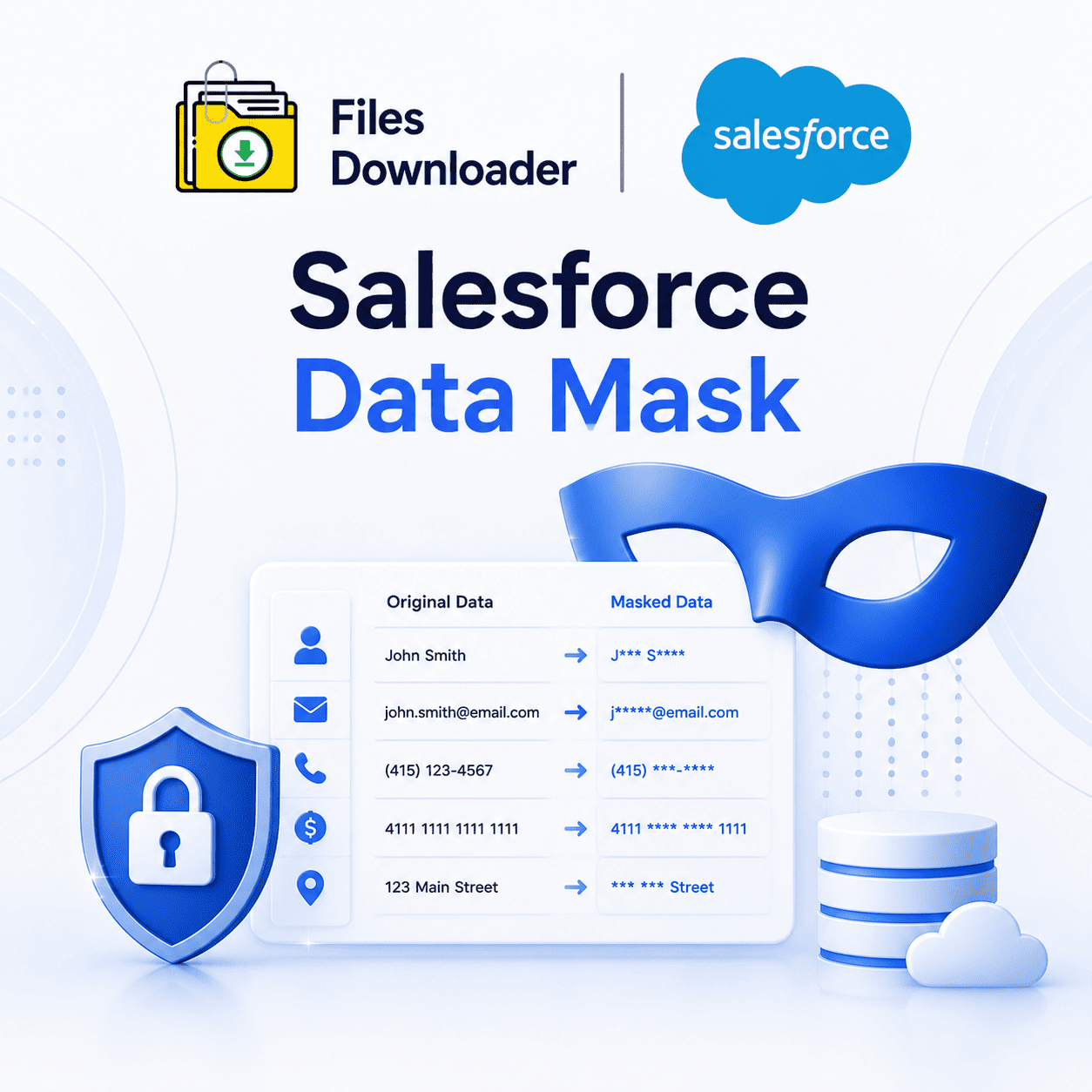


Salesforce Data Mask: The Ultimate Guide to Masking Sensitive Data in Your Org
When you’re testing in a sandbox, training new hires, or handing data over to a third-party vendor, you don’t want real customer data exposed. That’s precisely what Salesforce Data Mask was designed to solve. It enables teams to hide sensitive fields like names, emails, and financials while keeping the data structure perfectly intact for testing and development. In this guide, you will learn what Salesforce Data Mask does, how it works, and when you really need it in your org.
Thank you for reading this post, don't forget to subscribe!What is Data Mask in Salesforce?
Salesforce Data Mask is a native, managed package from Salesforce that masks sensitive data in sandboxes. It does not delete or duplicate records; instead, it overwrites specific field values with realistic but fake data. The underlying structure of records, relationships, and field types remains exactly the same.
This is important because sandboxes are frequently used by developers, QA teams, and outside consultants. Without proper masking, these users gain direct access to real customer PII (Personally Identifiable Information), credit card details, or health records—often with no way to track who saw what.
Why Sandboxes Are the Real Threat
Production orgs are typically locked down tightly, but sandboxes often are not. Salesforce Data Mask exists because the weak link is the sandbox environment—copied directly from production, filled with real data, and accessed by a wider, less monitored group of users.
What Salesforce Data Mask Does in the Real World
The tool is typically executed as a post-sandbox-refresh process. The admin copies a sandbox from production and applies Salesforce Data Mask to the fields and objects they select.
Important Note: The masking process is permanent. There is no “unmask” button, which is a deliberate design choice for strict compliance reasons.
Admins choose the fields to mask using predefined masking rules:
Random characters: Overwrites data with a string of completely random letters or numbers.
Fixed values: Replaces all entries in a field with a static value (e.g., replacing all phone numbers with a dummy corporate line).
Shuffled data: Mixes the existing data across records in the same dataset so the real values are completely dissociated from their original context.
Out of the box, templates are readily available for standard fields like Name, Email, and Phone.
Custom Fields and Object-Level Control
Standard fields aren’t the only target. Custom fields and custom objects can also have masking rules configured by admins. This is especially useful for orgs with industry-specific data models—like healthcare, financial services, or insurance—where sensitive data is frequently stored outside of standard Salesforce objects.
It is this degree of control that sets Salesforce Data Mask apart from a simple find-and-replace script. The relationships between the records still exist, ensuring that masking does not break your testing, integration, and QA processes.
Salesforce Data Masking vs. Manual Anonymization
Before this tool, teams were scrubbing data manually: exporting it, cleansing it in Excel, and then reloading it back into the sandbox. This approach was slow, error-prone, and painfully inconsistent with each sandbox refresh cycle.
Salesforce Data Mask automates the entire sequence and ties it directly to the sandbox refresh cycle. Saying “we manually edited it” isn’t an acceptable answer in audited, regulated industries where consistency and a verifiable trail are what matter most.
Compliance Pressure Driving Adoption
Regulations like GDPR, HIPAA, and CCPA are pushing companies to tighten up their data handling, even in non-production environments. Salesforce Data Mask gives compliance teams a defensible and repeatable process, removing the risk of relying entirely on developer discipline.
Things to Know Before You Rely on It
Sandbox Only: Salesforce Data Mask is designed to work strictly with sandboxes. It cannot mask live production data, nor does it mask data dynamically when exporting to external systems. If you need to de-identify files or records leaving Salesforce, this is not the right layer.
Irreversible Design: Once a sandbox is masked, you cannot revert to the original data unless you trigger another sandbox refresh from production. Teams should plan masking timing around active development cycles carefully.
File & Attachment Gaps: Some orgs use Salesforce Data Mask in combination with other tools to get full coverage, especially when files and attachments contain sensitive data.
ContentVersionrecords, PDFs, and scanned documents often contain PII that is completely untouched by field-level masking..
How to Configure Salesforce Data Mask: Brief Summary
Install the Package: Install the managed package into your production org.
Assign Permissions: Grant the appropriate permission sets to your admin user.
Define Masking Rules: From within the Data Mask configuration screen, select your target objects and define rules field by field.
Run or Schedule the Job: Select the specific sandbox environment and run the job.
The execution time usually ranges from minutes for small orgs to several hours for massive data volumes with complex custom objects. Running this can be automated to trigger directly following your sandbox refresh schedule, avoiding unnecessary downtime for development teams.