

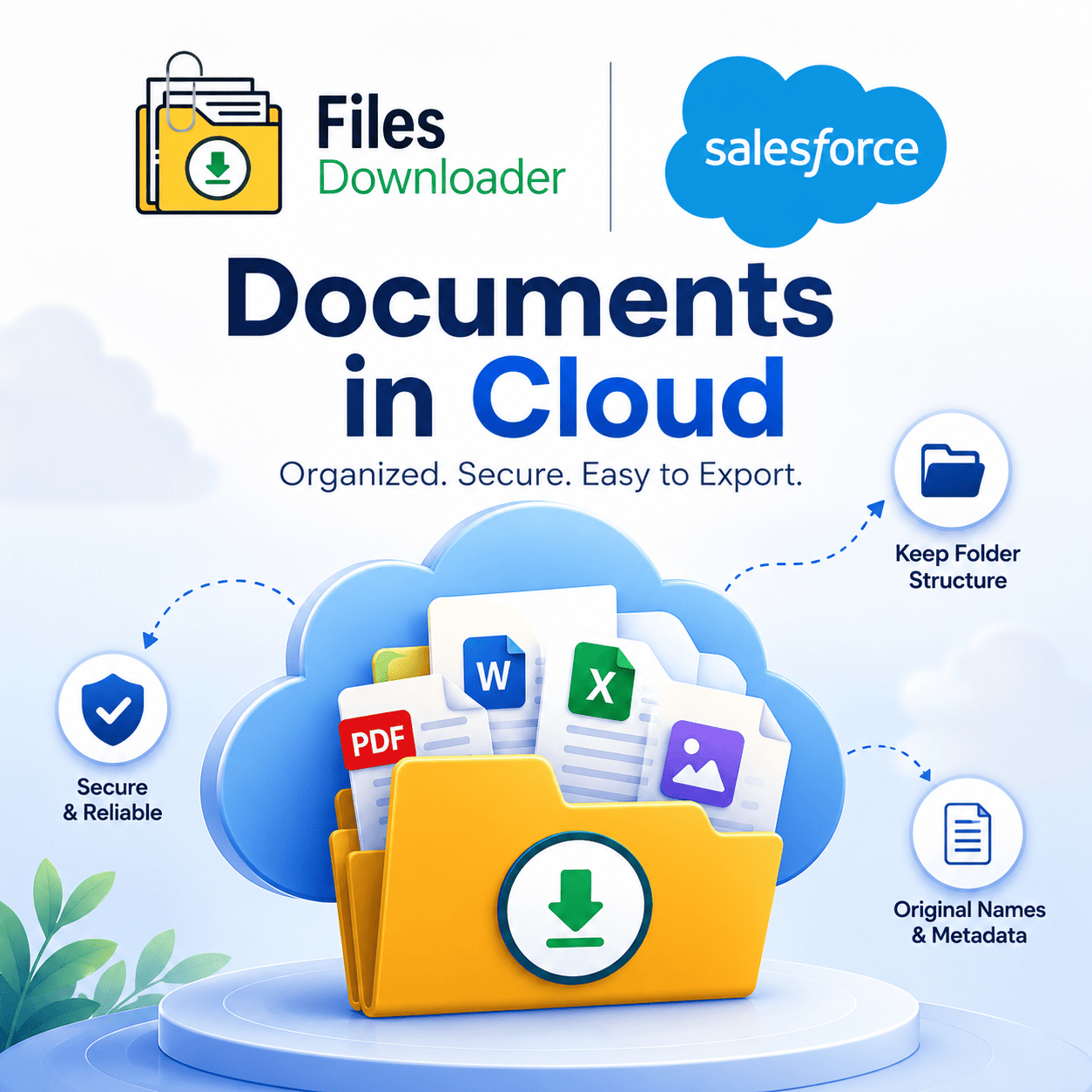


Cloud Documents: The Smarter Way to Manage and Export Your Salesforce Files
Managing documents in cloud sounds easy enough until you are inside a Salesforce org with thousands of records, multiple object types and no clean way to get your files out. Yes, the storage is cloud-based. But the process of getting, filtering and exporting those documents? That’s where most teams stall.
Thank you for reading this post, don't forget to subscribe!Files Downloader was created to solve just that problem. It provides Salesforce admins and data teams with a direct and structured route to their documents in cloud storage – no zip file chaos, no manual sorting and no code writing required.
Why Cloud Document Management on Salesforce Is Not Easy
Salesforce stores your files, attachments and records in a cloud-based architecture built around ContentDocument and ContentVersion objects. This means that in theory, your documents in cloud can be accessed from anywhere. But getting those files out in a usable format is another story in practice.
Export without Folder Structure — When you export documents in cloud from Salesforce natively the folder structure is lost. Files are dumped flat, with auto-generated names, and are completely detached from the records they belong to.
The Zip File Scavenger Hunt — Salesforce compresses bulk exports into zip files. Your team unpacks them and confronts hundreds of files with no labels, no metadata, no clear record association. Every time it is a manual hunt to find the right document.
Absence of Selective Filtering — Native Salesforce export does not allow you to filter which documents in cloud you actually want. You can’t target by object type, owner, date range or custom field without writing a SOQL Query Export — which most admins are not equipped to build from scratch.
Confusion with ContentVersion — Salesforce Files reside within the ContentVersion object and native exports don’t always pull the most recent version. Old files get downloaded, used and sometimes shared — without anyone knowing they weren’t the latest.
Warning: File storage limit exceeded — When your org’s cloud file storage gets full, Salesforce throws errors and locks out new uploads. Without a targeted export process, it is difficult to easily audit what is consuming space or remove what is no longer needed.
Files Downloader for your documents in Cloud
Files Downloader is a native Salesforce app in the AppExchange that provides you with full structured control over your documents in cloud. It works inside your existing Salesforce environment – no external platforms, no middleware, no developer involvement needed.
It hooks right into your list views, reads your ContentVersion and ContentDocument data, and exports your files exactly as they are stored in your cloud storage — names, folder structure, and metadata intact.
Files Downloader Does Documents in Cloud the Right Way
Connect to Standard and Custom List Views Instantly
Files Downloader will work with both standard and custom Salesforce list views. You don’t have to create new reports or build new configurations. You can open any list view, apply your filters and export your documents to the cloud in one action. It is the quickest way to transfer files from Salesforce cloud storage to your local environment without complex tools or scripts.
Bulk Export All File Types Without Exception
No matter what type of files you have in cloud storage, be it PDF, images in .jpg or .png format, Word docs, spreadsheets, or anything else, Files Downloader can manage them. Export mass files and attachments from any list view on standard and custom objects like Accounts, Contacts, Opportunities, Cases and more in a single step.
Keep Original File Names and Folder Structures
This is the function that saves the most time for the teams. When you export documents in cloud via Files Downloader, the original file names remain intact. The folder structure is still there. Each file has metadata such as owner, object type, and record association.
You get a flat, anonymous dump. You get a clean, organized export that mirrors exactly how your documents in cloud were structured inside Salesforce.
Export a Custom SOQL Query for Precise Targeting
For teams requiring surgical accuracy, Files Downloader provides a built-in SOQL Query Export tool. Need to get the latest ContentVersion records? Query by certain fields? Pull documents related to specific record types? Build your own query and run it right in the app! No third-party tools, no API configuration, no developer required.
This is especially powerful for teams dealing with large volumes of documents in the cloud across multiple objects with complex relationships.
Filter and Extract Only What You Need
One of the most frustrating parts of native Salesforce cloud file management is the lack of selective filtering. And Files Downloader removes that frustration. Filter your documents in the cloud by object, record, owner, date, or any custom field, and extract only the files that match your criteria – all in a single step. No over exporting. No clean up.
Files Downloader for Cloud Document Management Who Needs
Salesforce Admins overseeing growing orgs require a dependable, repeatable method to audit and export documents in cloud without depending on developers. Files Downloader provides them with this independence.
Reporting or analytics Data Teams can export structured file sets and easily import Salesforce data into SQL Server or Excel after export. The clean output means no manual data sorting and no cycles of clean-up after export.
Migration Specialists performing org-to-org or platform-to-platform migrations need their documents in cloud exported with complete fidelity – original names, folder structures and metadata preserved. Files Downloader is designed specifically for clean, traceable migrations.
Compliance and Audit Teams need to pull specific documents, tied to specific records, on short notice. Files Downloader allows them to filter and extract exactly what they need, without having to run a full org export each time.
Getting Your Documents Out of Salesforce Cloud Step by Step
The process is simple and takes less than 5 minutes from start to first export.
Files Downloader can be installed directly into your org from the Salesforce AppExchange.
Open a standard or custom list view in Salesforce. Choose the filters you want to export for documents in the cloud, whether by object, record type, owner, or by any custom field criteria.
Click Export. Files Downloader retrieves your documents from the cloud with complete metadata, maintains the original file names and folder hierarchy, and provides a clean, orderly download for migration, audit, or import into SQL Server or Excel.
Step 3. No scripts. No complication.