

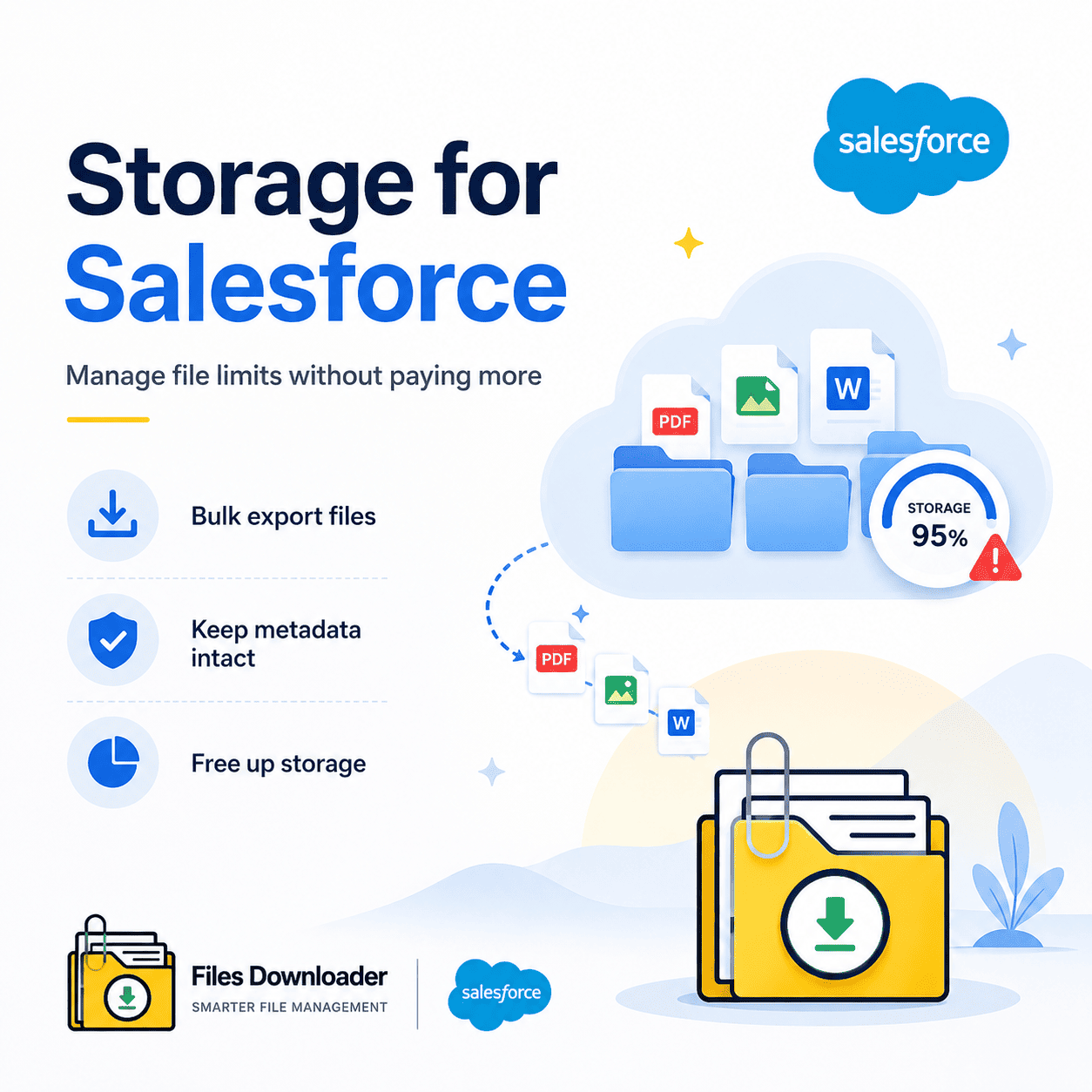


Storage for Salesforce: The Admin’s Guide to Managing File Limits Without Paying More
Managing storage for Salesforce is one of the most underestimated operational challenges in any Salesforce org. Files accumulate silently — attachments, documents, ContentVersion records, images — across hundreds of objects and thousands of records. By the time a File Storage Limit Exceeded alert appears, most admins are already in reactive mode. Paying for more storage for Salesforce is the obvious solution, but it’s rarely the right one. Files Downloader gives you a faster, cleaner, more cost-effective alternative: bulk export your Salesforce files with full metadata intact, free up storage immediately, and do it without writing a single line of code.
Thank you for reading this post, don't forget to subscribe!Why Storage for Salesforce Becomes a Problem Faster Than You Expect
Salesforce allocates file storage based on your edition and user count. It sounds generous until your org starts growing — more records, more attachments, more ContentVersion entries. Storage for Salesforce fills up in ways most admins don’t see coming.
The Silent Accumulation Problem
Every file uploaded to a Salesforce record counts against your storage for Salesforce allocation. That includes email attachments synced from integrated tools, files uploaded through community portals, and legacy ContentVersion records that nobody has reviewed in years. There’s no automatic cleanup. There’s no expiry. Storage for Salesforce just fills up — until it doesn’t accept anything new.
The “Zip File Scavenger Hunt” That Makes Offloading a Nightmare
When the File Storage Limit Exceeded error hits, the immediate instinct is to export and delete. But native Salesforce export tools produce a mess: zip archives with no original filenames, no folder structure, and no connection back to the records they came from. Admins trying to manage storage for Salesforce through native exports end up with unusable file dumps that create more work than they solve.
Lack of Selective Filtering Means You Can’t Offload Strategically
Effective storage for Salesforce management requires precision — the ability to identify and export only the files safe to archive, leaving active data untouched. Native tools don’t offer that. You get everything or nothing. There’s no way to say “export only the closed Case attachments older than 18 months” and reclaim just that storage. That lack of control is exactly what keeps storage for Salesforce costs climbing.
How Files Downloader Solves the Storage for Salesforce Problem
Files Downloader is a purpose-built Salesforce AppExchange tool designed to give admins precise, metadata-intact control over file exports. It turns storage for Salesforce management from a reactive emergency into a structured, repeatable process.
Export From Any List View — Standard or Custom
Files Downloader works with both standard and custom list views exactly as they exist in your org today. Open any list view, apply your filters, and trigger a mass export in one step. You get bulk file and attachment exports from any list view across standard and custom objects — instantly, without rebuilding your workflow.
This list-view approach gives you direct control over storage for Salesforce offloading. Target the objects consuming the most storage. Export exactly those files. Reclaim the storage immediately — with no collateral damage to active records.
Download Every File in Its Exact Original Format
Unlike native exports that convert or rename files during extraction, Files Downloader downloads files and attachments in their exact original format. PDFs stay PDFs. Images stay .jpg or .png. Word documents stay .docx. Nothing gets compressed into an unreadable archive or renamed with a system ID.
It supports all file types: PDFs, images (.jpg, .png), docs, spreadsheets, and more. For teams importing Salesforce data into SQL Server, Excel, or SharePoint after freeing up storage for Salesforce, format consistency eliminates hours of post-export reformatting.
Preserve Full Metadata — So Every Exported File Stays Useful
The risk with any storage for Salesforce offloading project is losing the context that makes files findable. Files Downloader preserves:
- Original file name — exactly as stored in Salesforce, never replaced by a system ID
- Owner and record association — who created the file and which Salesforce record it belongs to
- Object type context — so your exported folder structure maps directly back to your Salesforce data model
Every file you offload to free up storage for Salesforce remains traceable, searchable, and re-importable — whether it lands in SharePoint, Google Drive, SQL Server, or a local archive.
Use SOQL Query Export to Identify and Remove the Biggest Storage Consumers
For admins who need surgical precision in managing storage for Salesforce, Files Downloader’s SOQL Query Export interface is the most powerful tool available. Write and execute your own queries against ContentVersion and related objects — no developer required.
How SOQL Query Export Targets High-Volume Storage Records
Access the latest data instantly by customizing and running your own SOQL query directly inside the app. Filter by file size, creation date, object type, owner, or any field in your org. Extract only the files relevant to your storage for Salesforce offloading criteria in a single step — no exporting everything and sorting afterward.
ContentVersion records are among the largest contributors to storage for Salesforce consumption in most orgs. A targeted SOQL query lets you identify and export those records first — maximizing the storage you reclaim with each export run and making every pass more efficient than the last.
Simplify Complex Exports Across Every Storage-Heavy Object
In large Salesforce orgs, storage-heavy files are distributed across Accounts, Opportunities, Cases, and custom objects simultaneously. Files Downloader lets you simplify complex data downloads by targeting specific objects and fields. One scoped export per object type — no accidental cross-contamination, no missing files, no wasted passes.
The Tool Built for Every Role Managing Storage for Salesforce
Files Downloader isn’t a generic file tool with a Salesforce connector added on. It’s a must-have file exporter for every role responsible for managing storage for Salesforce at the org level.
- Salesforce Admins use it to systematically clear file storage before File Storage Limit Exceeded alerts derail active projects
- Data Teams use it to structure clean exports for SQL Server, Excel, and BI platforms with zero post-export reformatting
- Migration Specialists rely on it to preserve original file names and folder structures during org-to-org or platform transitions
- Finance and Ops Teams use it to eliminate unnecessary storage for Salesforce costs by offloading files to lower-cost external storage
It works perfectly with Salesforce data export and file management workflows — and saves time by eliminating the manual data sorting that follows every bulk export.
Files Downloader for Every Storage for Salesforce Scenario
Proactive quarterly audit. Emergency offload after a File Storage Limit Exceeded error. Pre-migration cleanup before a platform transition. Legacy record archiving to bring storage for Salesforce costs under control. Files Downloader gives every scenario the same clean, repeatable, metadata-intact export process.
Export files with full metadata preserved. Maintain original folder structures. Re-import cleanly into SharePoint, Google Drive, SQL Server, or any long-term storage environment. What used to take days of manual work now takes minutes.
[Book a Free Demo] | [View Pricing] | [Install on AppExchange]