

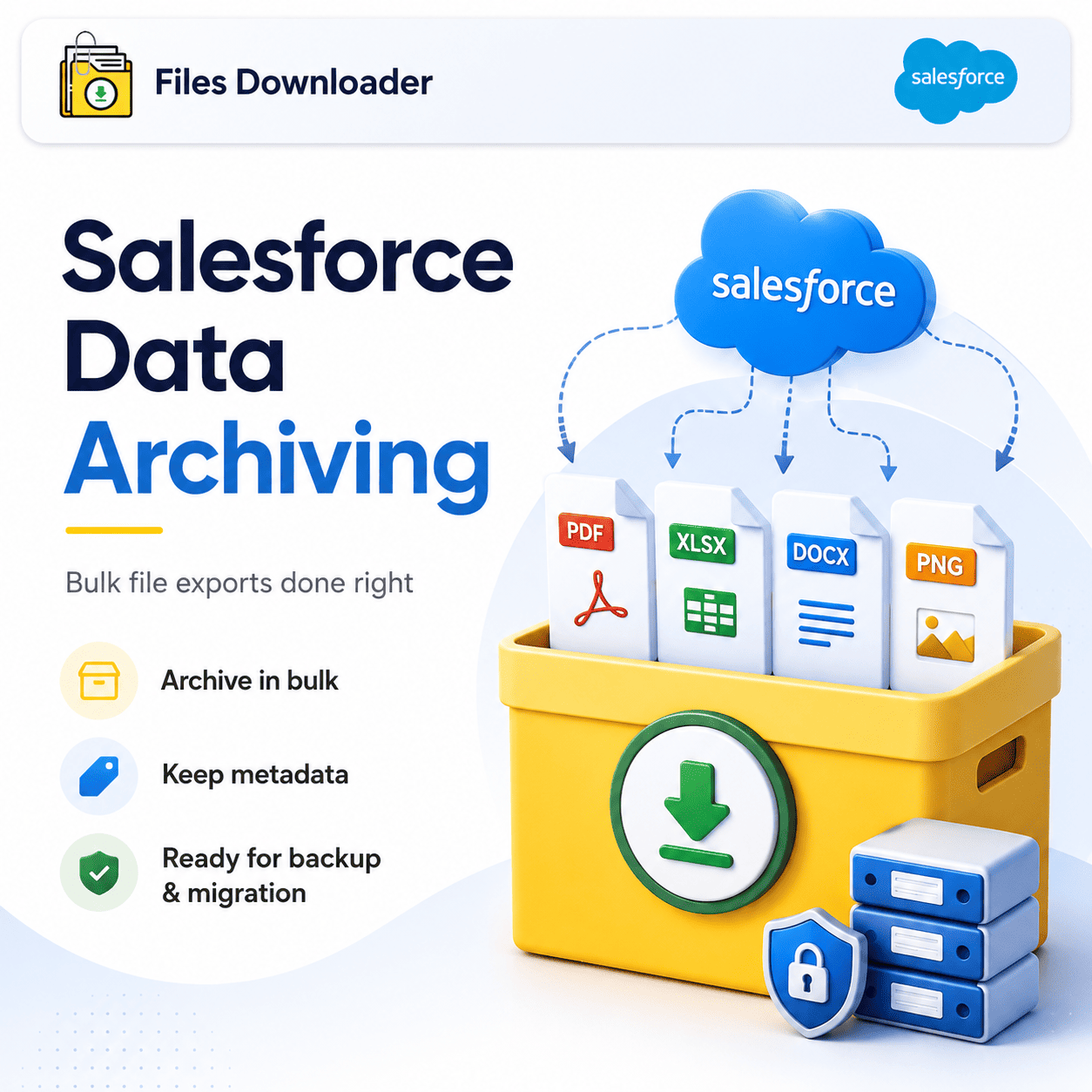


Salesforce Data Archiving Done Right: The Admin’s Guide to Bulk File Exports
Salesforce data archiving sounds simple until you’re actually doing it. Files pile up across hundreds of objects. Storage warnings come up without much warning. And when it comes time to pull records for a migration, a compliance audit, or a system backup, you’re left clicking through menus and downloading files one at a time. This is not archiving; this is firefighting. Files Downloader was created to fix this. It provides Salesforce admins and data teams with a fast, structured, metadata-friendly approach to executing salesforce data archiving at scale — no custom Apex, no developer tickets, no zip file chaos.
Thank you for reading this post, don't forget to subscribe!Why Salesforce Data Archiving Fails In Practice
The problem is not that Salesforce has no files. The problem is that getting those files out — cleanly, completely and with their metadata intact – is harder than it should be.
The “Zip File Scavenger Hunt”
Run a native bulk export from Salesforce and here’s what you get: a bunch of zip archives with no original filenames, no folder logic and no connection back to the records they came from. This output is effectively useless if you’re doing any serious salesforce data archiving. Admins are spending days manually sorting files that should have taken minutes to export.
Absence of Selective Filtering
Native export tools are not granular enough. You can’t say “give me just the PDFs attached to closed Cases from last fiscal year.” You get all or you get none. When salesforce data archiving involves thousands of files across dozens of objects, that blunt approach creates more work than it solves.
Pressure Point — File Storage Limit Exceeded
When Salesforce reaches the File Storage Limit Exceeded threshold, the pressure to offload files quickly is real. But speed without structure does its own damage. If your export tool mangles filenames, strips metadata, or dumps everything into disorganized archives, your salesforce data archiving effort leaves you worse off than when you started.
How Files Downloader Revolutionizes Archiving of Salesforce Data
Files Downloader is a purpose-built Salesforce AppExchange tool designed around how admins and data teams really work. It fills every gap left open by the native salesforce data archiving experience – without any complex configuration and without relying on your development team.
Exporting From Any List View – Standard or Custom
Files Downloader supports standard and custom list views just like in your org. No rebuilding your process. No new object mappings. Open a list view, apply your filters, and initiate a mass export in one go. You can instantly export bulk files and attachments from any list view on both standard and custom objects.
Download Original Format Files
Unlike native zip exports that rename or convert files during extraction, Files Downloader downloads files and attachments from Salesforce in their exact original format. PDFs are PDFs. The images stay .jpg or .png. The Word documents stay .docx. No conversion to a different format, no system-generated ID replacing the filename.
It supports all file types: PDF, images (.jpg, .png), docs, spreadsheets and others. This format consistency saves hours of post-export reformatting for teams that need to import salesforce data into SQL Server or Excel after the salesforce data archiving process.
Keep All Metadata Intact
Metadata is what separates a useful salesforce data archive output from a pile of unidentified files. Files Downloader maintains:
- Owner and record association — who created it and which record it belongs to
- Original file name – as saved in Salesforce, not a system generated replacement
- Object type context – so exported folder structures map directly back to your Salesforce data model
This makes Files Downloader the dependable choice for clean migrations, compliance audits and system backups where the quality of metadata determines whether the archive is truly usable.
Run a SOQL Query Export – Precision Salesforce Data Archiving
For those admins that need exact control over what gets exported, Files Downloader offers a full SOQL Query Export interface. Write and run your own queries against ContentVersion and related objects — no developer required.
How SOQL Query Export Enables Smarter Archiving
Run your own SOQL query right in the app and get instant access to the latest data. Filter by record type, creation date, owner, status, or any field your org uses. Extract only the files that meet your criteria in one pass – no exporting everything and sorting afterwards.
This capability is especially useful when you’re performing salesforce data archiving operations involving ContentVersion records, where standard list view filters just don’t give you the granularity the job demands. Define your scope. Run your query. Download only what you want.
Skip Everything Else and Target Specific Objects and Fields
In most of the Salesforce orgs, files are shared across Accounts, Opportunities, Cases and custom objects at the same time. Files Downloader allows you to streamline complex data downloads by selecting specific objects and fields. An Opportunity-level salesforce data archiving run won’t accidentally pull in unrelated Case attachments or Account documents.
The Tool Salesforce Admins and Data Teams Actually Turn To
Files Downloader is not a generic file manager with a Salesforce plugin bolted on. It’s a must-have file exporter for Salesforce admins and data teams who need reliable, repeatable, and scalable Salesforce data archiving.
- Admins use it to offload files before getting File Storage Limit Exceeded alerts
- It’s used by data teams to structure clean exports to SQL Server, Excel and BI platforms
- It is used by migration specialists to maintain original file names and folder structures when moving between org-to-org or platform transitions.
It works perfectly with Salesforce data export and file management workflows — and saves time by avoiding the manual sorting that follows every bulk export.
Salesforce Data Archiving for Any Scenario
Quarterly audit. Full org migration. Comp liance deadline 48 hours. No matter what situation you’re in, Files Downloader gives your salesforce data archiving process the same reliable, repeatable foundation, every time.
Export files retaining all metadata. Keep your existing folder structure. Bring it back clean to Google Drive, SharePoint, SQL Server or your local staging environment. What took days now takes a few minutes.
[Book a Free Demo] | [View Pricing] | [Install on AppExchange]