

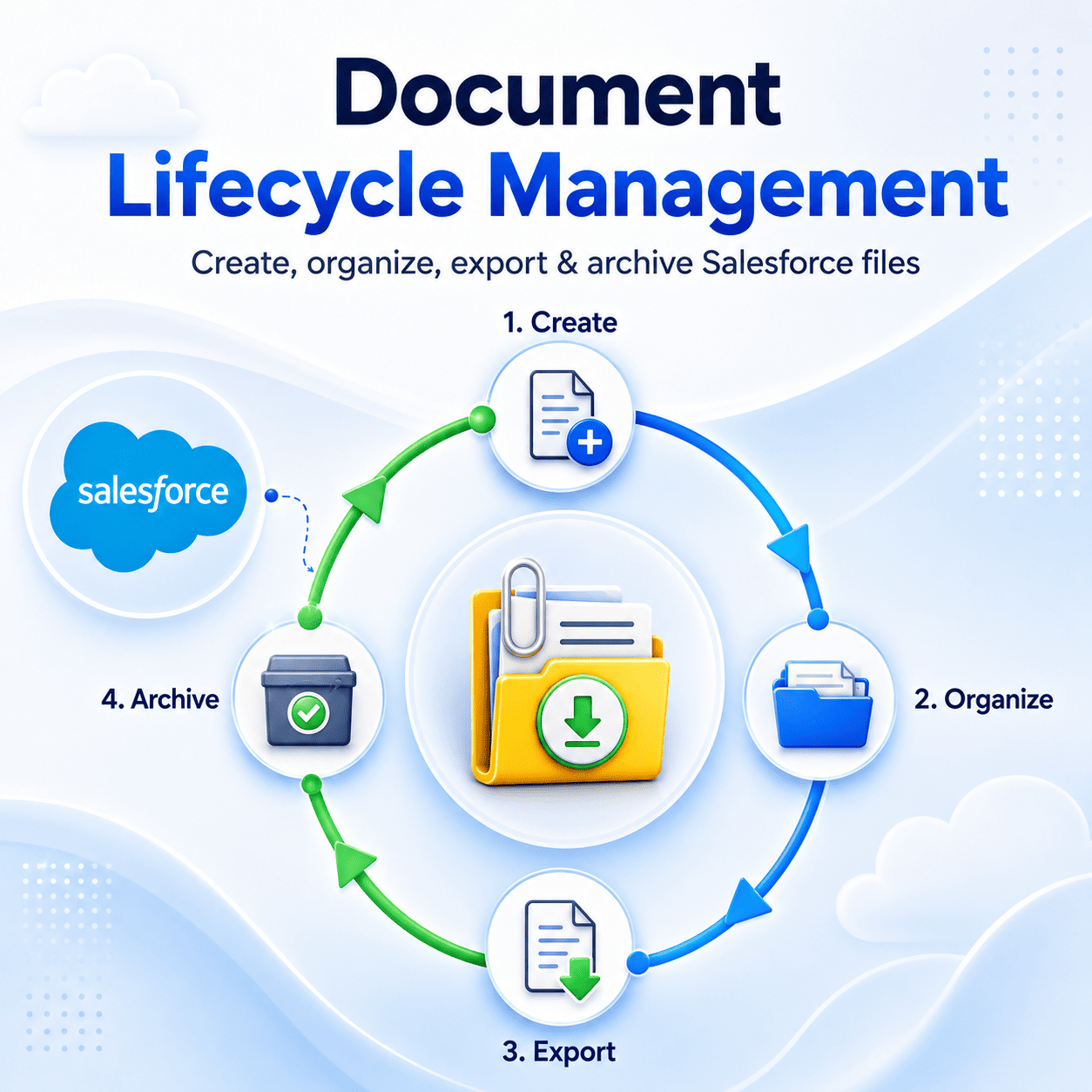


Document Lifecycle Management in Salesforce Environment?
Document lifecycle management is a process of managing documentation from creation to storage, organization, access, exportation, and archiving of documents linked with records in the CRM system. The documents’ lifecycle is a process involving the ContentVersion object (document version information itself), the ContentDocument object (the parent object for the version), and ContentDocumentLink linking file with records.
A structured lifecycle management process fails to deliver proper results during the exporting stage. Documents will lose any connection with related records. Metadata like owner, object type, date of creation, record Id, and so on is lost during the exportation process. Filenames turn out to be generated system filenames.
The Importance of Document Lifecycle Management for Salesforce Administrators
As an administrator responsible for a live org, good document lifecycle management makes the difference between a smooth data migration process and a six-week-long remediation effort. For the compliance department, this translates into verifying which files are linked to a specific case and how they got there.
Moreover, poor document lifecycle management creates additional costs related to storage. In situations where ContentVersion records pile up and you lack an adequate retention/export strategy, chances are your organization will exceed the File Storage Limit Exceeded mark soon.
A Solution for Your Entire Document Life Cycle Management Process
Files Downloader is a comprehensive Salesforce AppExchange application tailored for administrators and data managers that want to solve their document life cycle management challenges. It easily integrates with standard and custom list views without having you go through lengthy configurations or middleware tools.
Bulk Export at an Unmatched Speed
Rapidly export multiple files and attachments using any list view without the need to download manually or hunt for ZIP files.
Preservation of Original Folders and File Structure
Ensure preservation of original filenames and folders during the process of exporting files.
End-to-End Metadata
Preserve ownership, file type, parent record, and date of creation when exporting files.
Customized Filtering
Export only those files meeting your criteria by excluding irrelevant entries.
Support for Multiple File Formats
Compatible with PDF, JPEG, PNG, Word, Excel, and other standard and custom objects.
List Views Compatibility
Fully compatible with both standard and custom list views without mapping.
Bulk One-Click Action: The Self-Paying Functionality
The thing that undoubtedly adds most value in relation to Files Downloader is a bulk one-click action function. Simply select the required view in the list mode, apply some filters and you’ll get all required files in their original form from Salesforce. No intermediate file mapping required, not even any SOQL knowledge (though advanced users have more choices – read below).
This will save an enormous amount of time compared to the previous several days that you needed to spend managing lifecycle of these documents – retrieving, associating and arranging them into folders. This process now will take only minutes for those exporting files and data from Salesforce.
SOQL Query Export: Where Accuracy Trumps Quantity
While standard exports get all the data, a good SOQL Query Export gets precisely the data required. Files Downloader allows you to design your very own queries using this function and execute them straight from within the system, providing you with the latest information at the snap of your fingers without having to bother any developer.
This feature comes handy especially in those situations when it’s essential to target objects individually. Want to download all the records of ContentVersion associated with Accounts in the Northeast region with the file type being PDF and created within the past 90 days? Just write the query once and use it on a quarterly basis.
Use SOQL Queries to Export Particular Objects and Fields
With Files Downloader, you don’t need to download a huge volume of files first and then sort through them to extract what you need – choose the exact objects and fields you wish to export and know that your output will be well-organized from the beginning.
This approach gives you the opportunity to use the principles of document lifecycle management. Think of each export operation as a well-documented procedure performed according to actual business necessity, not simply as a bulk export of everything available to you. The data that will be exported by using SOQL queries will also be easily imported into SQL Server and Excel. Support for exporting SOQL queries is included in our Pro and Enterprise subscriptions. Find out more about our pricing plans here.
Real-Life Situations: Data Migration, Audit and Backup
The concept of document lifecycle management is not purely theoretical because there are three real-life situations which are sure to occur in any Salesforce implementation; they include data migration, audit, and backup.
- Clean Migrations:During migration to a new CRM or consolidation of organizations, files must migrate along with their corresponding records. The Files Downloader extracts the files along with all the metadata, making it much simpler to import back into the target system. No orphaned files. No lost metadata. No sprinting after migration.
- Compliance Audits:Regulatory bodies do not give you a convenient export window. Files Downloader allows filtering on objects, ownership, and dates. You can get exactly what the auditors want from you without compromising any other data.
- System Backups:Scheduling bulk exports allows keeping an exact copy of your files outside Salesforce. With the File Storage Limit Exceeded error, you have an up-to-date backup of your files, and you are confident of its contents since metadata traveled along with each file.
- SQL Server / Excel Integration:After exporting the files, you can integrate the exported files’ structured data into SQL Server or Excel. The task becomes easy, not an exercise in spending the whole weekend.
A Solution for Your Entire Document Life Cycle Management Process
Files Downloader is a comprehensive Salesforce AppExchange application tailored for administrators and data managers that want to solve their document life cycle management challenges.