

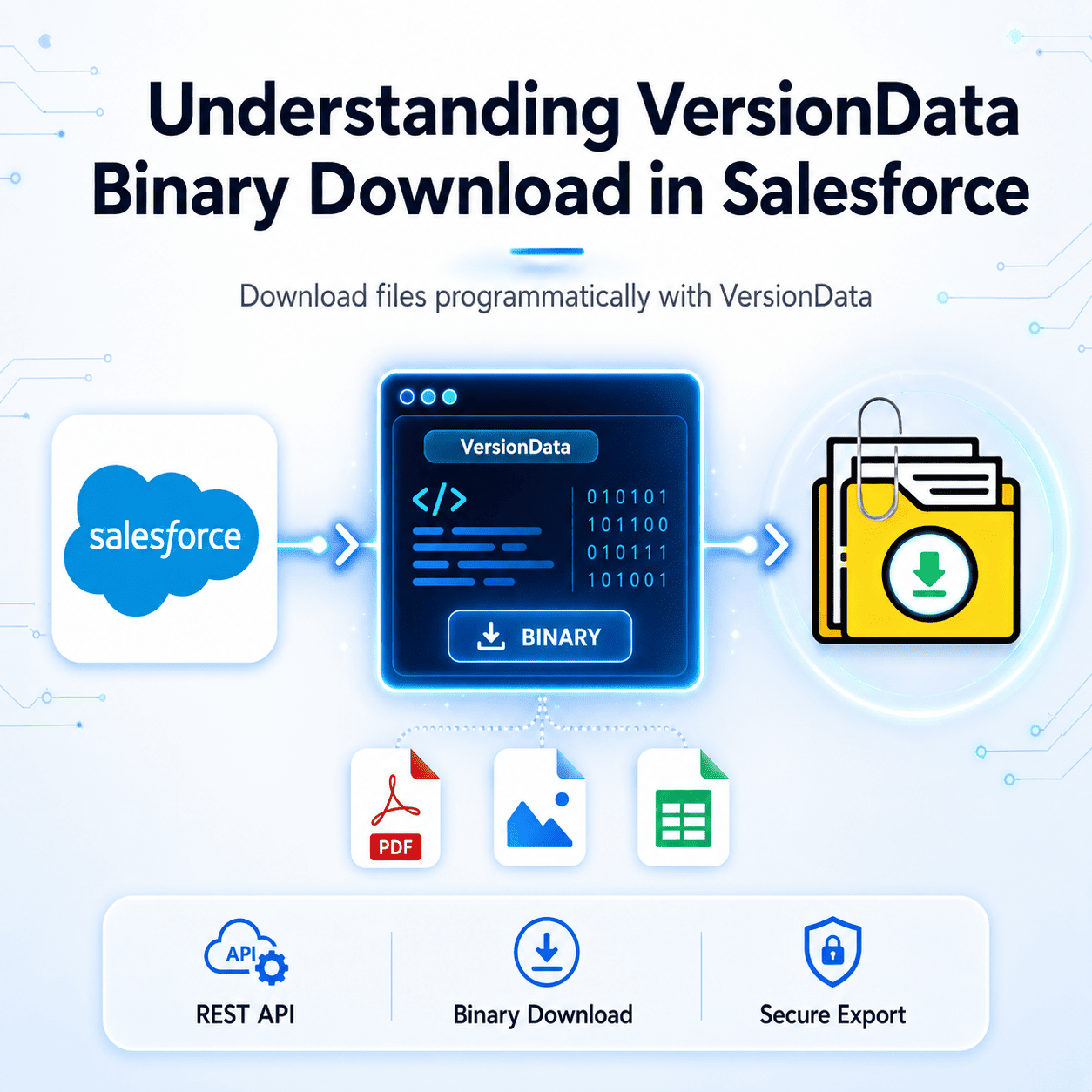


Salesforce Content Version Data: How to Download Salesforce Files Programmatically
If you want to download Salesforce files programmatically, understanding the ContentVersion and VersionData field is essential. If you have ever tried to download file content directly from Salesforce using SOQL or the REST API, understanding how the Salesforce ContentVersion VersionData field binary download process works is absolutely essential.
Thank you for reading this post, don't forget to subscribe!How to Download Salesforce Files Programmatically Using REST API
The VersionData field is a Base64-encoded binary field on the ContentVersion object. It stores the actual raw content of a file — whether that is a PDF contract, a JPEG image, an Excel spreadsheet, or any other supported file format.
Unlike most Salesforce fields that return plain text or numbers, VersionData returns binary data encoded in Base64 format. This means you cannot simply read it like a string — you need to decode it properly to retrieve the original file in its usable format.
How to Query VersionData Using SOQL
You can query the VersionData field directly through SOQL, but there is an important limitation — VersionData is a blob field and cannot be retrieved in bulk queries via the standard SOQL API. Instead, you must query it record by record using the Salesforce REST API or Apex.
Here is a basic SOQL query to retrieve the ContentVersion record first:
SELECT Id, Title, FileType, ContentSize, VersionData
FROM ContentVersion
WHERE IsLatest = TRUE
AND Title = 'YourFileName'
LIMIT 1
Once you have the ContentVersion ID, you can download the binary content using the Salesforce REST API endpoint:
/services/data/vX.X/sobjects/ContentVersion/{Id}/VersionDataThis endpoint returns the raw binary file content directly, which you can then save locally or process further.
Downloading Binary Files via the REST API
To perform a Salesforce ContentVersion VersionData binary download, you need an authenticated REST API call with the correct headers. Developers often use the REST API to download Salesforce files programmatically because it provides direct access to binary content.
Here is an example using a standard HTTP request:
GET /services/data/v59.0/sobjects/ContentVersion/{ContentVersionId}/VersionData
Authorization: Bearer {AccessToken}
The response body contains the raw binary content of the file. You can write this directly to disk using your preferred language—Python, Node.js, Java, or any other HTTP-capable environment.
One key point: always check the FileType field before processing the binary response so your application knows how to handle the file correctly.
Using VersionData in Apex
In Apex, you can access VersionData as a Blob data type. Here is a simple example:
ContentVersion cv = [SELECT Id, Title, VersionData, FileType
                      FROM ContentVersion
                      WHERE IsLatest = TRUE
                      LIMIT 1];

Blob fileContent = cv.VersionData;
String base64Content = EncodingUtil.base64Encode(fileContent);
This converts the binary blob into a Base64 string, which you can then pass to an external system, store in a custom field, or use within an integration.
Common Errors When Working With VersionData
The most frequent issue developers encounter is attempting to query VersionData across multiple records in a single SOQL call. Salesforce restricts this because returning binary data for many records simultaneously would exceed heap size limits. Always query VersionData one record at a time.
Another common mistake is forgetting to authenticate properly before calling the REST API endpoint. Ensure your access token is valid and your connected app has the correct permissions for file access.
In Summary
The Salesforce ContentVersion VersionData field is the gateway to programmatic file access in Salesforce. Whether you are building a file migration tool, an integration pipeline, or a custom export solution, understanding how to query and download binary content correctly is a foundational skill. For large-scale exports without writing custom API code, tools like Files Downloader handle the entire VersionData binary download process automatically—saving development time while keeping all file processing securely inside your Salesforce org.
[Book a Free Demo] | [View Pricing] | [Install on AppExchange]